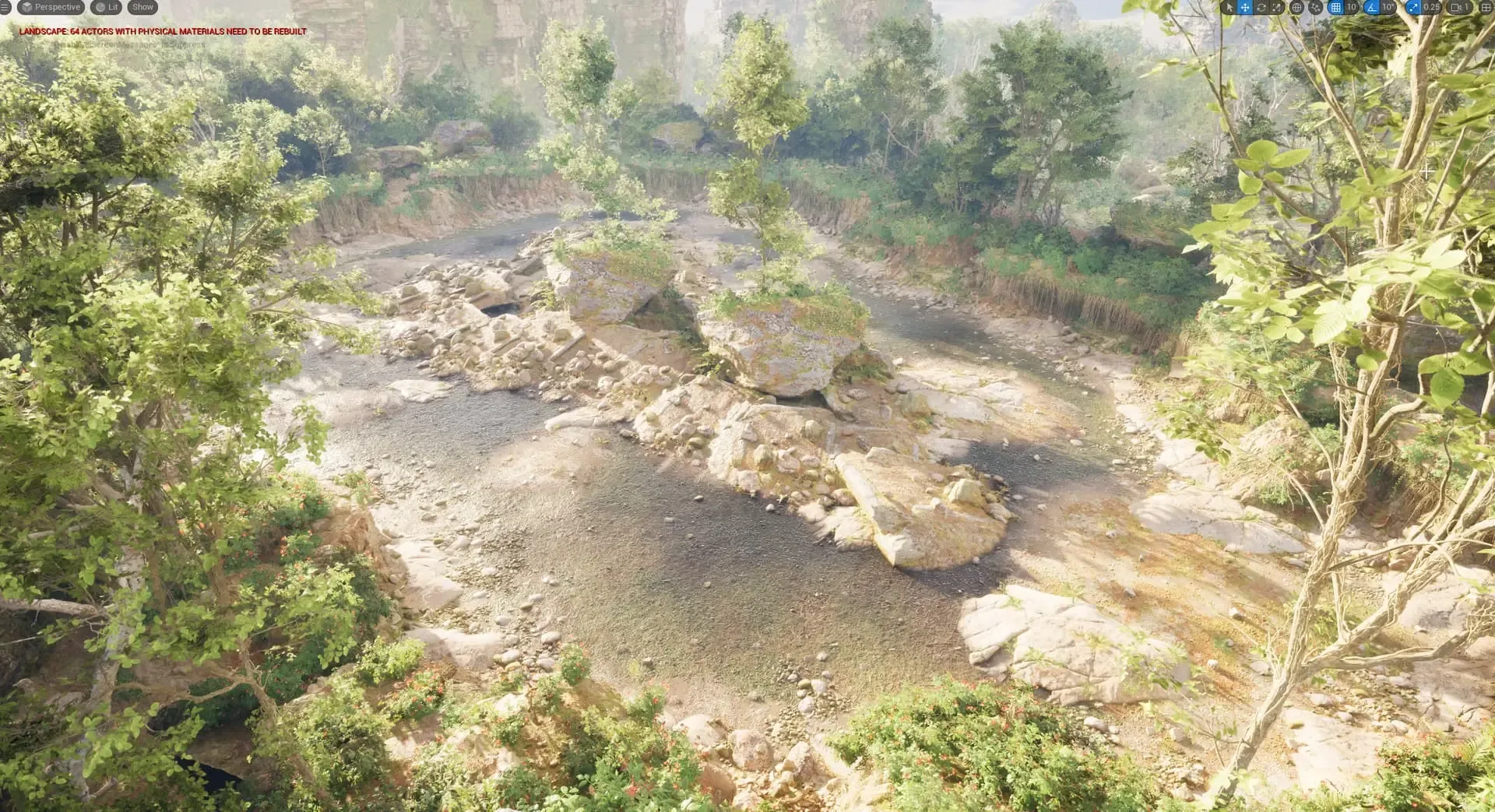
Unreal's PCG framework places things; Dungeon Architect decides the level. PCG alone is enough for scattering foliage, rocks and props over terrain or along splines. Dungeon Architect adds the layout logic PCG doesn't have: rooms and corridors from a flow graph, keys and locks that are always solvable, hand-built rooms stitched into new layouts, and a theme engine that dresses the result. It integrates with PCG rather than replacing it, so most projects use both.
DUNGEON ARCHITECT + PCG · ELECTRIC DREAMS INTEGRATION SAMPLE (3.0)
The short answer
They solve different halves of the problem. PCG is a placement framework: it takes points (from a landscape, a spline, a volume or a mesh), filters and transforms them, and spawns meshes or actors on them. Dungeon Architect is a level generator: it decides where the rooms are, how they connect, where the doors, stairs and keys go, and then turns that layout into a finished, playable level.
If your level’s structure is fixed and you need to dress it, PCG may be all you need. If you need the structure itself to be generated, and to stay solvable on every seed, that’s what Dungeon Architect is for.
When PCG alone is enough
Be honest with yourself about what you are building. PCG on its own is a great fit when:
You are dressing an open world. Forests, biomes, rock fields, grass and debris on a landscape are what PCG was built for.
The layout already exists. A level designer built the rooms by hand, and you want props scattered along walls and floors by rule.
Placement follows splines or volumes. Roads, rivers, fences, ditches and cliffs along a curve.
Nothing needs to be “reachable”. If the player never has to find a key before a door, you don’t need a solver to guarantee it.
You can build layout logic in PCG yourself, with custom nodes and a lot of graph work. Dungeon Architect exists so you don’t have to.
What Dungeon Architect adds
Layout logic
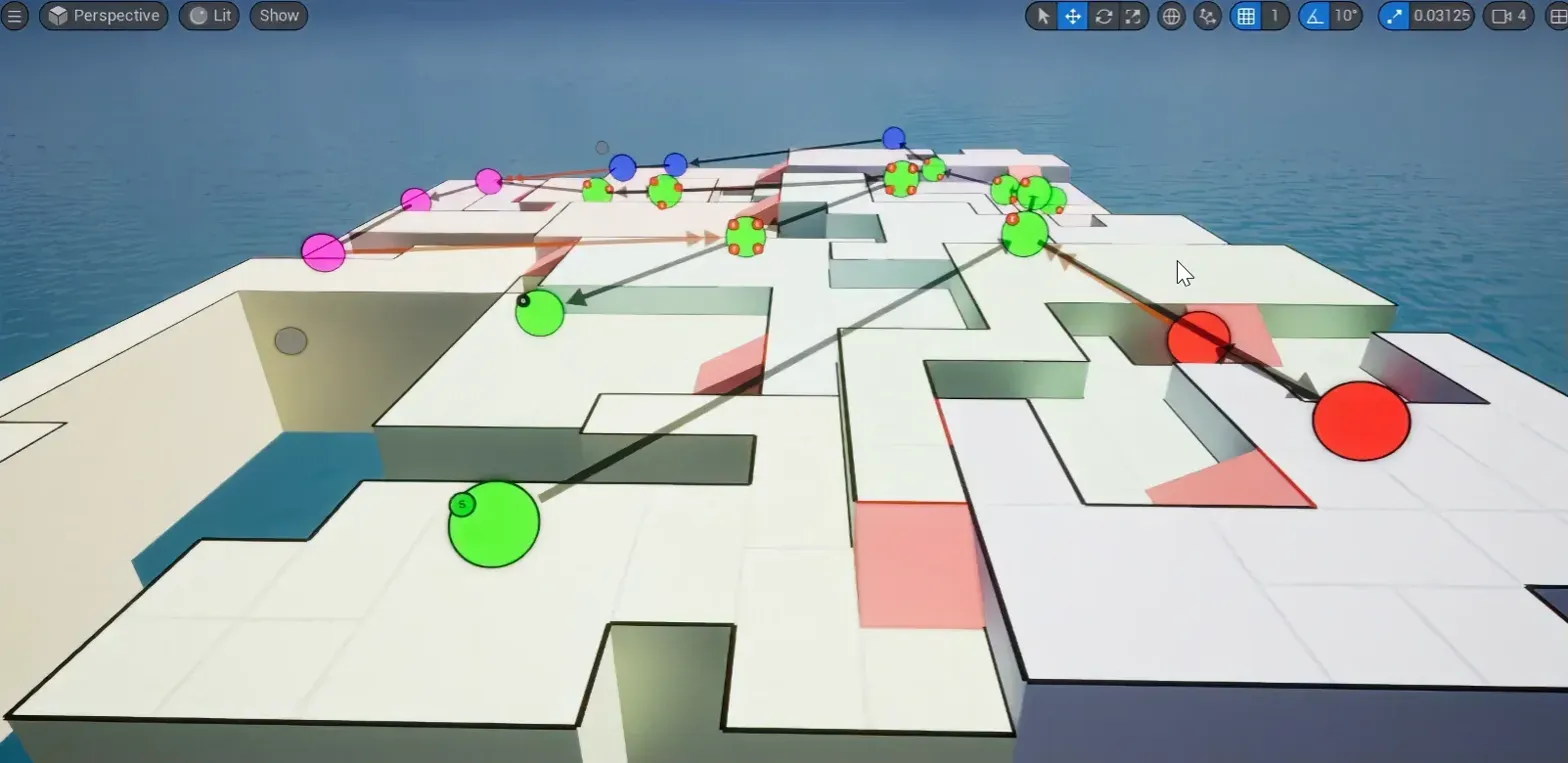
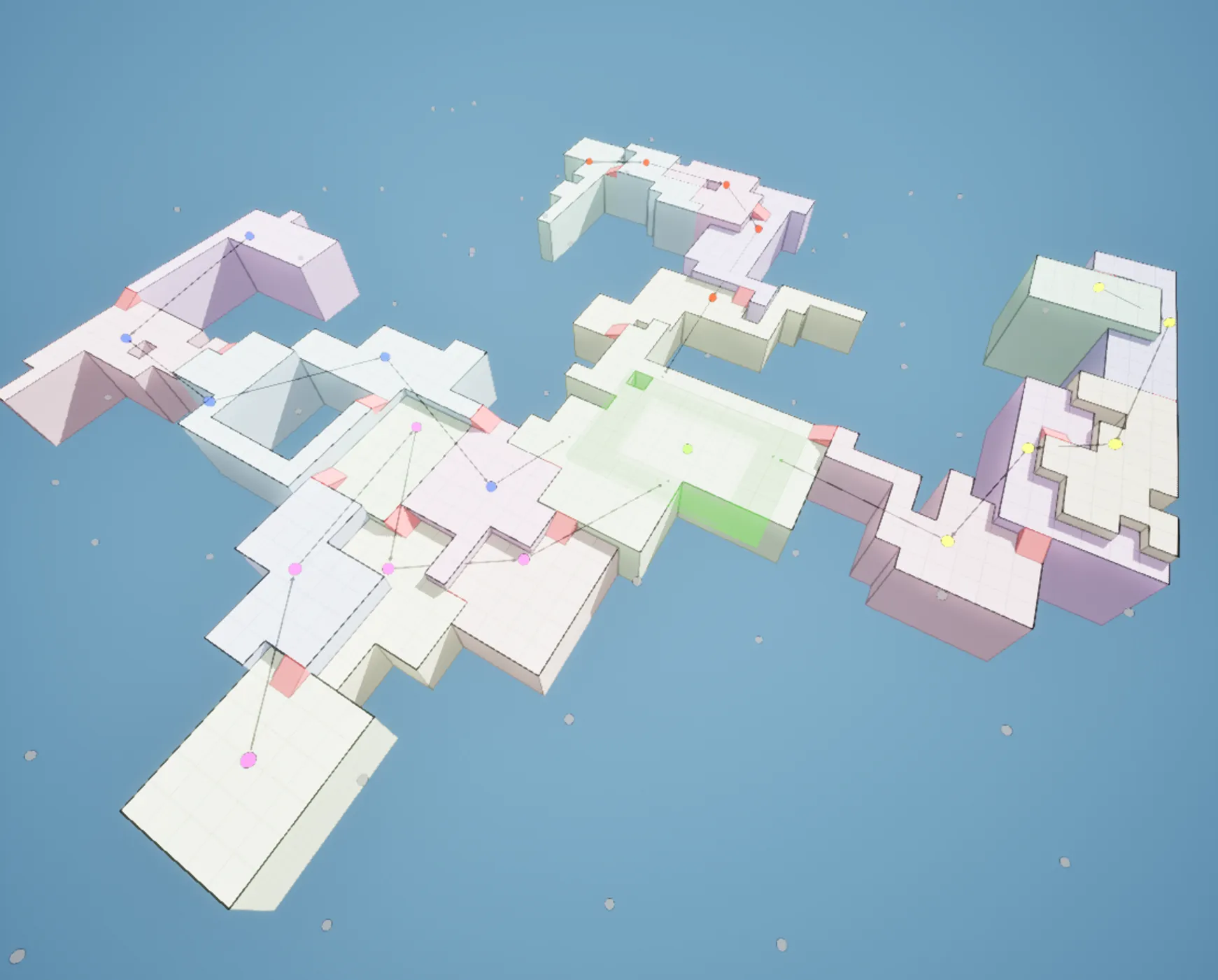
A builder decides the shape of the level: where the rooms are, how they connect, where the doors and stairs go. Cell Flow spreads rooms over a grid or Voronoi cells at different heights, joined by stairs. Grid Flow lays out rooms and corridors on a tile grid. Snap Map and Snap Grid Flow stitch your own rooms together. Every builder produces markers (Wall, Door, Stair…) for the theme to dress.
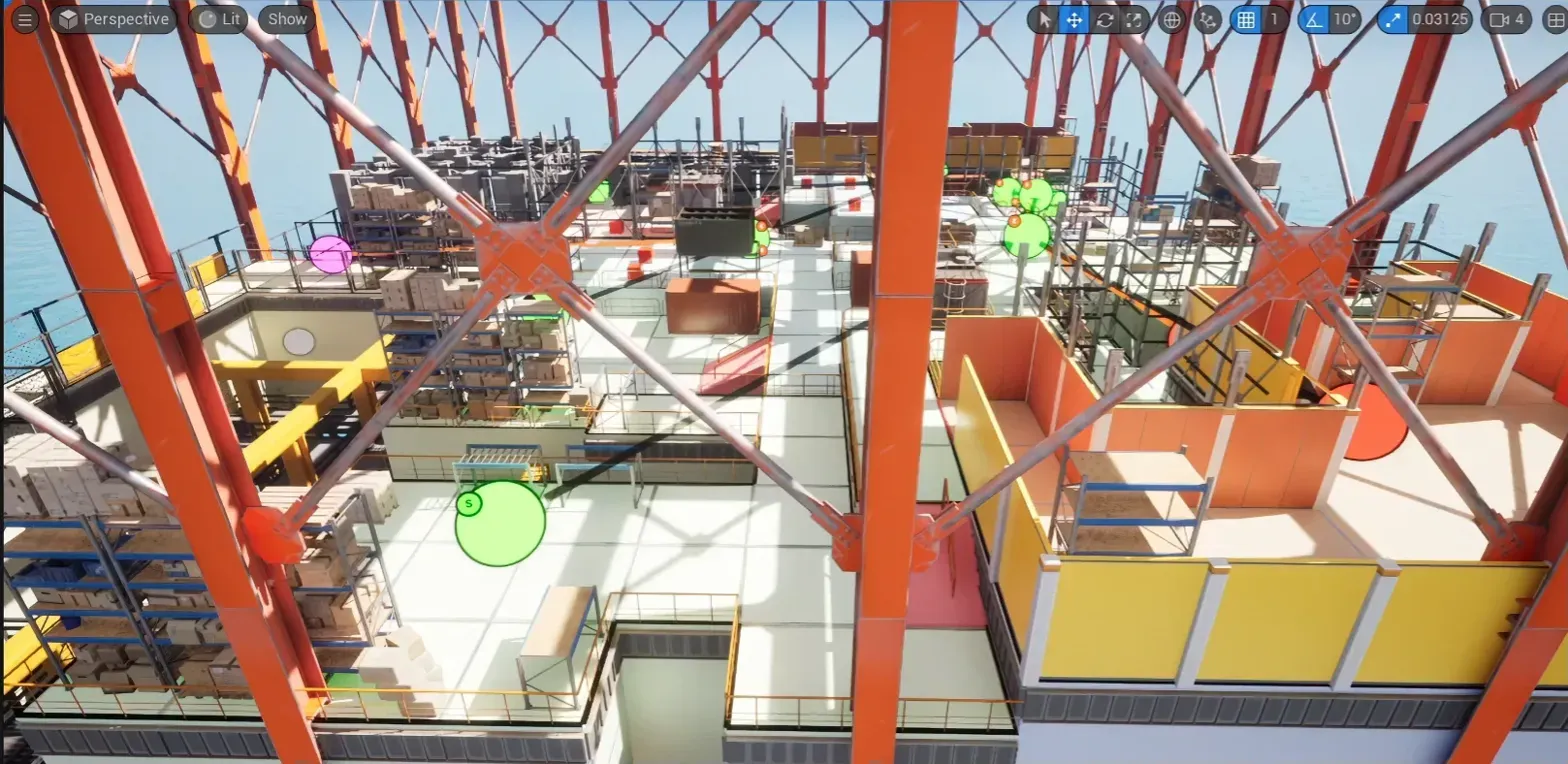
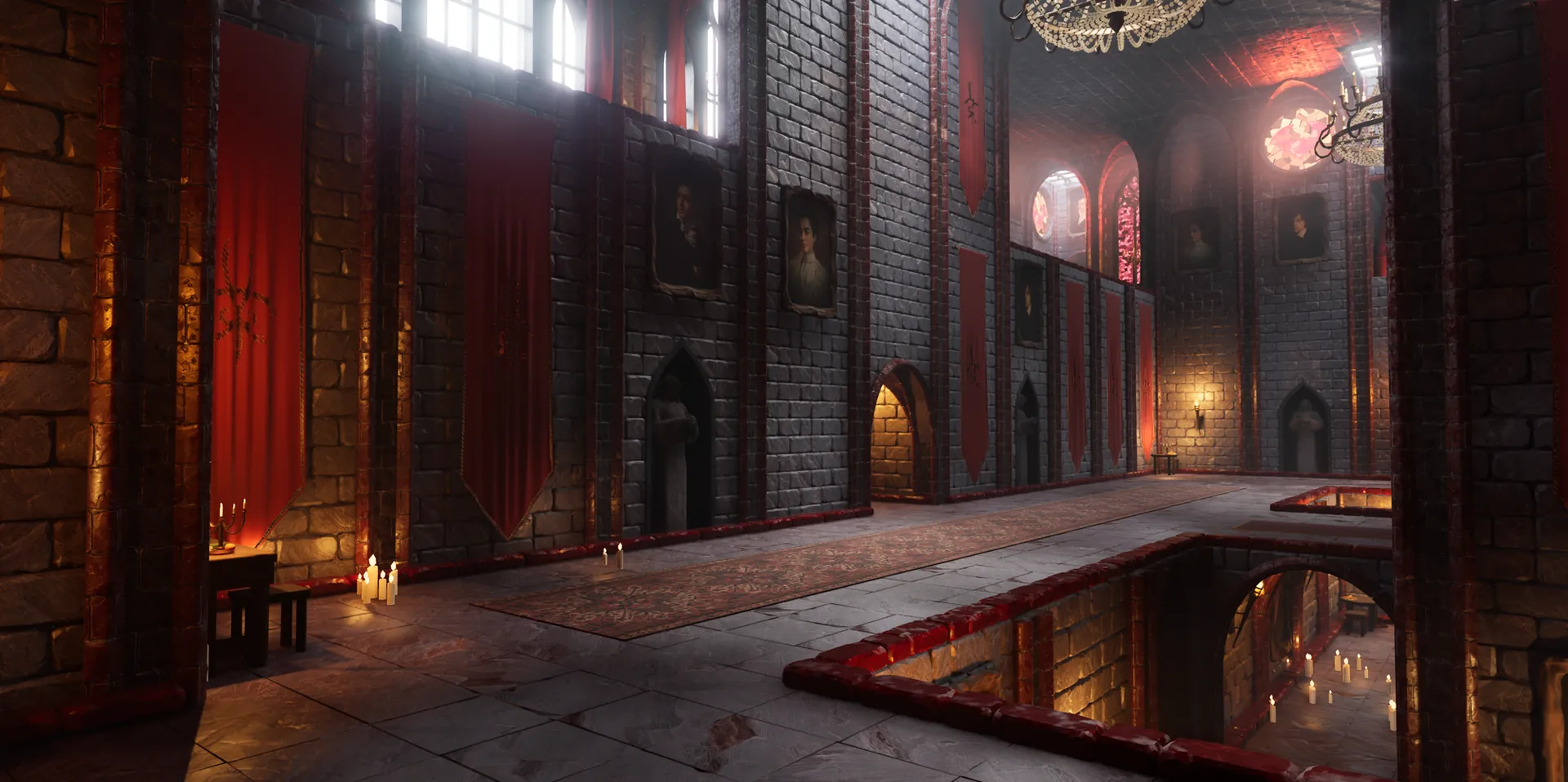
The layout · Cell FlowThe same layout, themed
Flow graphs, keys and locks
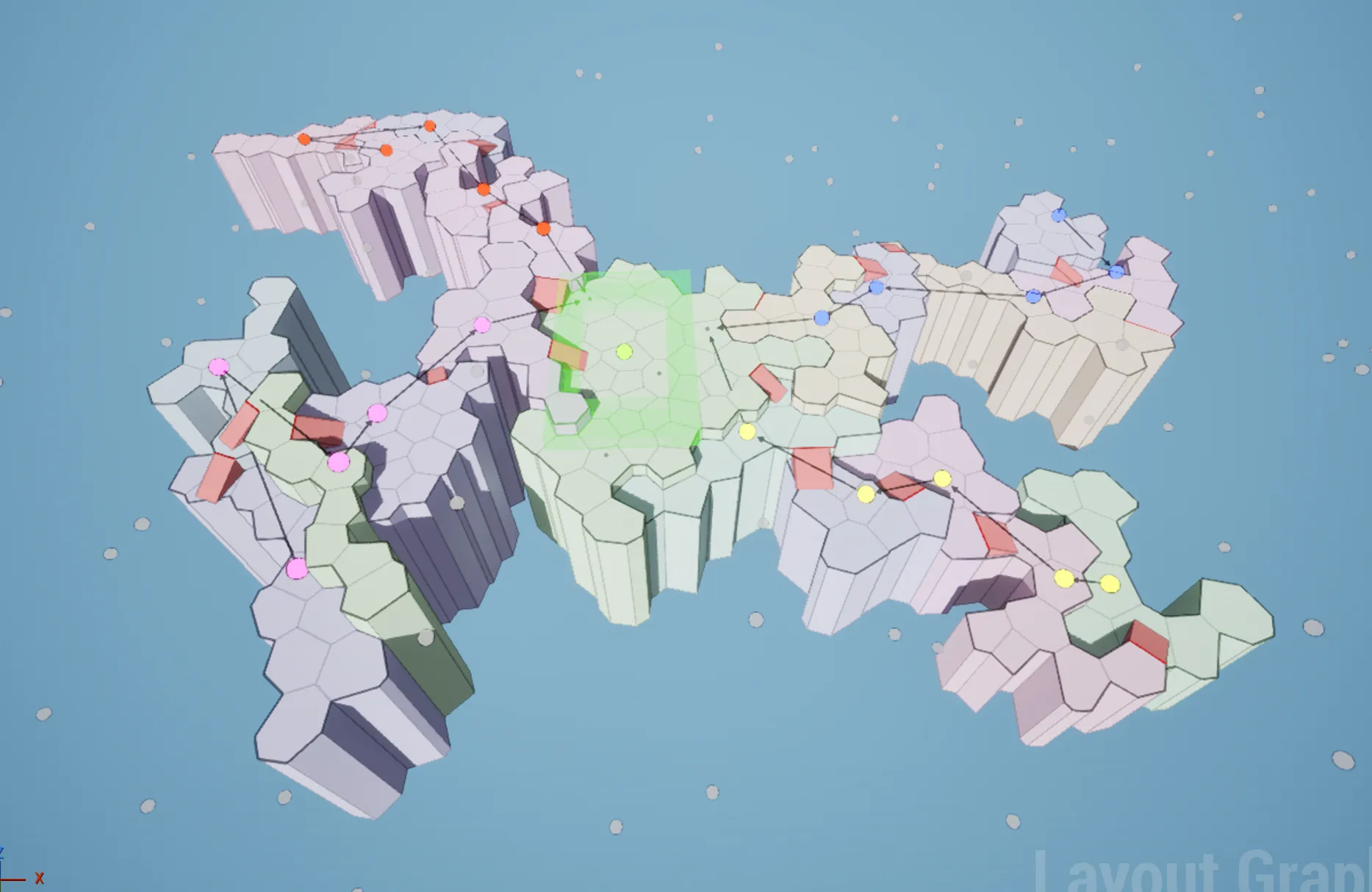
The flow builders follow a flow graph: a path from the entrance to the boss, a side path that branches off and merges back, a key on one path and its lock on another, one-way doors. You design the graph once and every seed gives a different level that keeps those rules, with every key reachable before its lock. The Performance Analyzer generates thousands of test layouts from your graph so you can fix designs that don’t converge before players see them.
Four team paths, one center · VoronoiThe same graph · on a grid
Room stitching
Hand-crafted rooms, procedurally assembled. Build room modules in the Blockout Designer or bring your own, and Snap Map (graph-grammar rules) or Snap Grid Flow (3D flow graphs, multiple floors, streaming, multiplayer) stitches them together at their doors into a new layout on every build. Module Selection settings cap how often a room appears, such as a shop or boss room that shows up once.
The theme engine
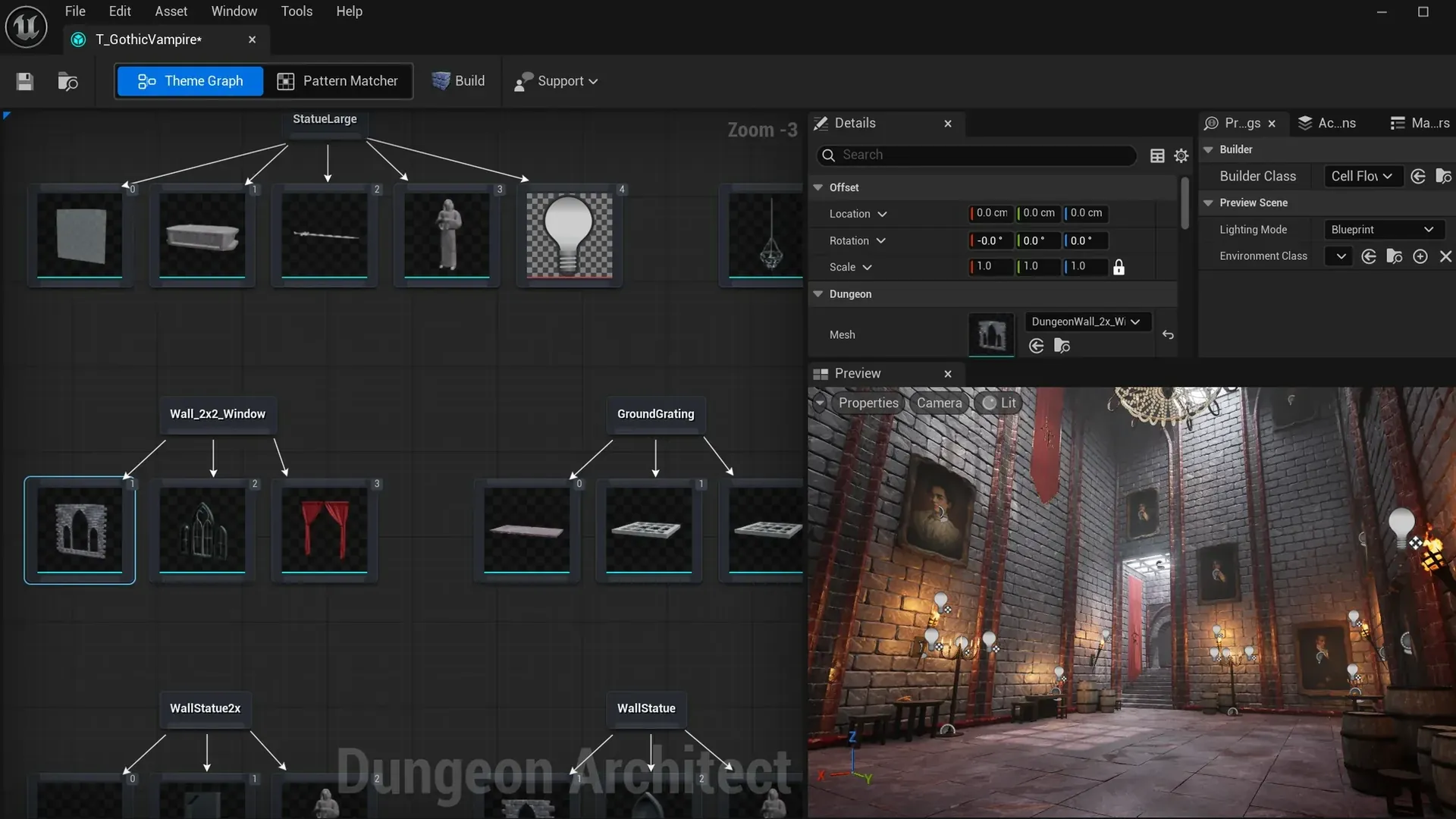
A theme is a node graph: each marker is a node, and the meshes, blueprints and lights you hang under it are placed on every marker of that name. Swap the theme file and the same layout rebuilds in a new style. The Pattern Matcher decorates by rule (a corner, an alcove, a dead end) so complex theming survives every regeneration.
A theme is a node graph
Gameplay plumbing
The Build System builds the level when the game starts and syncs it across a multiplayer session from one seed. The Canvas framework draws minimaps with fog of war from the same layout.
Side by side
PCG framework alone
Dungeon Architect (+ PCG)
Scatter props, foliage, rocks
Yes, its core strength
Yes, through PCG, from DA’s markers
Generate rooms, corridors, doors, stairs
Build it yourself
Built in: Cell Flow, Grid Flow, Grid, Snap builders
Dungeon Architect integrates with PCG rather than replacing it:
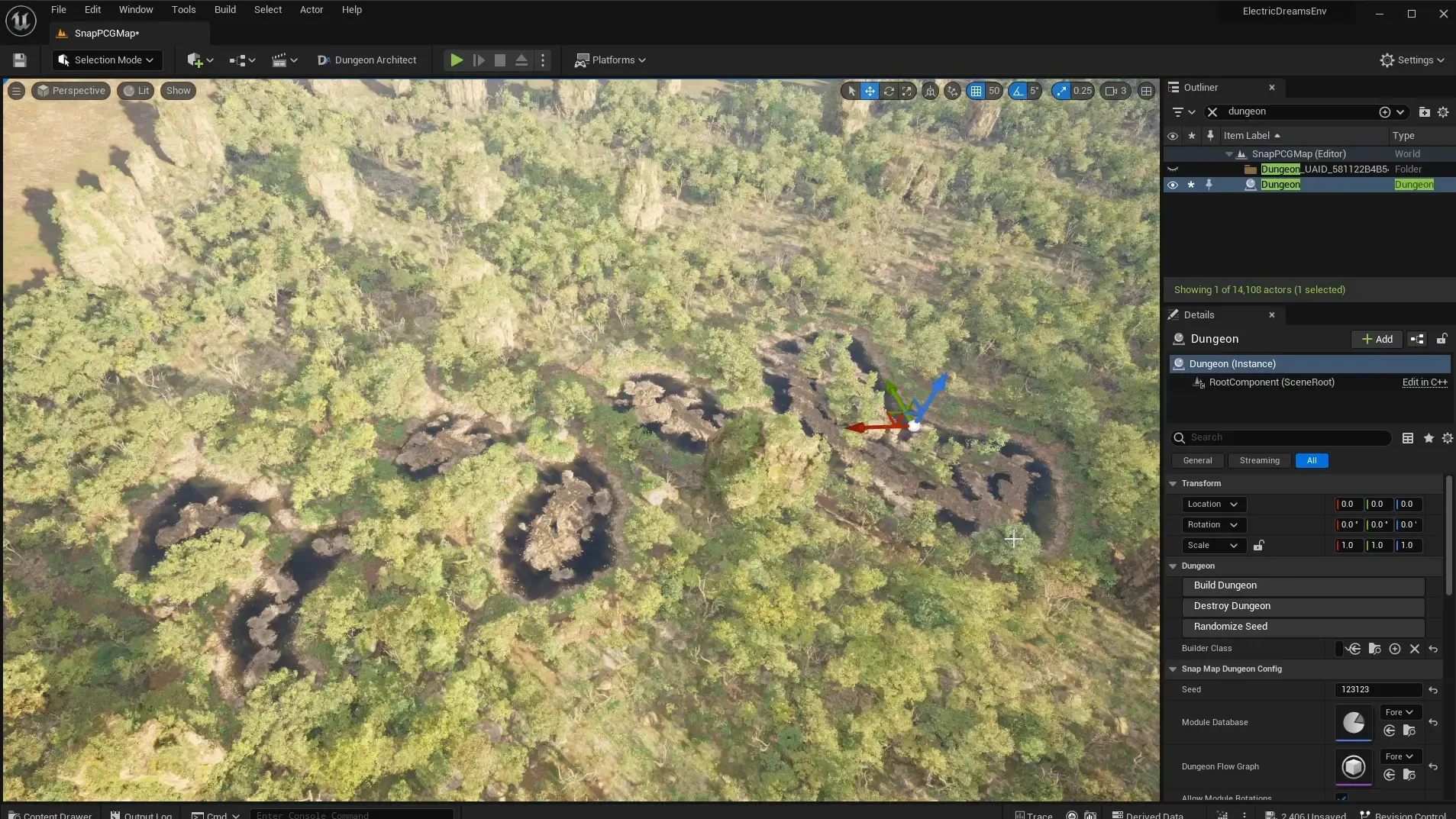
Flow graphs drive PCG. Since 3.0 the layout can drive Unreal’s PCG system, with Electric Dreams integration samples.
Markers become PCG points. The Get Marker Points node hands the dungeon’s markers to your PCG graph, each with its transform and name. Filter by marker name, or scope a graph to the markers around one spawned actor, such as a single feast table or room corner.
Blockout rooms run PCG too. Since 3.7 a PCG component on a Blockout Designer grid re-runs on every build, including the markers the Pattern Matcher adds.
Voxel caves are decorated by PCG. The GPU voxel worlds ship with native PCG integration and custom DA nodes.