Roguelike level generation needs three things: a layout that changes every run, rules that keep it fair (a path to the boss, every key reachable before its lock), and art that looks hand-built. Dungeon Architect does all three in Unreal Engine and Unity. You design the rules once in a flow graph or graph-grammar rules, a builder solves a fresh layout from every seed, and a theme turns it into your game's art.
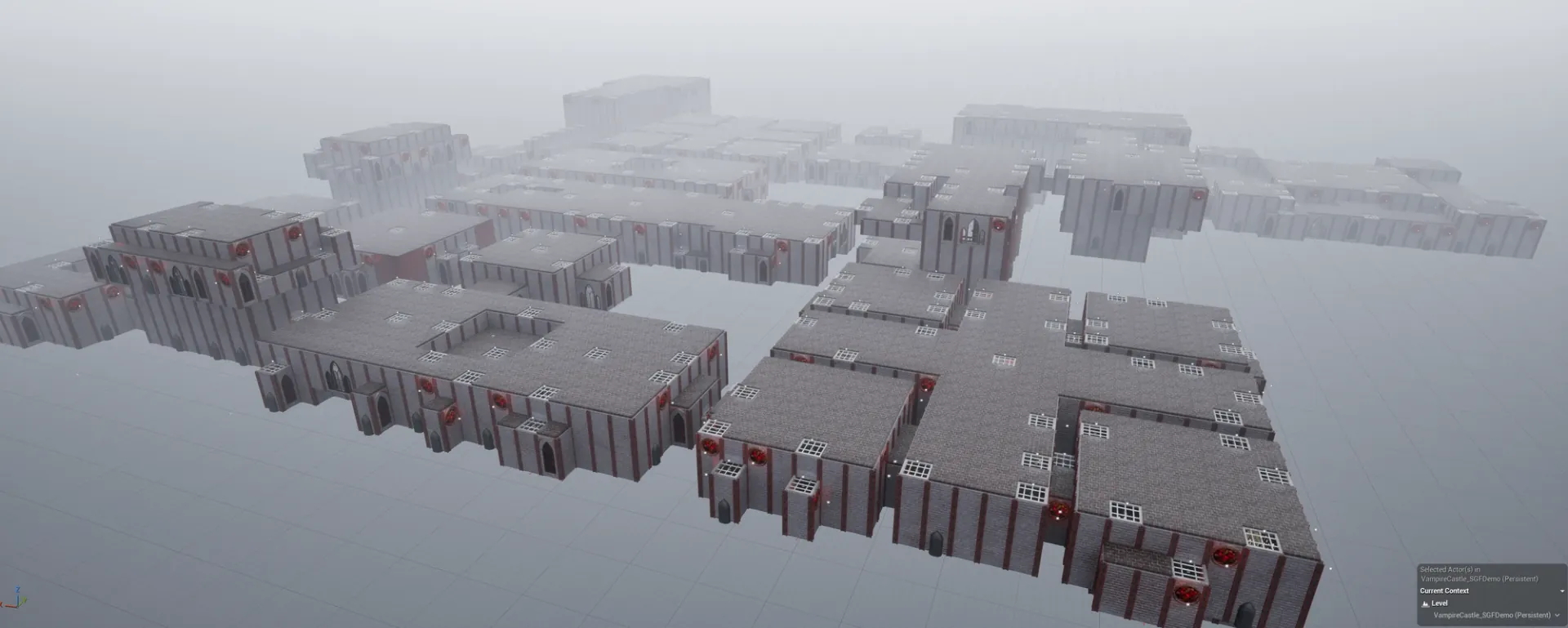
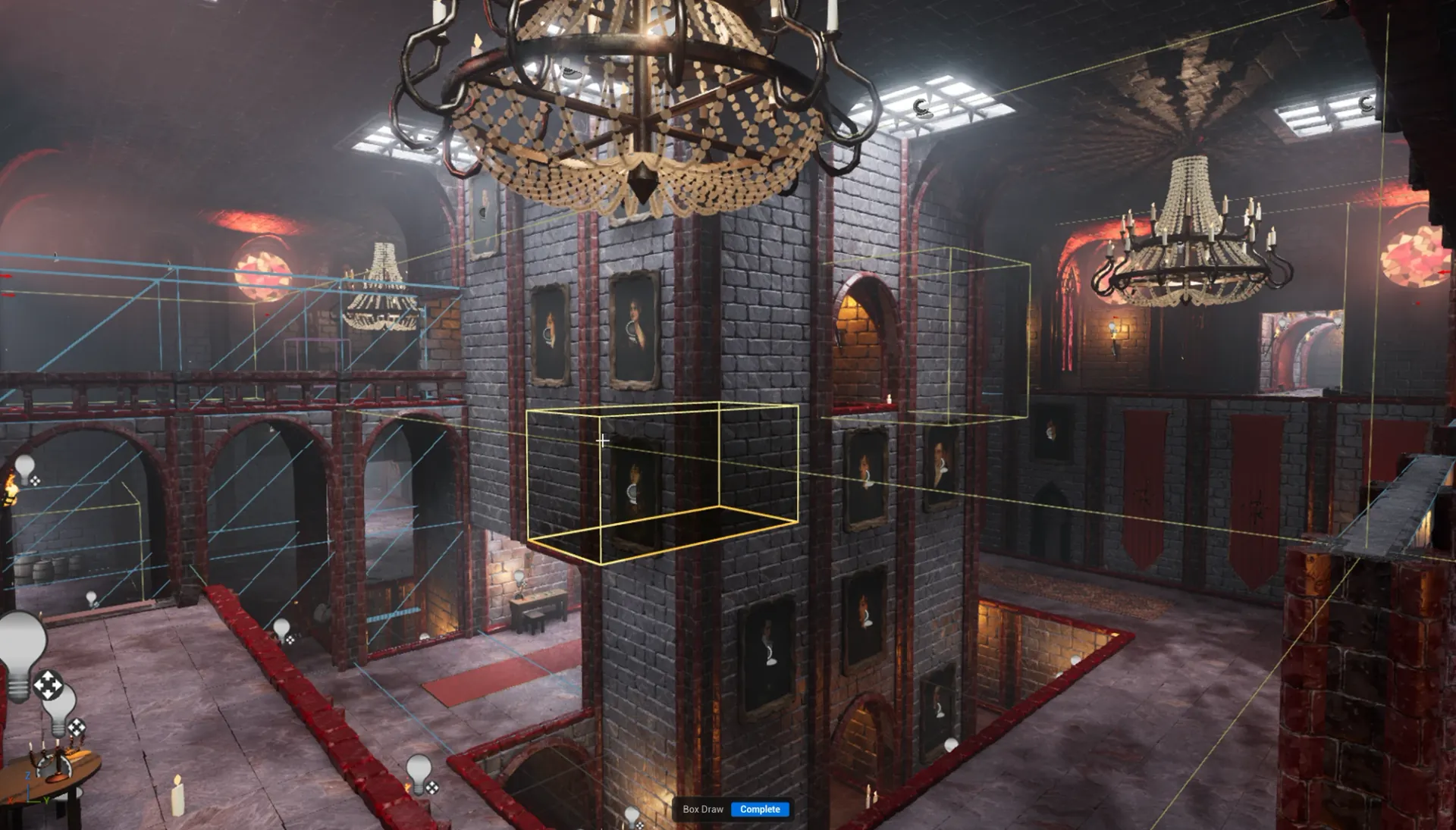
HAND-BUILT ROOMS, STITCHED INTO A NEW CASTLE EVERY BUILD · SNAP GRID FLOW
A new layout every run, from a seed
Every Dungeon Architect level comes from a seed, and the same seed always gives the same level. Turn on Randomize Seed On Build and the Build System builds a different dungeon every time the game starts. Keep the seed fixed for daily challenges, shared seeds or reproducing a bug report.
Rules that keep every run fair

The flow builders follow a flow graph that you design once: a path from the entrance to the boss, side paths that branch off and merge back in, a key on one path and its lock on another, one-way doors, teleporters, boss rooms. A builder solves a fresh layout from every seed and walks it start to finish before it builds: keys reachable, locks meaningful, no stranded players. Hide a boss key down an optional side branch and the solver guarantees the rules hold.
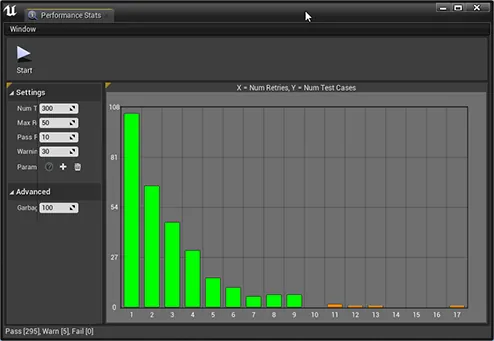
Grid Flow · same graph, new layout each buildPerformance Analyzer · thousands of test runs
The Performance Analyzer generates thousands of test dungeons from your graph and charts how often generation has to retry, so you fix designs that don’t converge before players ever see them.
Mission graphs and graph grammar
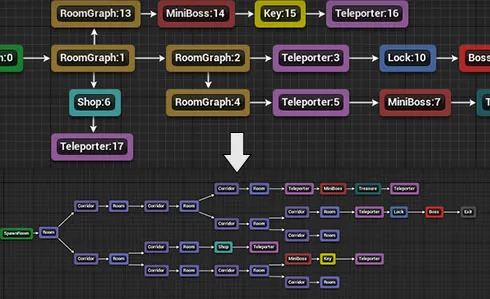
Modern roguelikes are often built on a mission graph: an abstract plan of the run (start, shop, mini-boss, key, lock, boss) that is then turned into rooms. Dungeon Architect’s Graph Grammar lets you write those rules as graph rewrites: match a pattern, replace it, and grow the mission graph with shops, key-locks, mini-bosses and teleporters. The solved graph then stitches your pre-built rooms into the level, with an integrated editor to design and visualize the rules.
Graph grammar · rewrite the mission graph
Hand-built rooms, stitched by rule
Players notice when every room is generated. Room stitching keeps the human touch: build each room by hand, in the Blockout Designer or with your own meshes, and Snap Map (graph grammar) or Snap Grid Flow (3D flow graphs with multiple floors and streaming) stitches them together at their doors into a new layout every run.
Since 3.7, Module Selection controls repetition: Max Instances keeps a shop or boss room to one per run, and Selection Weight makes rooms show up more or less often. It works well even with a small set of modules. If the modules don’t fit a generated layout, the builder retries with a new one instead of failing.
1 · Block out a room2 · Stitched into a new level
Pick a builder
Builder
Good for
Engine
Cell Flow
Rooms on a grid or Voronoi cells, at different heights, joined by stairs. Organic caves with GPU voxels.
Unreal
Grid Flow
Rooms and corridors on a tile grid with key-locks and item placement. Top-down and 2D dungeons.
Unreal, Unity
Snap Grid Flow
Your own rooms on a 3D flow graph: multiple floors, level streaming, multiplayer.
Unreal, Unity
Snap Map
Your own rooms, stitched by graph-grammar rules.
Unreal, Unity
Grid
The simplest: assign a theme, click Build.
Unreal, Unity
Every builder feeds the same theme engine, so you learn the workflow once.
Make it look like your game
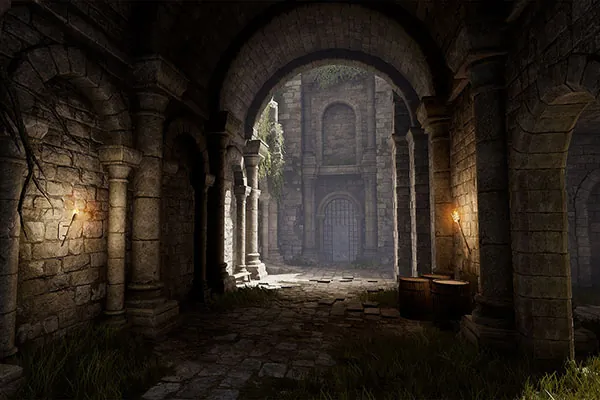
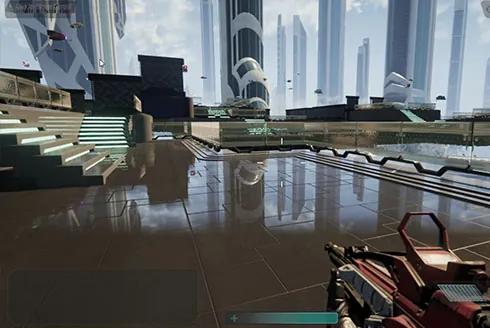
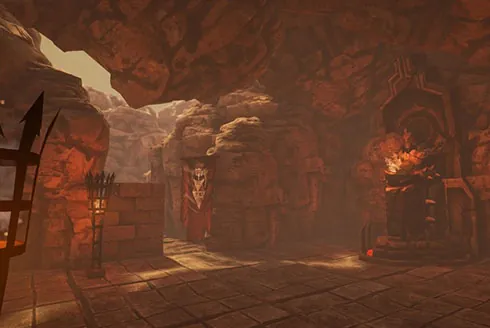
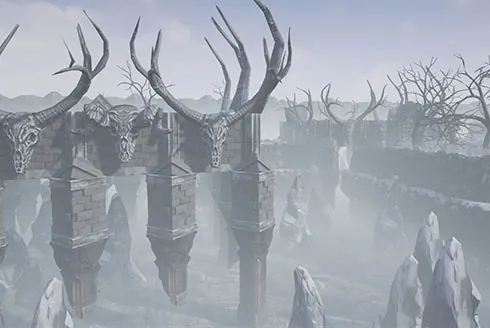
A builder’s output is a set of markers: Wall, Door, Stair and so on. A theme is a node graph that decides which meshes, blueprints and lights go on each marker. Swap the theme file and the same layout becomes a stone castle, a sci-fi base or a frozen cave. The Pattern Matcher decorates by rule, such as a corner, an alcove or a dead end, so the detail survives every regeneration.
The Build System builds the dungeon when the game starts and spawns the player inside it. The Canvas framework draws a minimap with fog of war from the generated layout. Complete game samples ship with the Unreal plugin: an arena shooter, a multi-floor FPS with key-locks, a side-scroller, and multiplayer with a lobby, all one click away in the Launch Pad. Start with Launch Pad & your first dungeon.