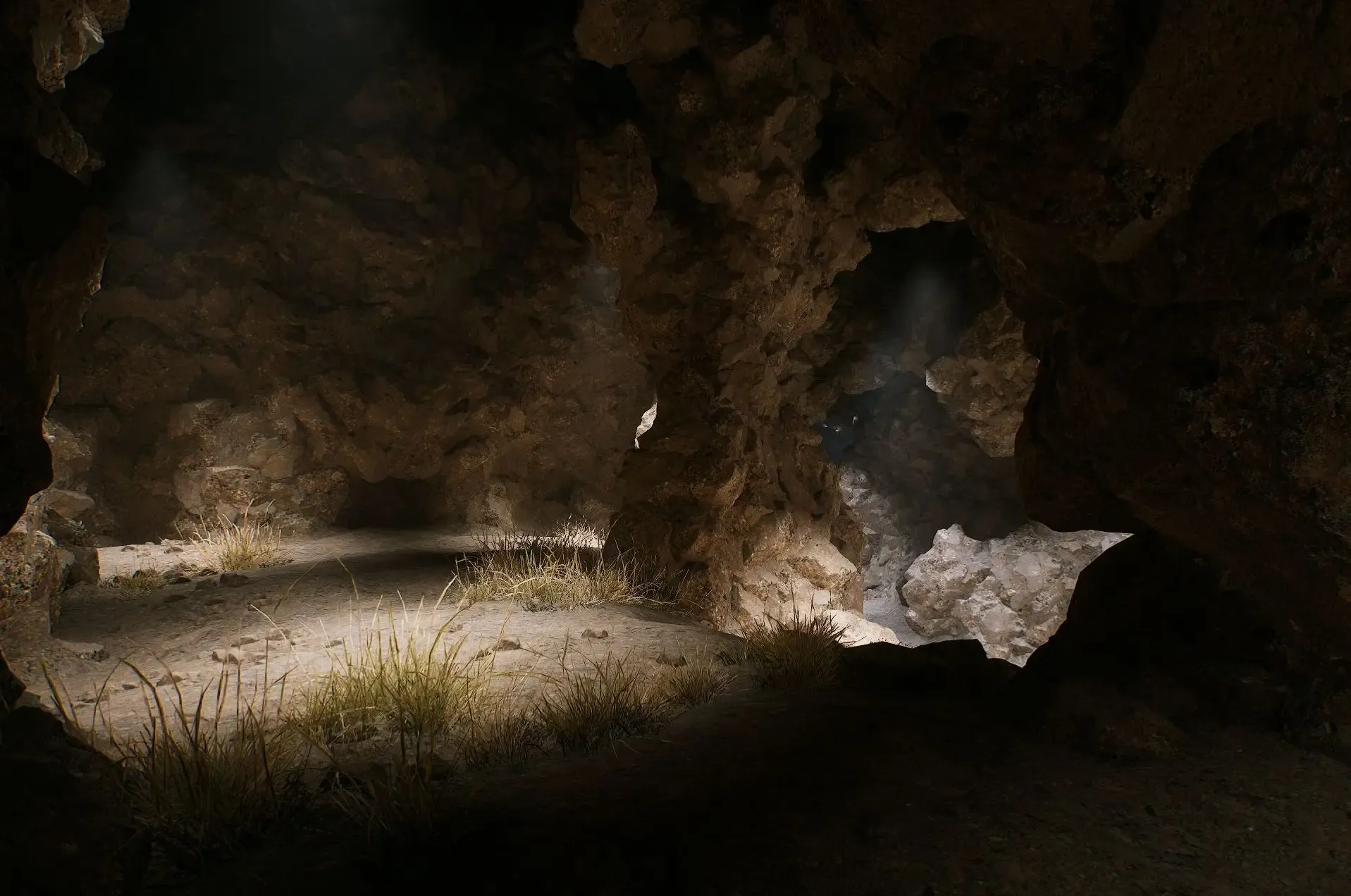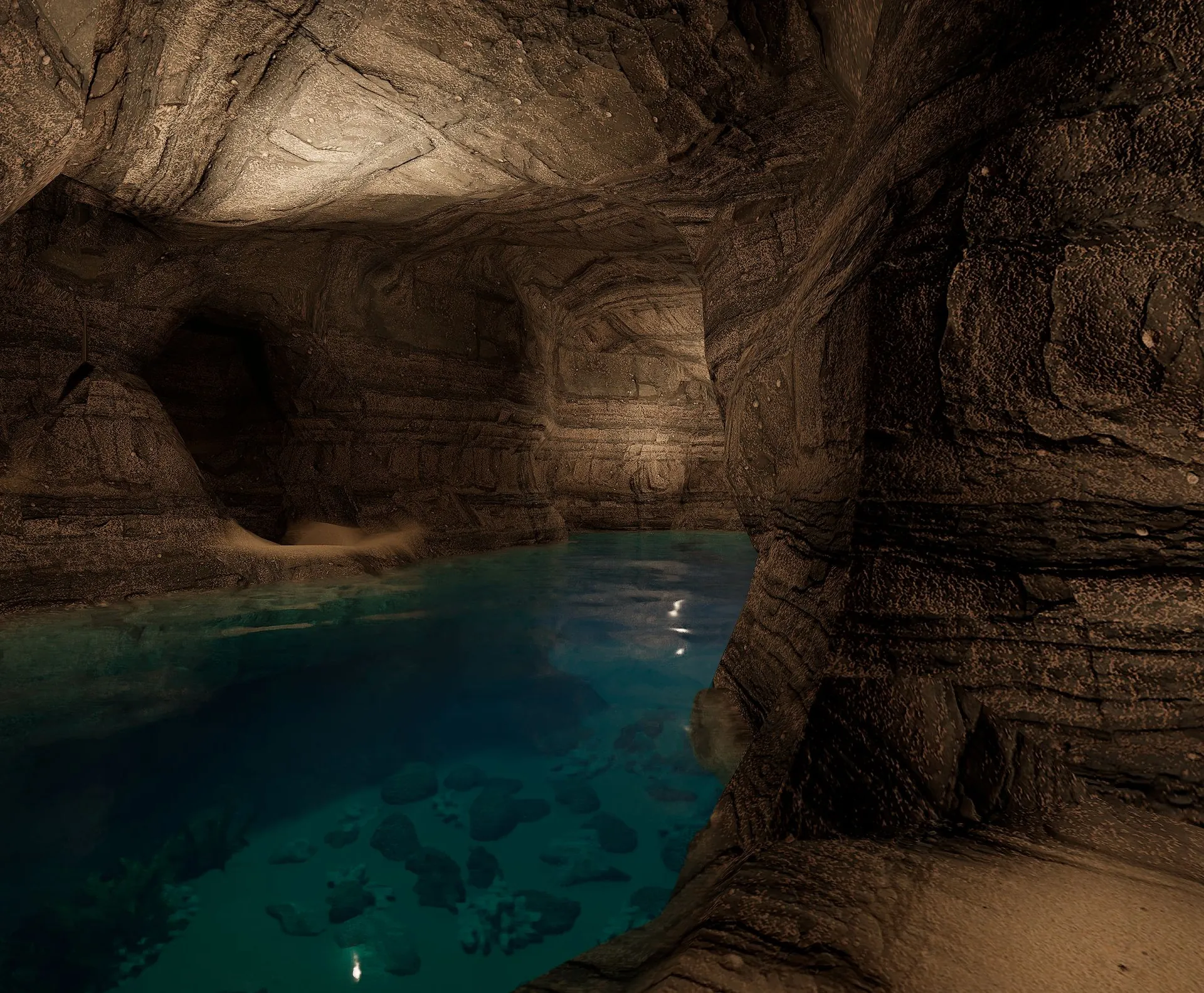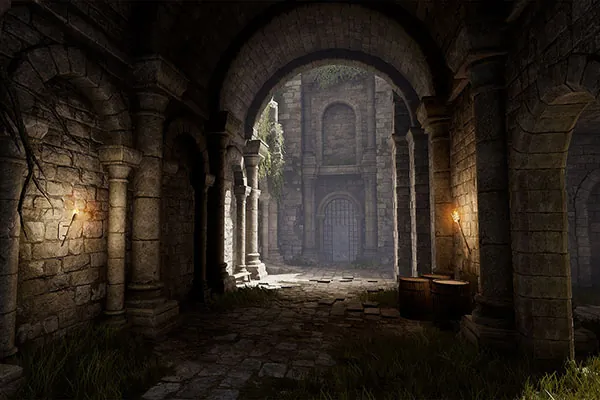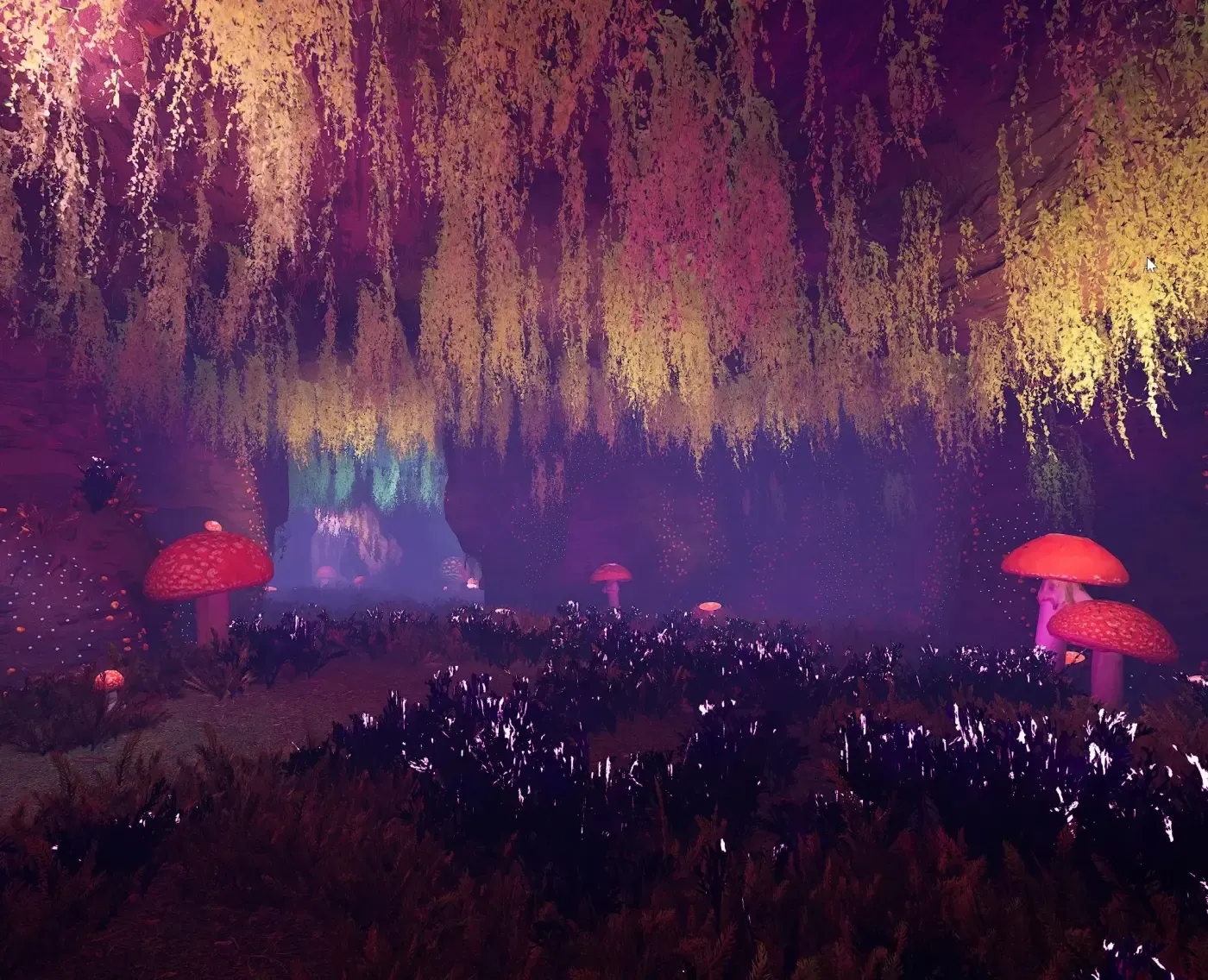
Glowing mushroom cavern generated by Dungeon Architect
New in 3.7: the Blockout Designer →
PROCEDURAL LEVEL GENERATION · UNREAL ENGINE & UNITY

Design the rules. Generate infinite worlds.

Every scene on this page was generated by Dungeon Architect inside the engine — caves, cities, sci-fi interiors. Draw the layout logic once; ship a different level every run.

Get it on Fab → Unity Asset Store →
v3.7.0 updated today v3.8.0 in development trusted by 21,000+ developers public roadmap → changelog →
OUTPUT GALLERY

One plugin. Any art style.

The generator doesn't care if your game is a photoreal cave crawler or a toon fort builder. Swap the theme; keep the rules.

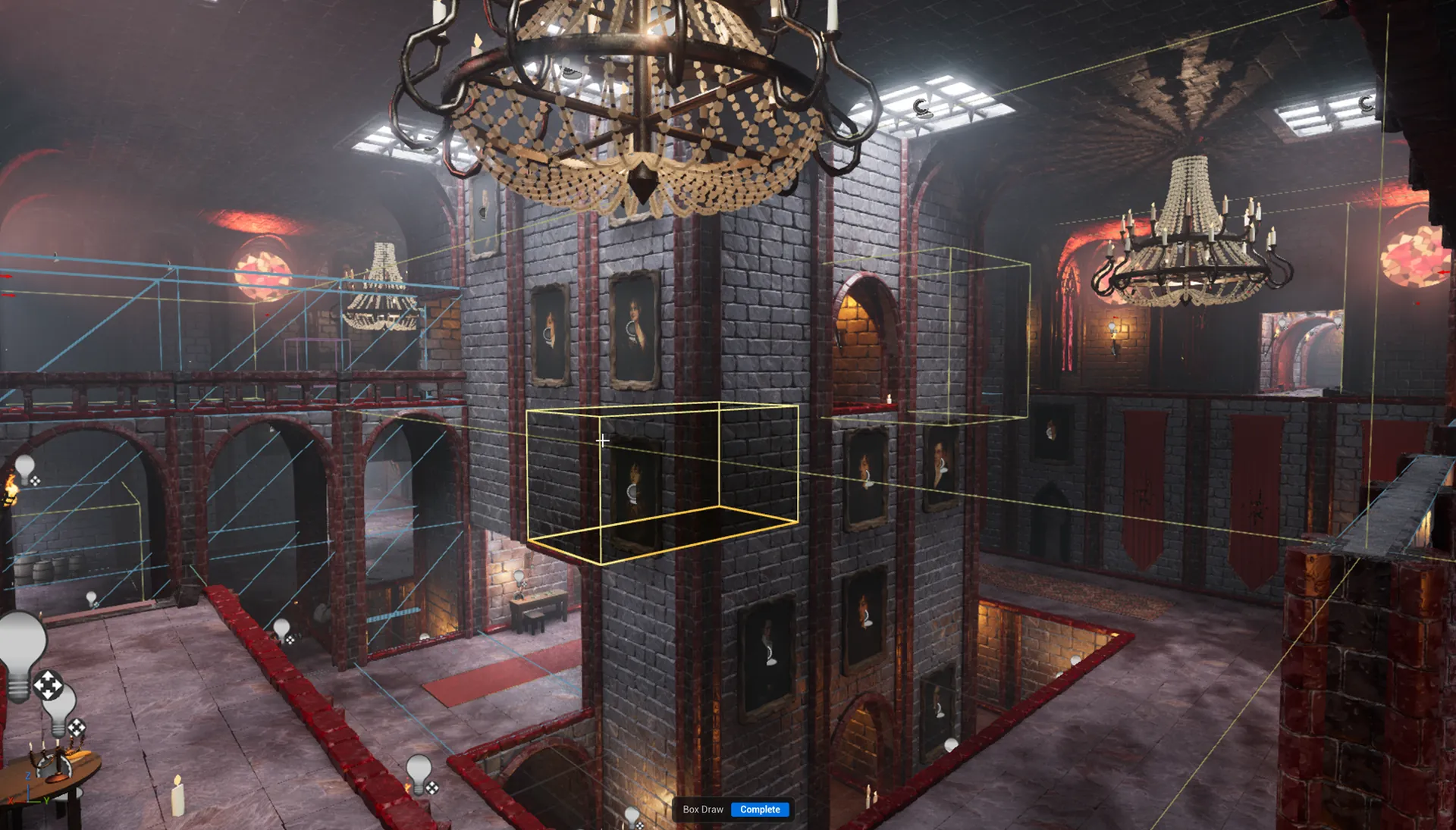
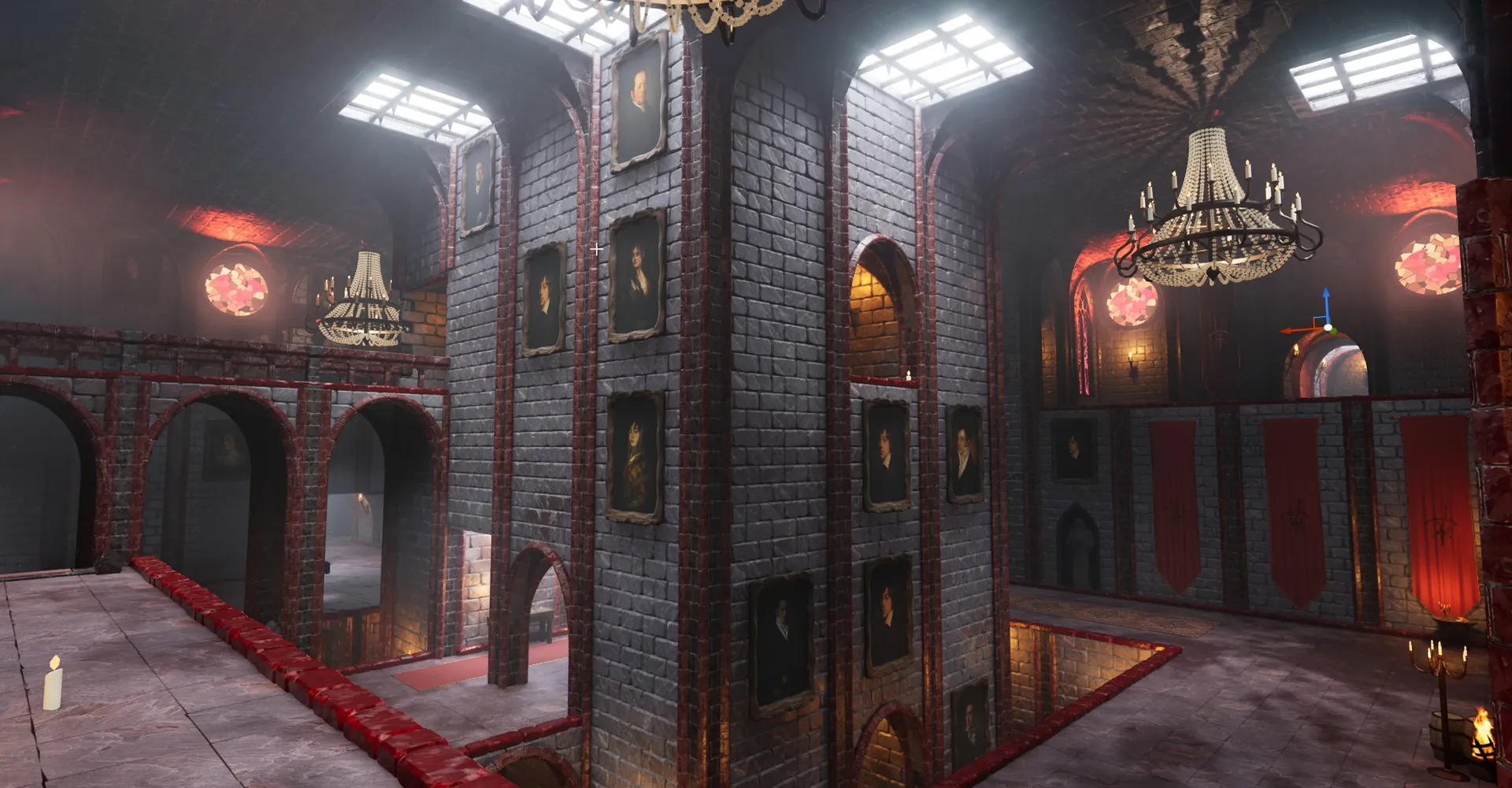
Gothic vampire castle hall with portrait galleries, chandeliers and stained glass GOTHIC VAMPIRE · BLOCKOUT DESIGNER
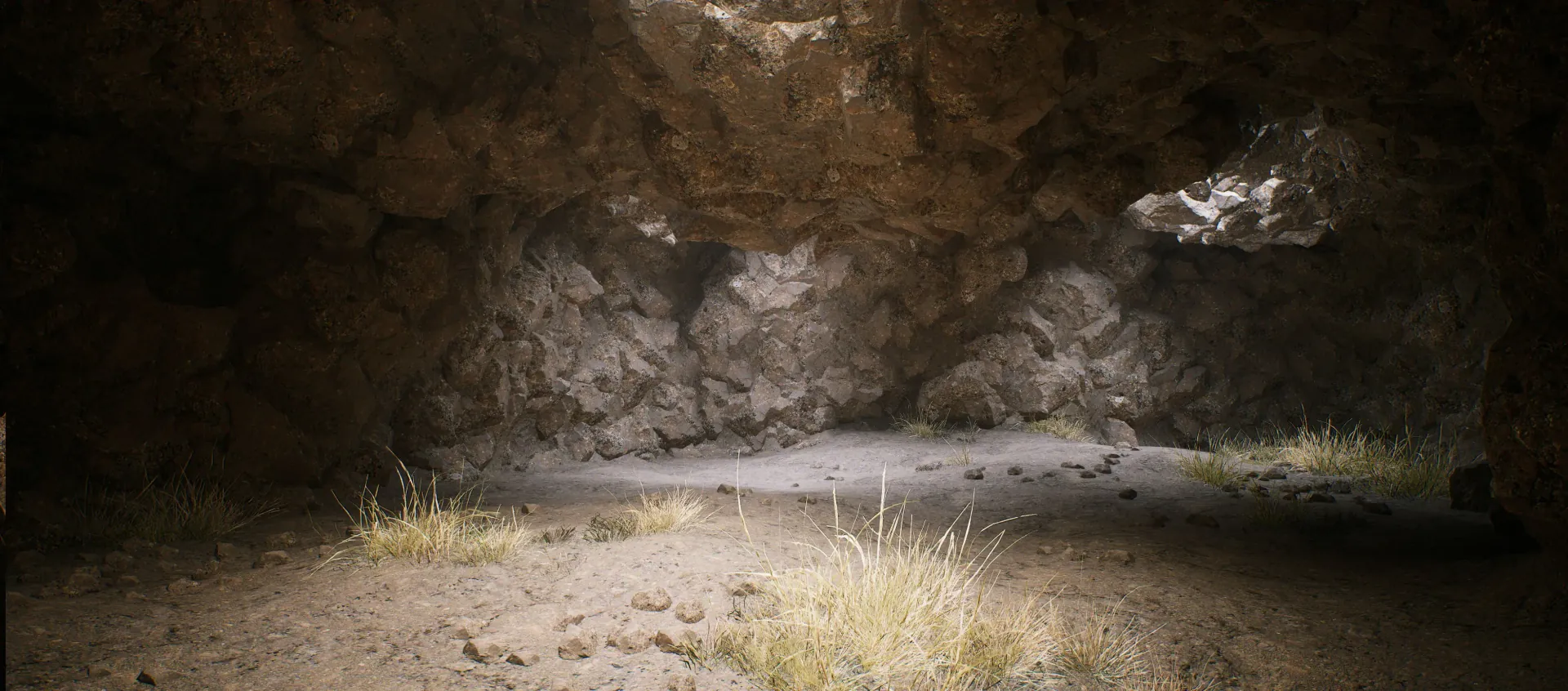
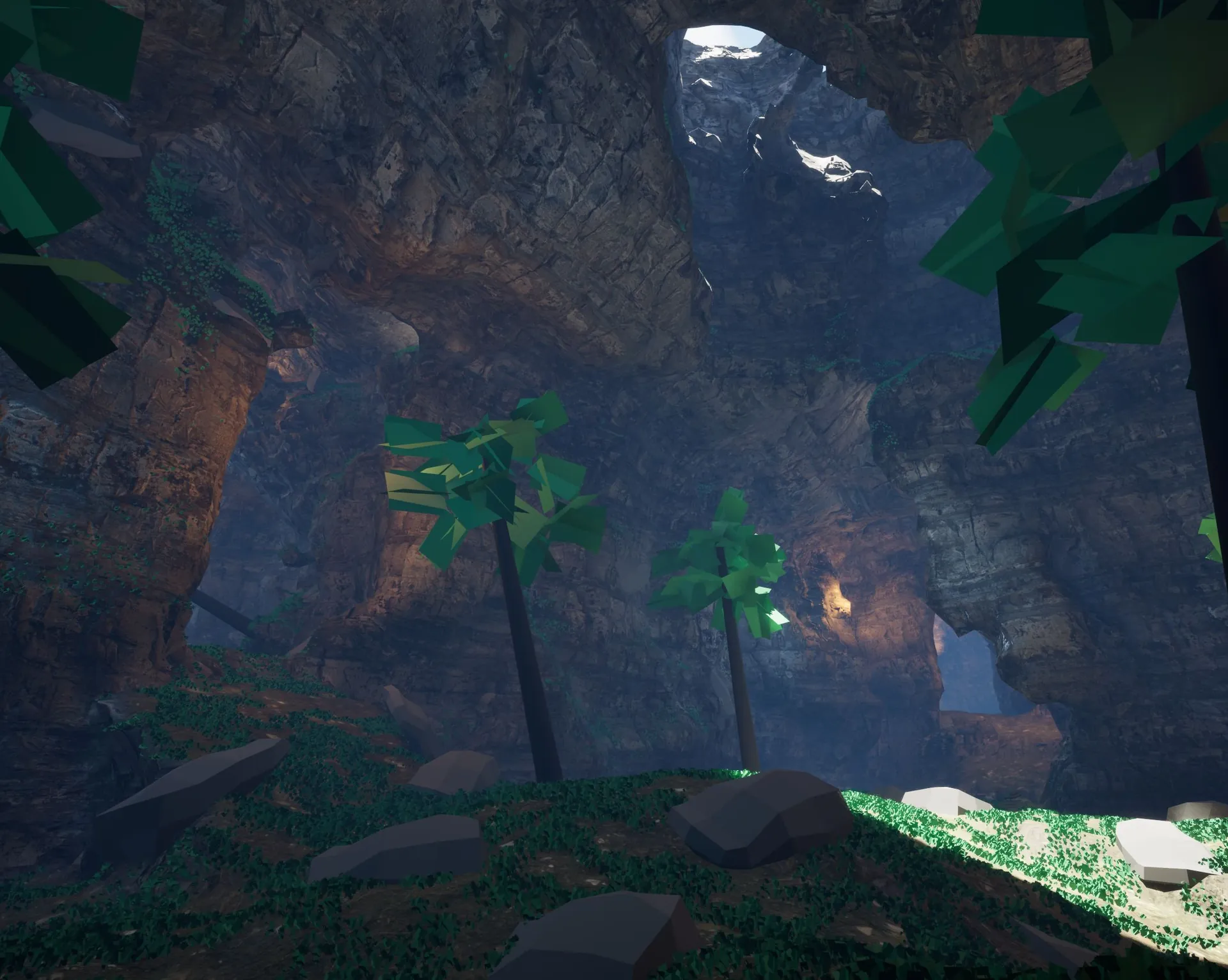
Stone cave STONE CAVES · GPU VOXELS + NANITE
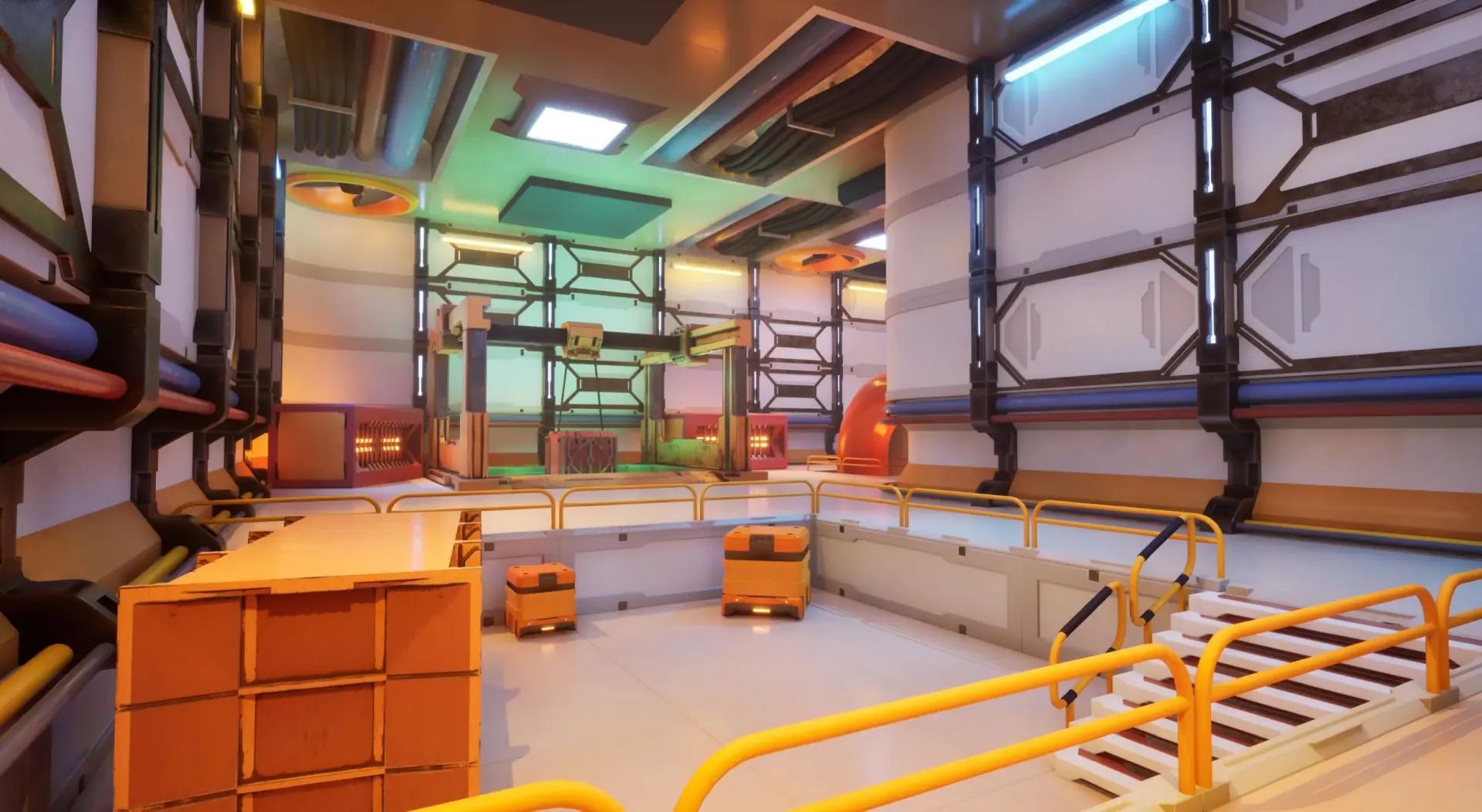
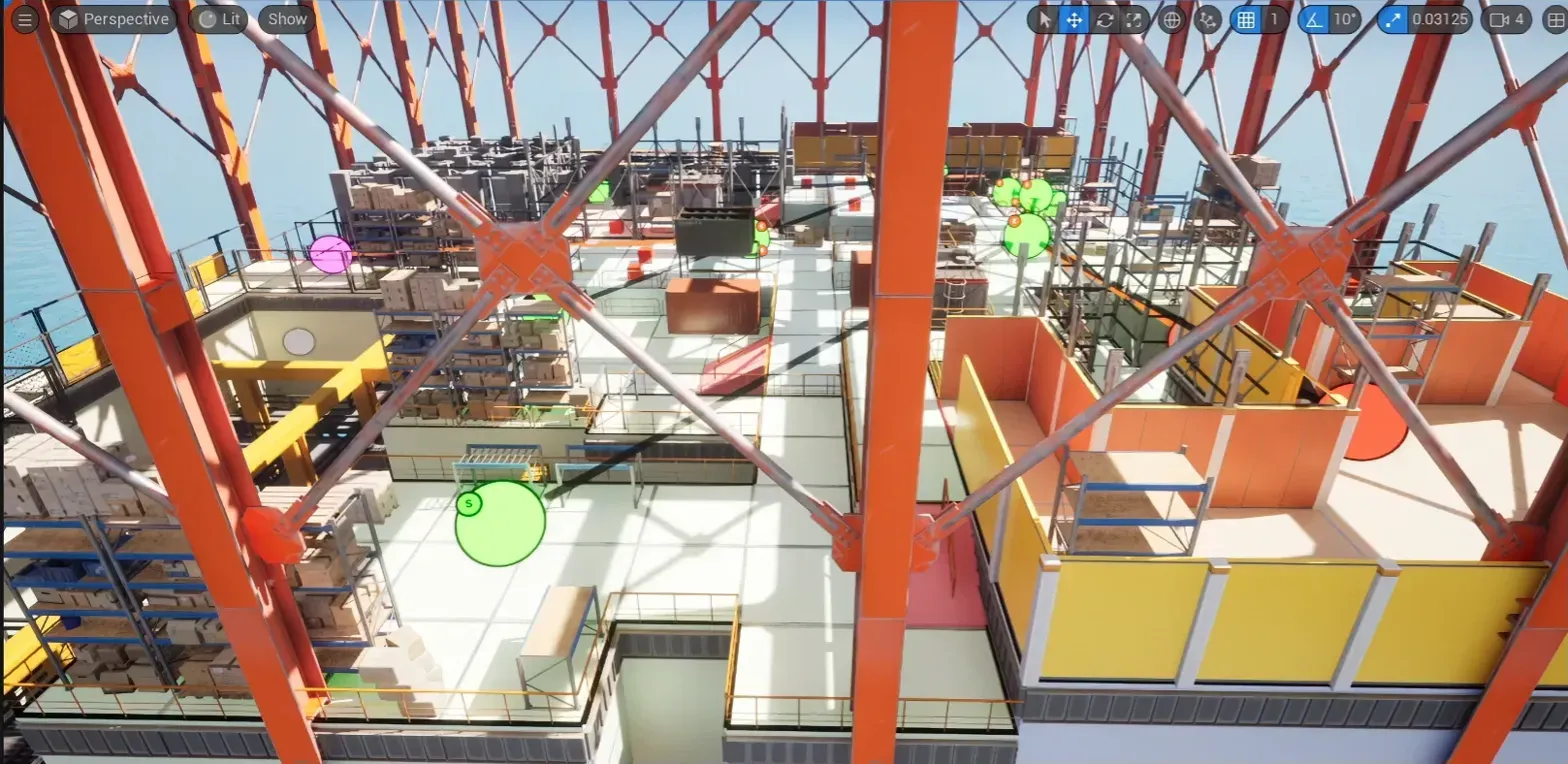
Sci-fi foundry FOUNDRY · SCI-FI THEME
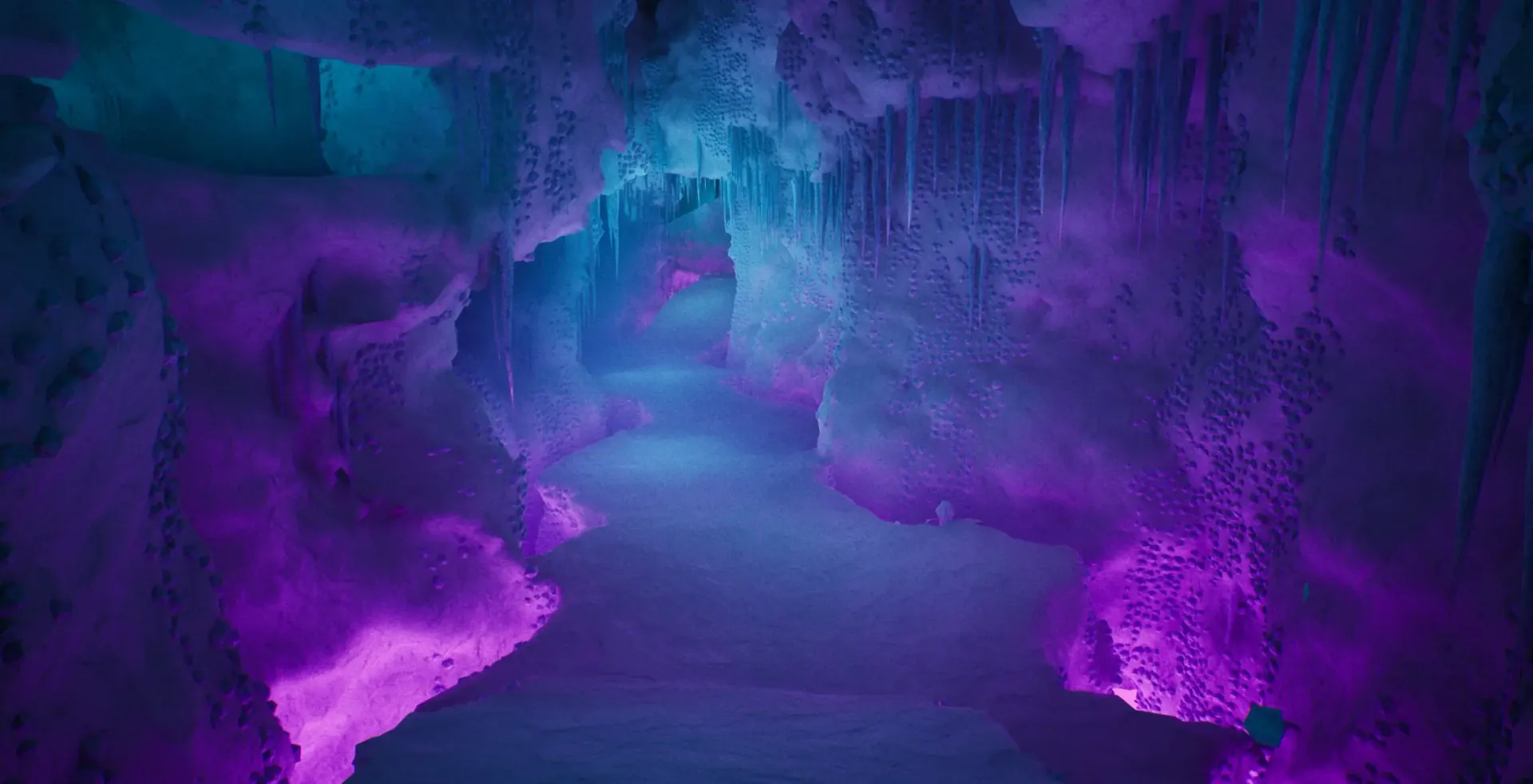
Frost cavern FROST CAVERNS · GPU VOXELS
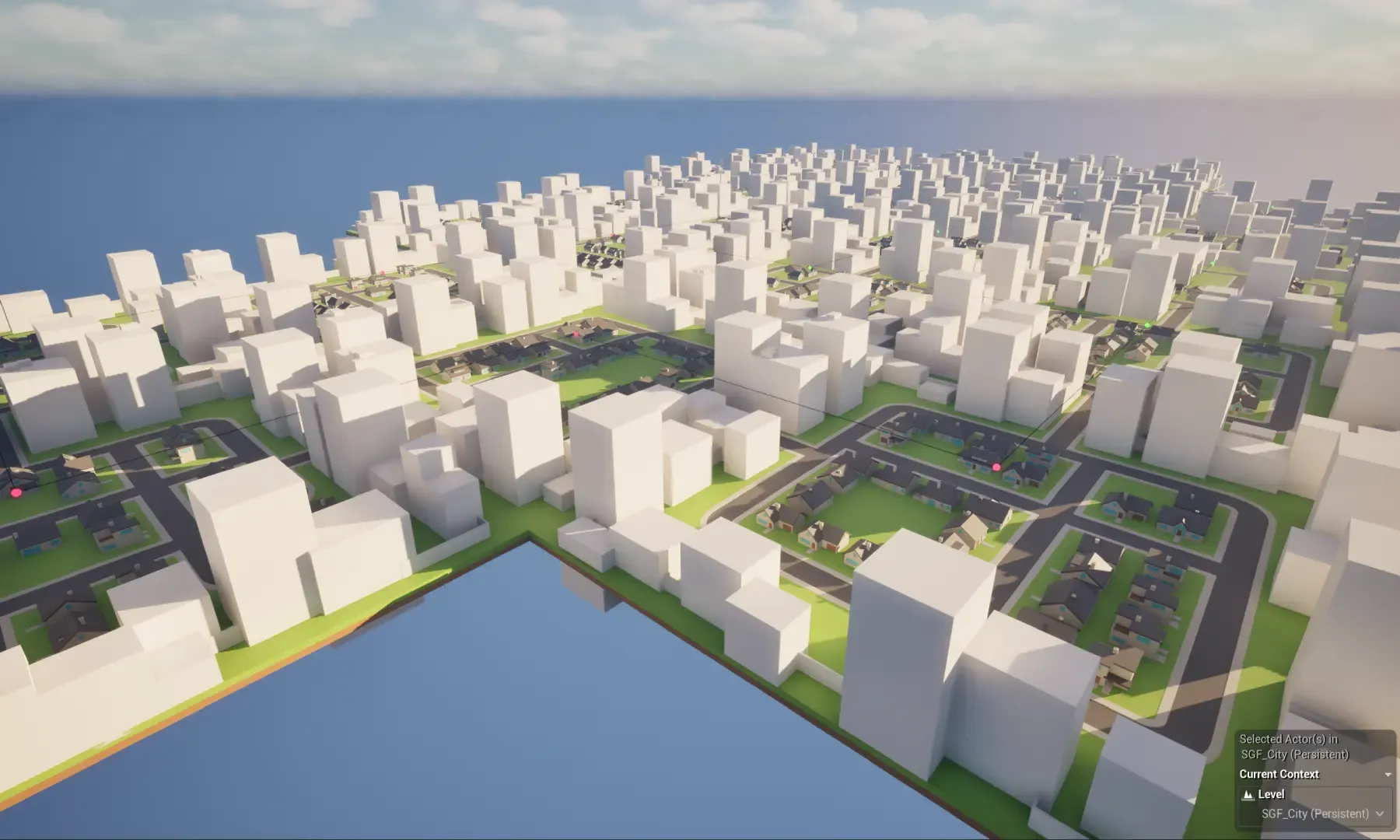
Procedural city CITY · SGF BUILDER
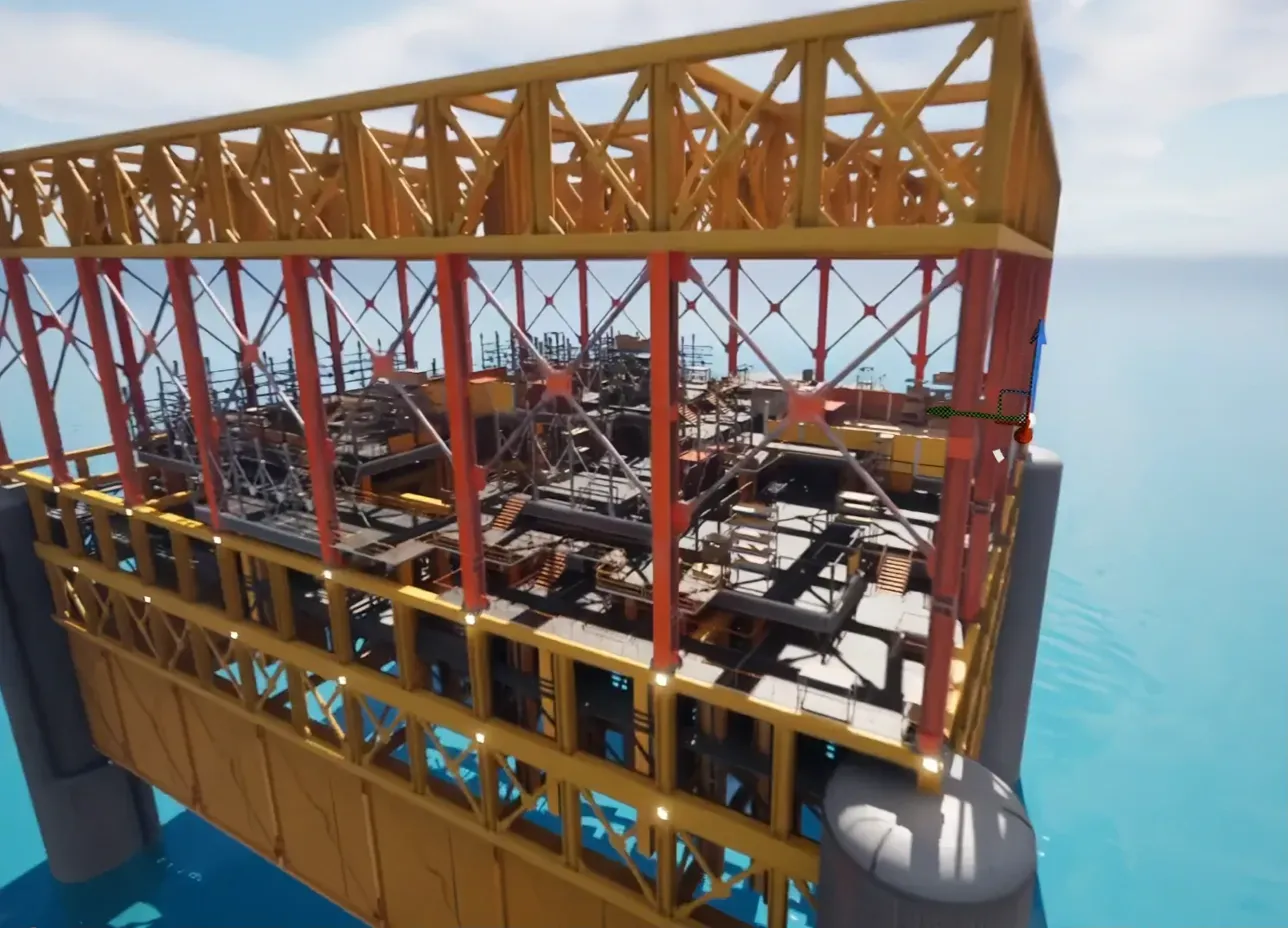
Offshore rig OFFSHORE RIG · CELL FLOW
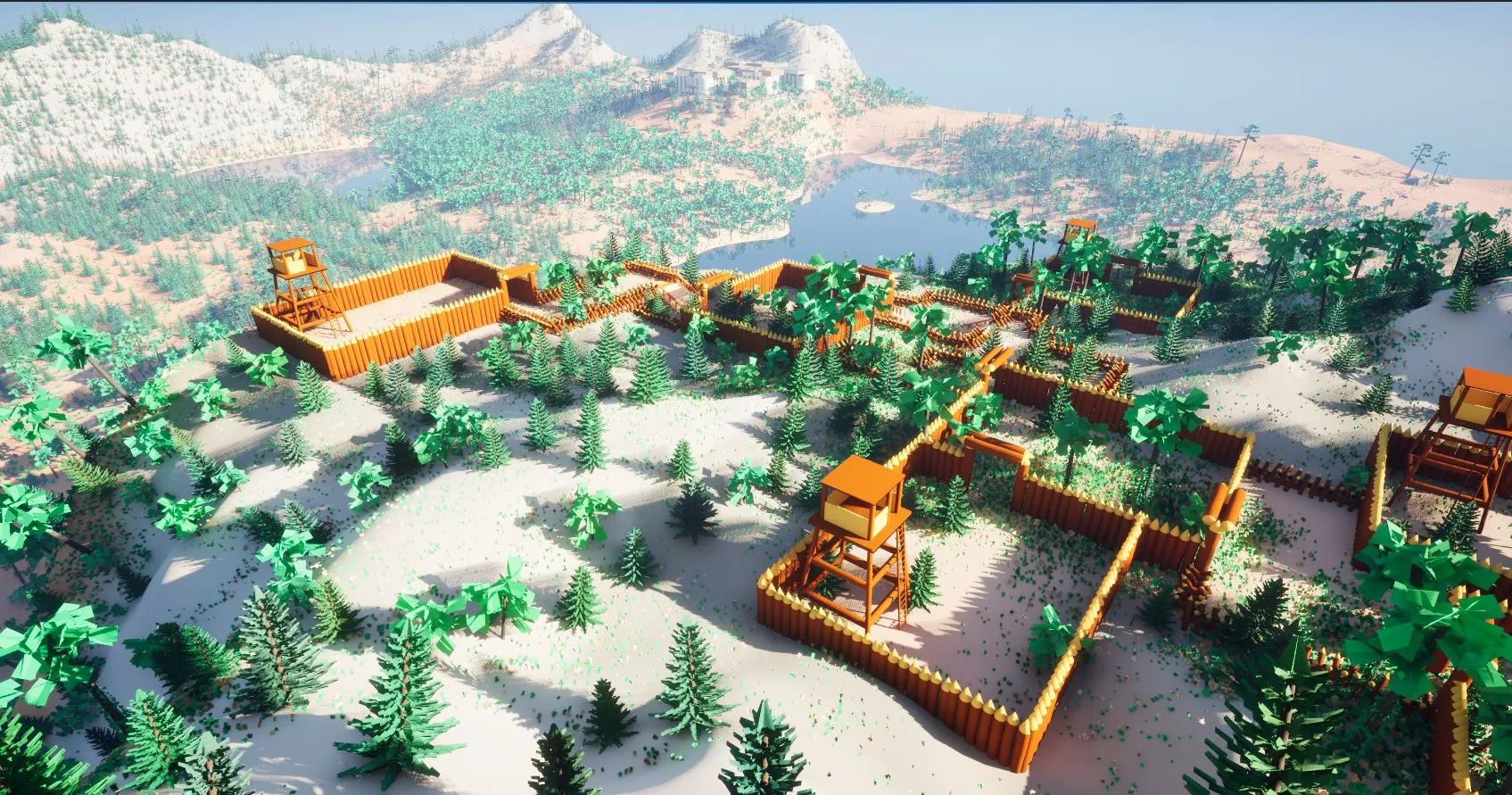
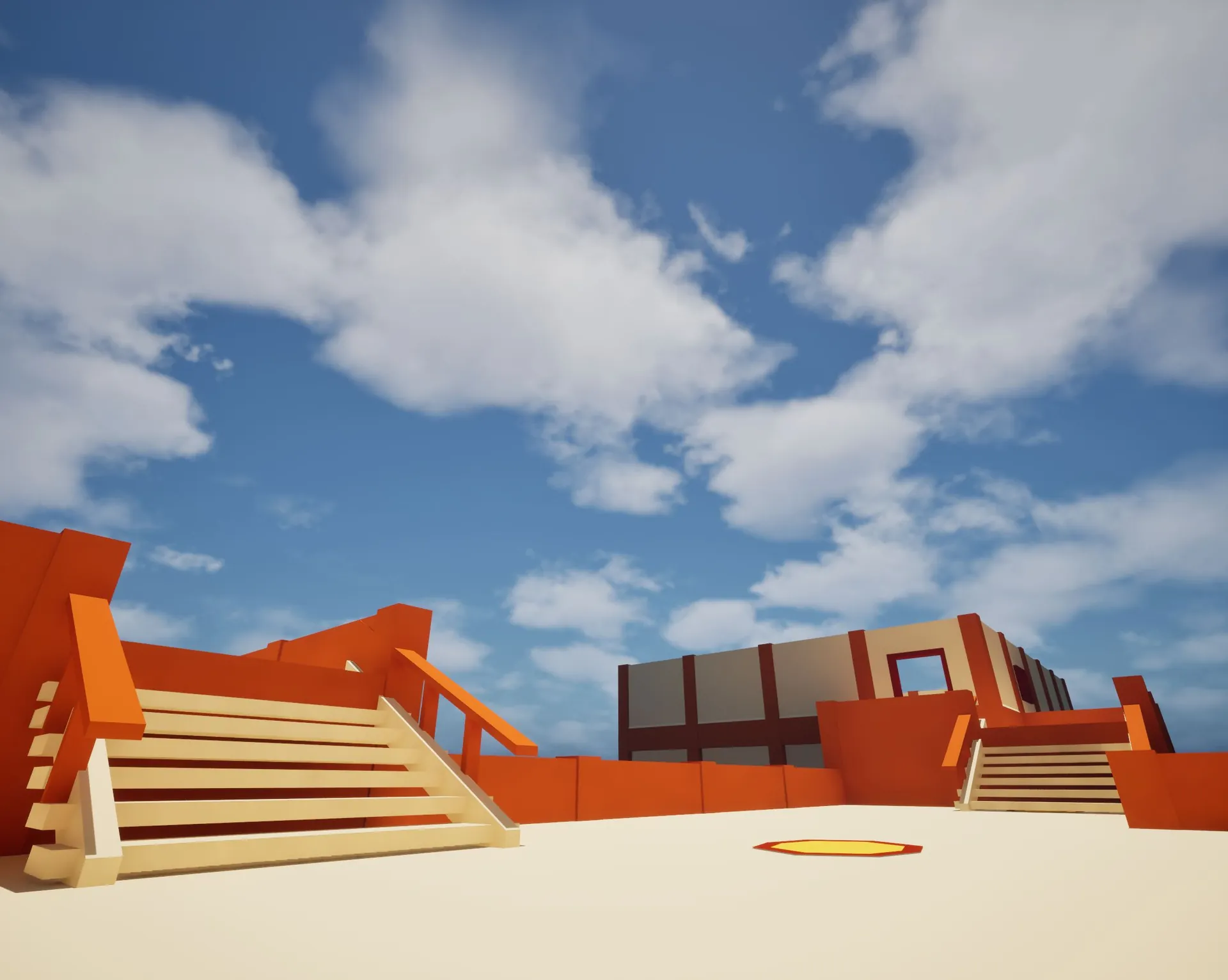
Toon fort landscape TOON FORT · LANDSCAPE TRANSFORMER
HOW IT WORKS

Generate it. Or design it.

Two ways to build a level — and the same theme dresses both. Let the generator lay out the whole thing, or block out the rooms yourself and let it stitch them into a new layout every build.

01 · GENERATE IT
Draw the rules. Get a new level every run.

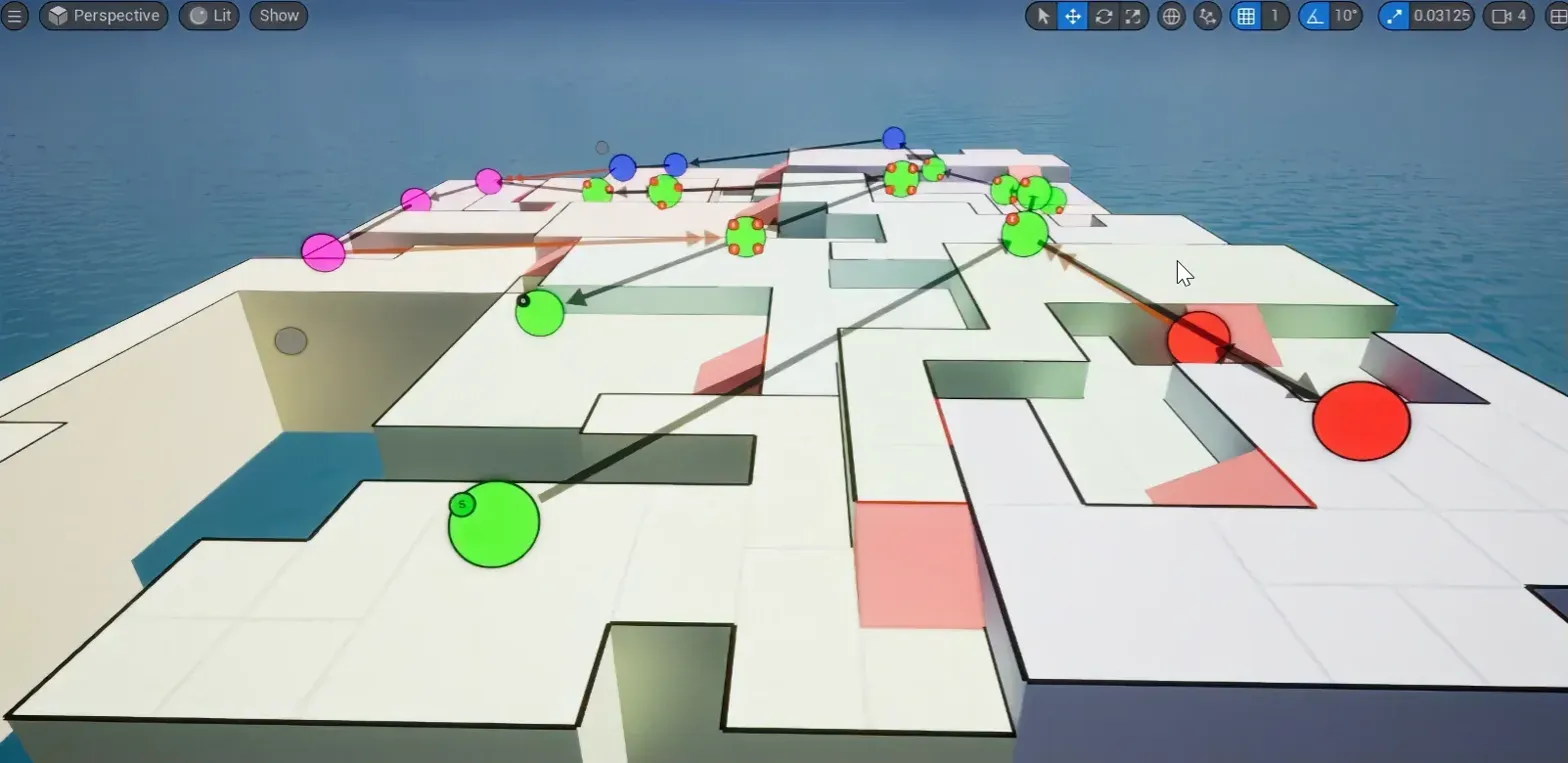
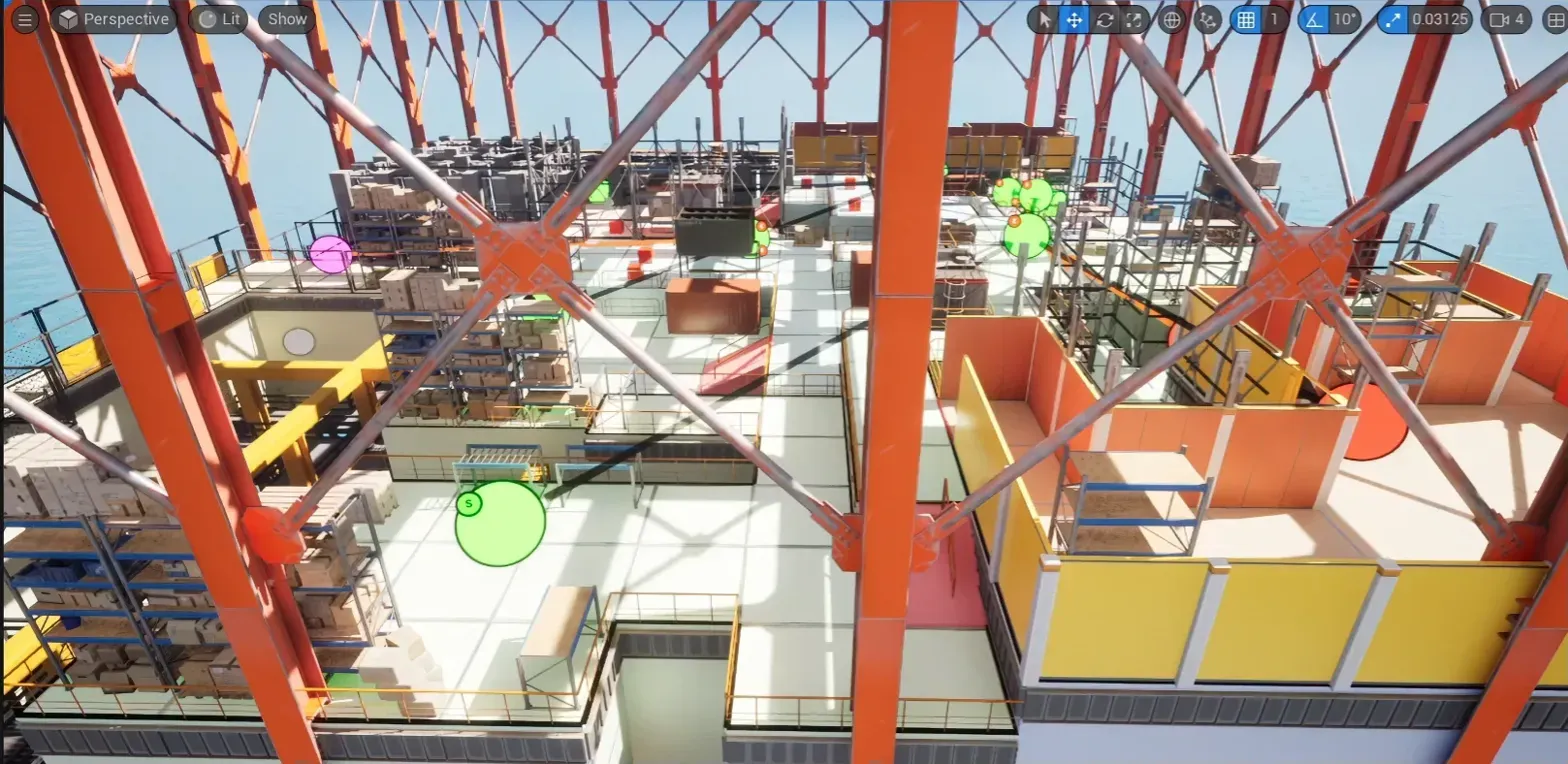
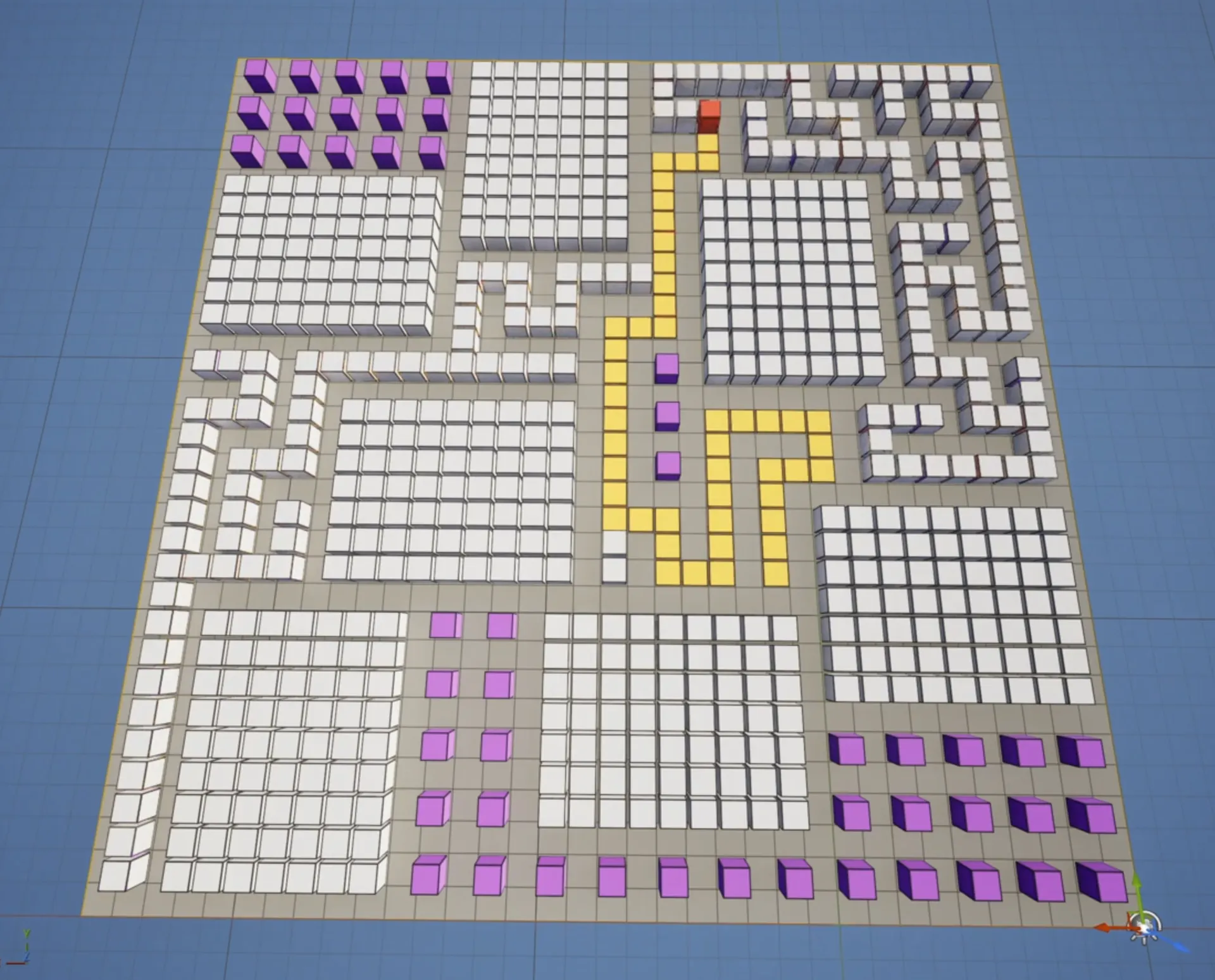
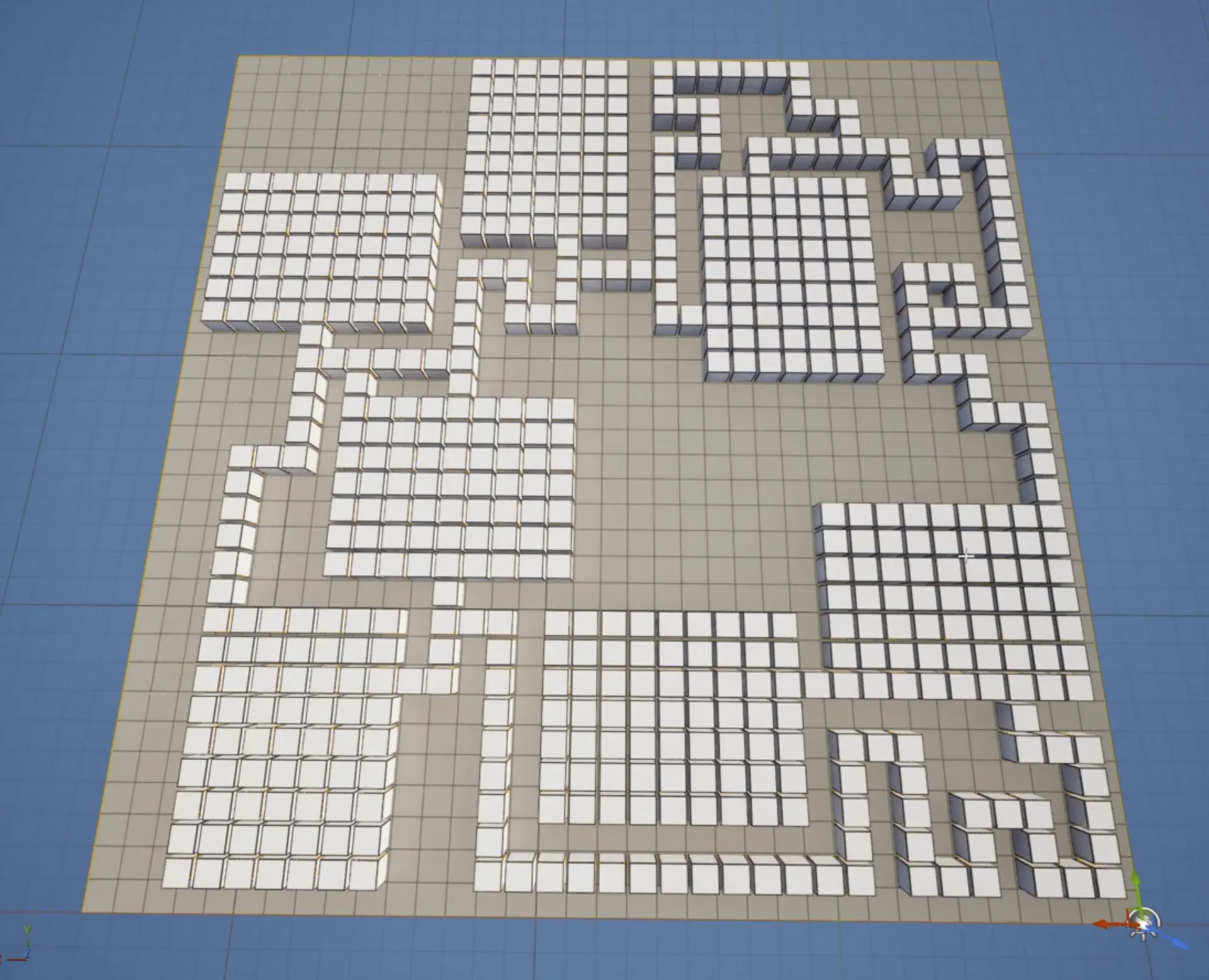
Paths, key-locks, one-way doors, boss rooms — declare them once in a node graph. A builder solves a fresh layout from every seed and walks it start to finish before it builds: keys reachable, no stranded players. Then the theme turns the blocks into your art.

The oil rig layout as plain blocks, with the flow graph's paths drawn on top
1 · THE LAYOUT
The same layout dressed by the theme: steel frames, railings, shelves and crates
2 · THEMED
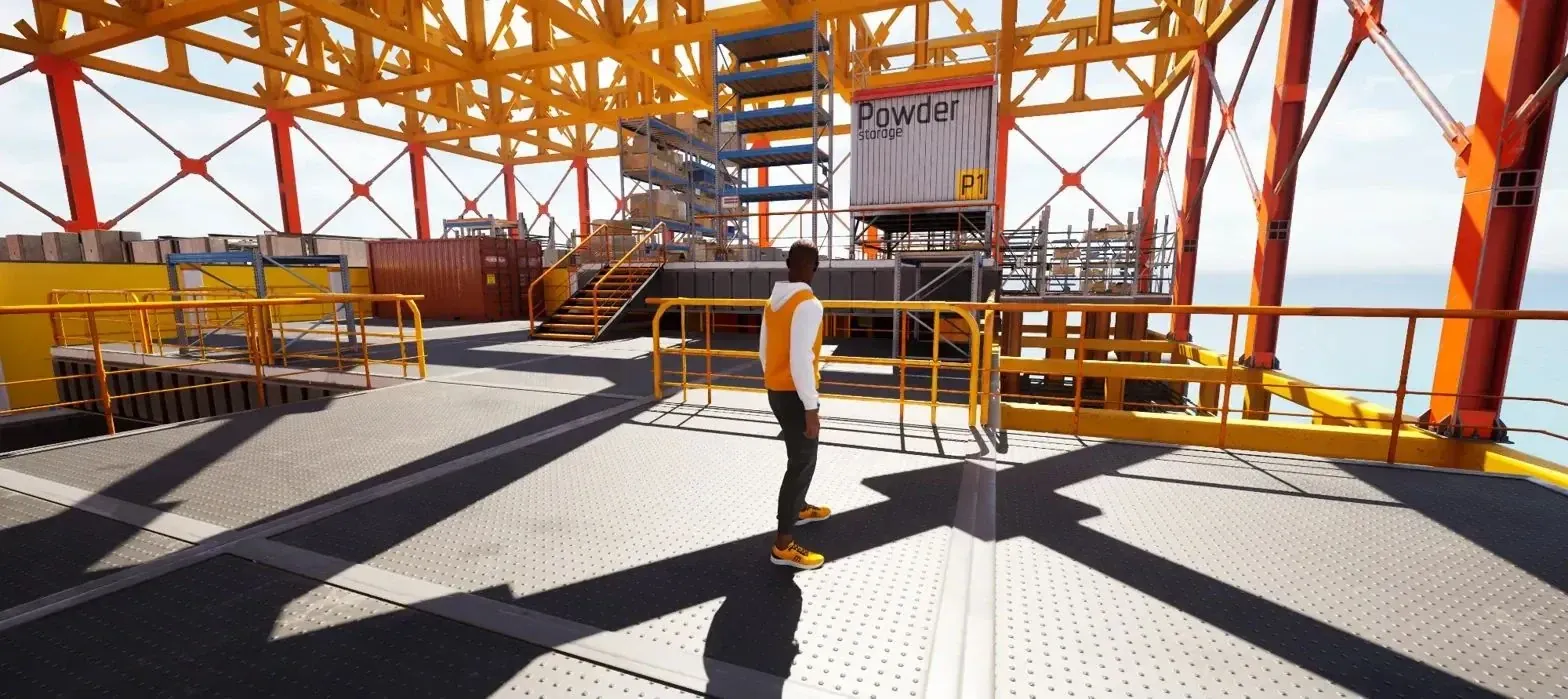
A player character on the open top deck of the finished oil rig, with the ocean behind
3 · PLAYABLE
02 · DESIGN THE ROOMS · NEW IN 3.7
Block out the rooms. It builds the level.

Sketch each room in the Blockout Designer and dress it with any theme, built from your own meshes — stone castle, sci-fi base, timber inn. Snap Grid Flow or Snap Map then stitches your rooms together at their doors, into a new layout on every build.

see the Blockout Designer ↓
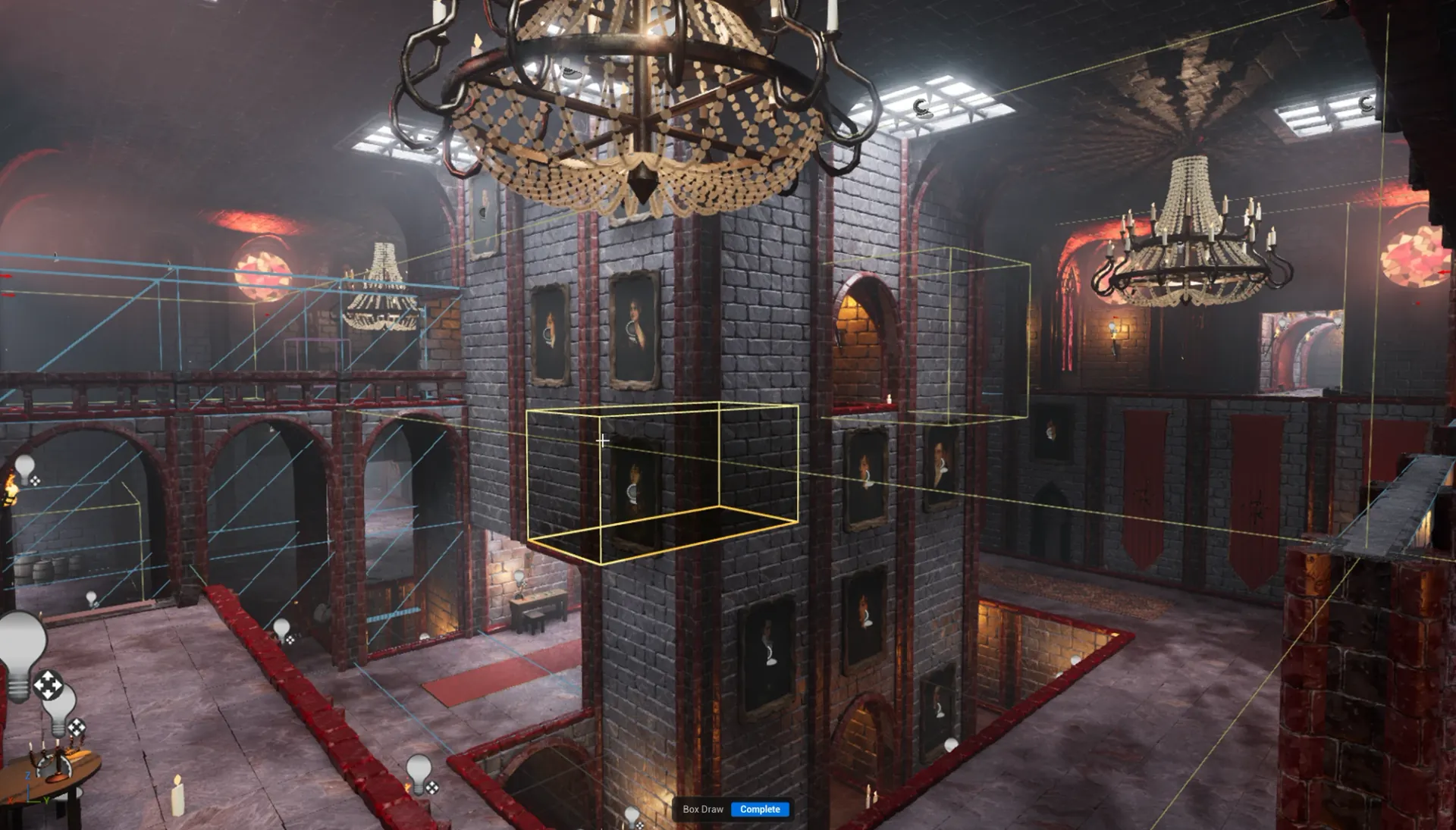
A Gothic Vampire Castle hall being designed in the Blockout Designer, the theme applied over the greybox
1 · BLOCK OUT A ROOM
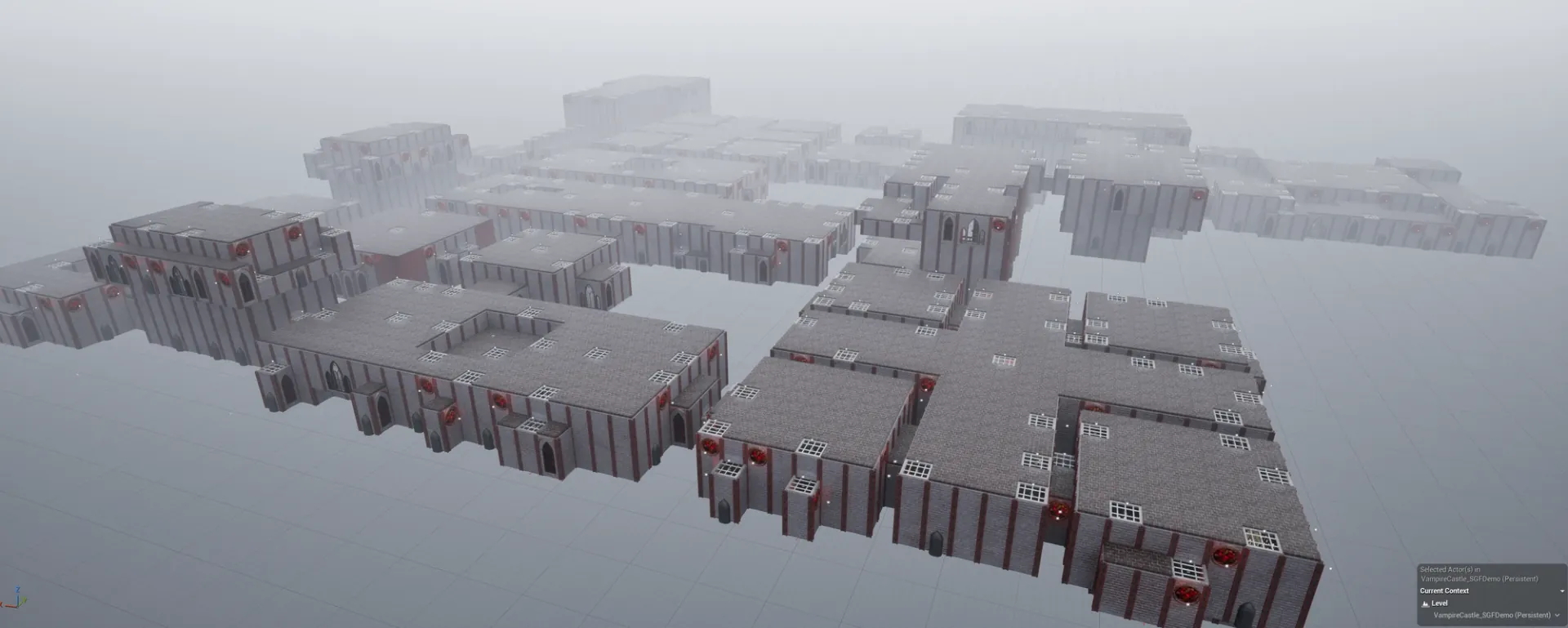
The whole Gothic Vampire Castle from above: blockout rooms stitched together by Snap Grid Flow
2 · STITCHED · GOTHIC SAMPLE
BOTH WAYS · ONE THEME ENGINE
Swap the file. Swap the world.

A theme is a node graph of meshes, lights and blueprints. Point the level at a different file and the same layout rebuilds in a new style — generated or hand-blocked.

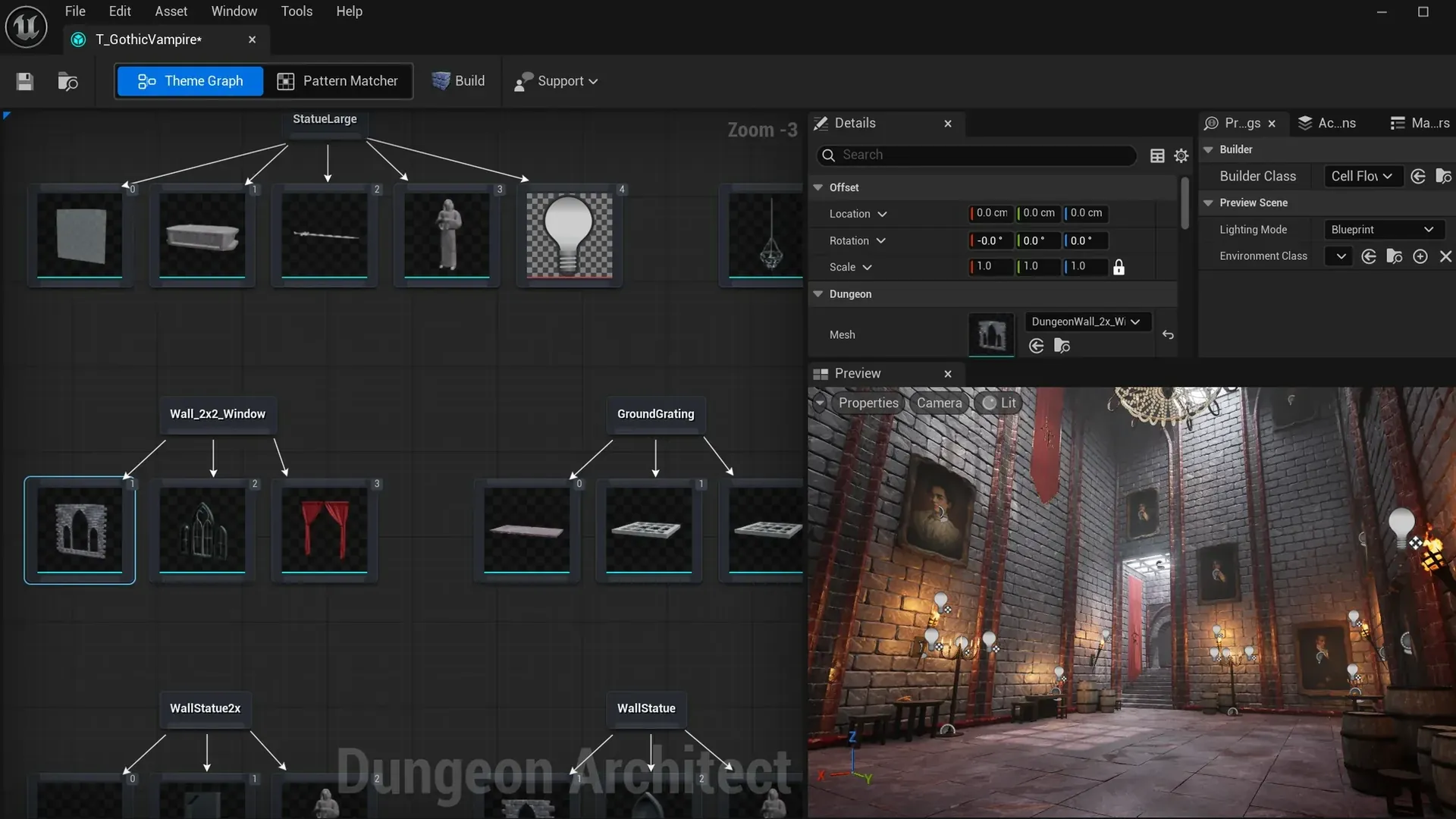
The theme editor with the gothic theme: marker nodes with their meshes, and a lit gothic hall in the preview
A THEME IS A NODE GRAPH
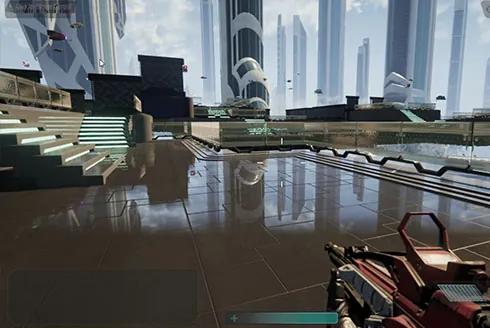
A level themed as a sci-fi city — glass towers over a reflective plaza
THEME · SCI-FI CITY
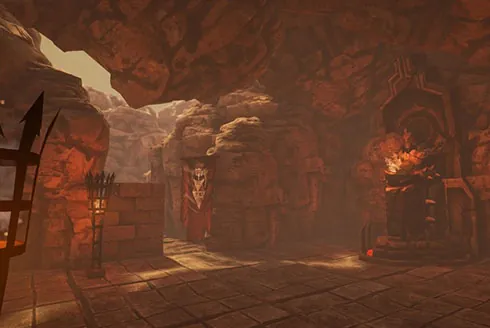
A level built with the Hell Forge theme — a torch-lit infernal cavern
THEME · HELL FORGE
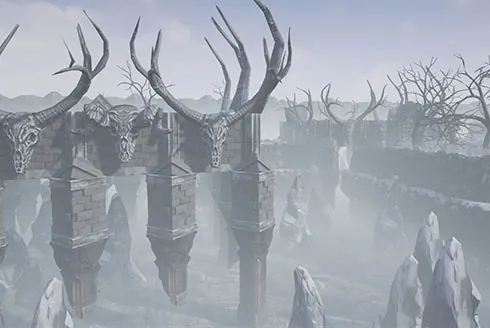
The same engine themed as a frozen wasteland — antlered pillars in fog
THEME · FROZEN WASTES
the full walkthrough, with more pictures, in the docs →
NEW IN 3.7 · BLOCKOUT DESIGNER · EXPERIMENTAL

Sketch a box. Get a finished room.

Grey-box complex shapes in minutes with add and subtract volumes, then apply any theme — stone castle, timber inn, sci-fi factory. The fastest way to hand-craft a library of rooms with complex shapes.

Everything stays a stack of editable volumes — resize, reorder or punch new openings later and the room rebuilds around the change. Drop named markers for lamps, props and NPC spawns; anything your theme doesn't dress yet stays playable greybox with collision until it does.

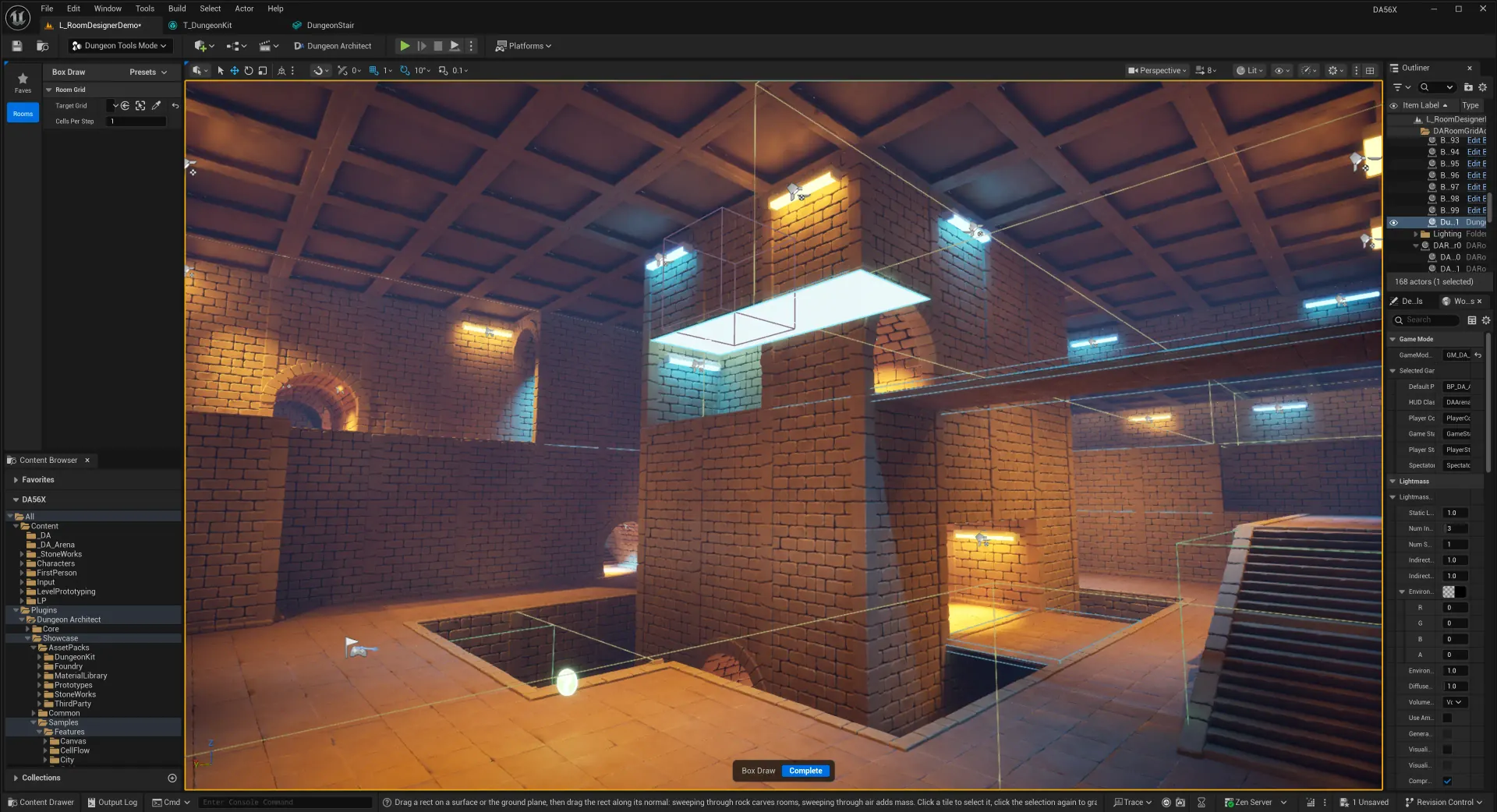
Blockout Designer shaping a themed dungeon room with box volumes in the Unreal editor ▶ ▶ WATCH THE PREVIEW
01
Draw boxes — add mass or carve space
02
Sweep lines into floors & walls
03
Pull ramps & pillars from surfaces
04
Apply any theme — it dresses itself
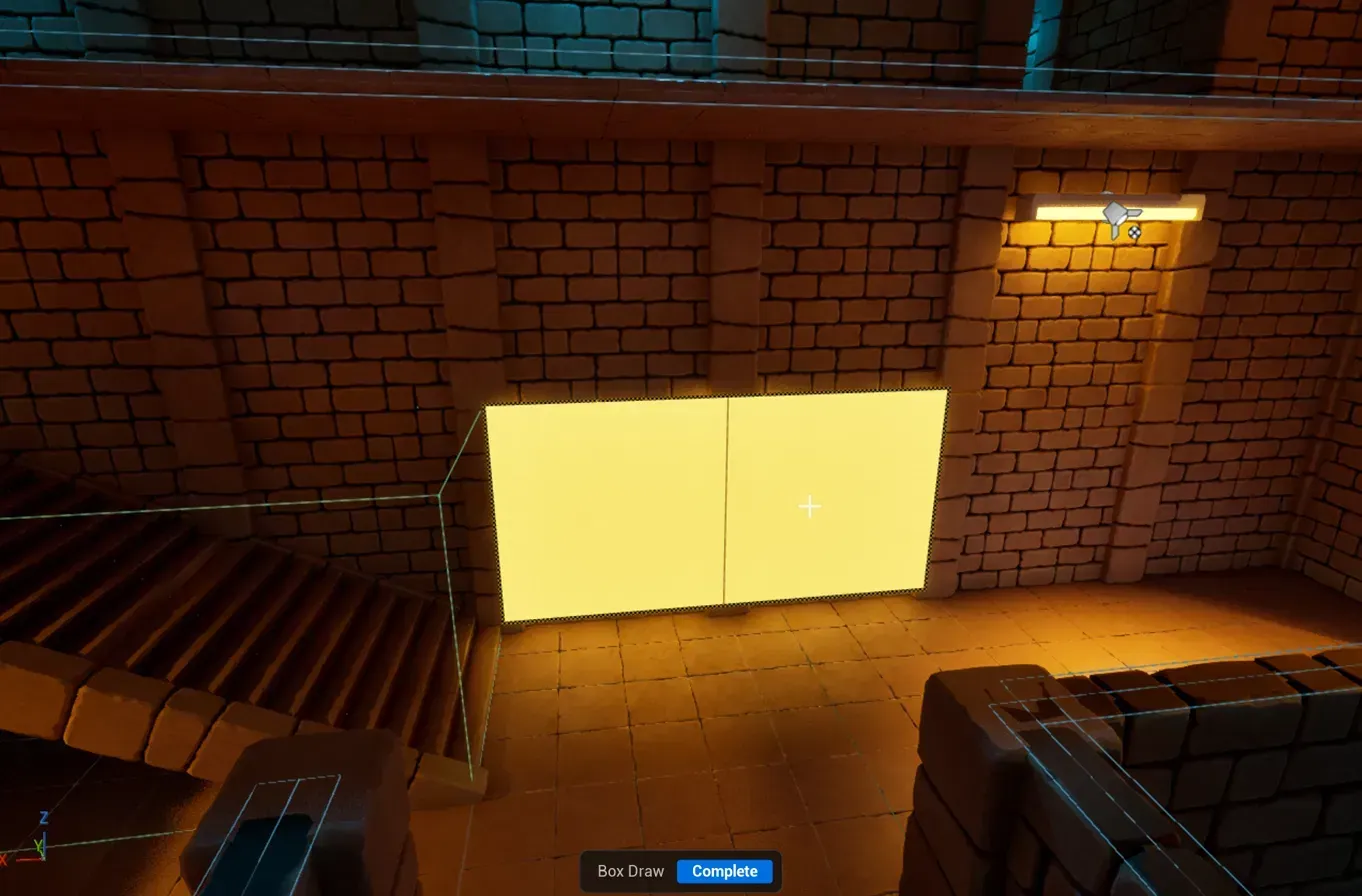
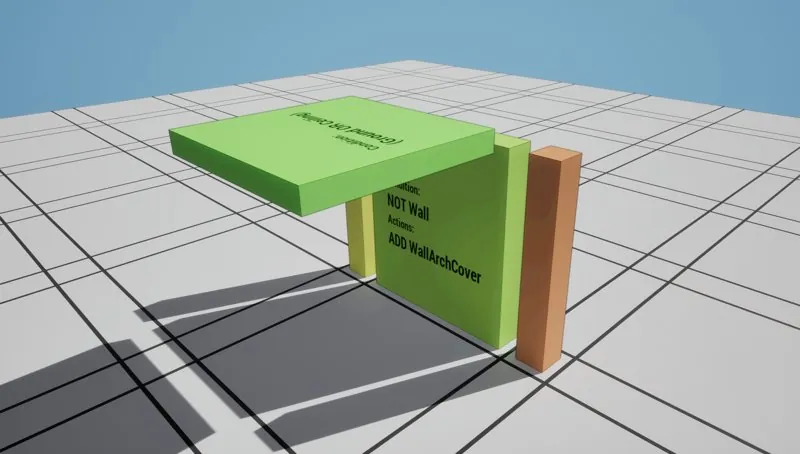
Drawing a rectangle on a dungeon wall with the Box Draw tool
01 · DRAW A RECT ON A SURFACE
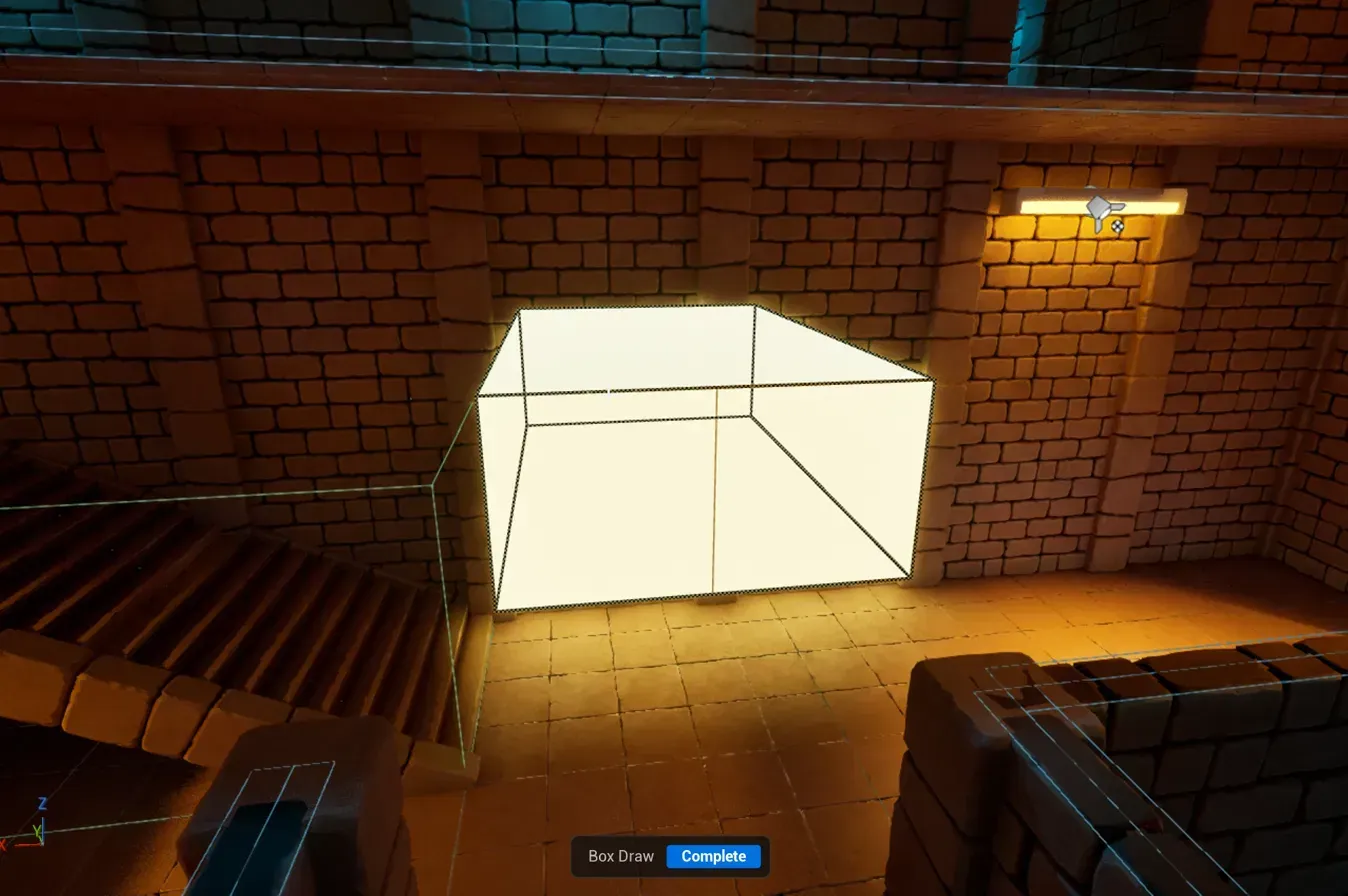
The rectangle swept out into a glowing box volume
02 · SWEEP IT INTO A VOLUME
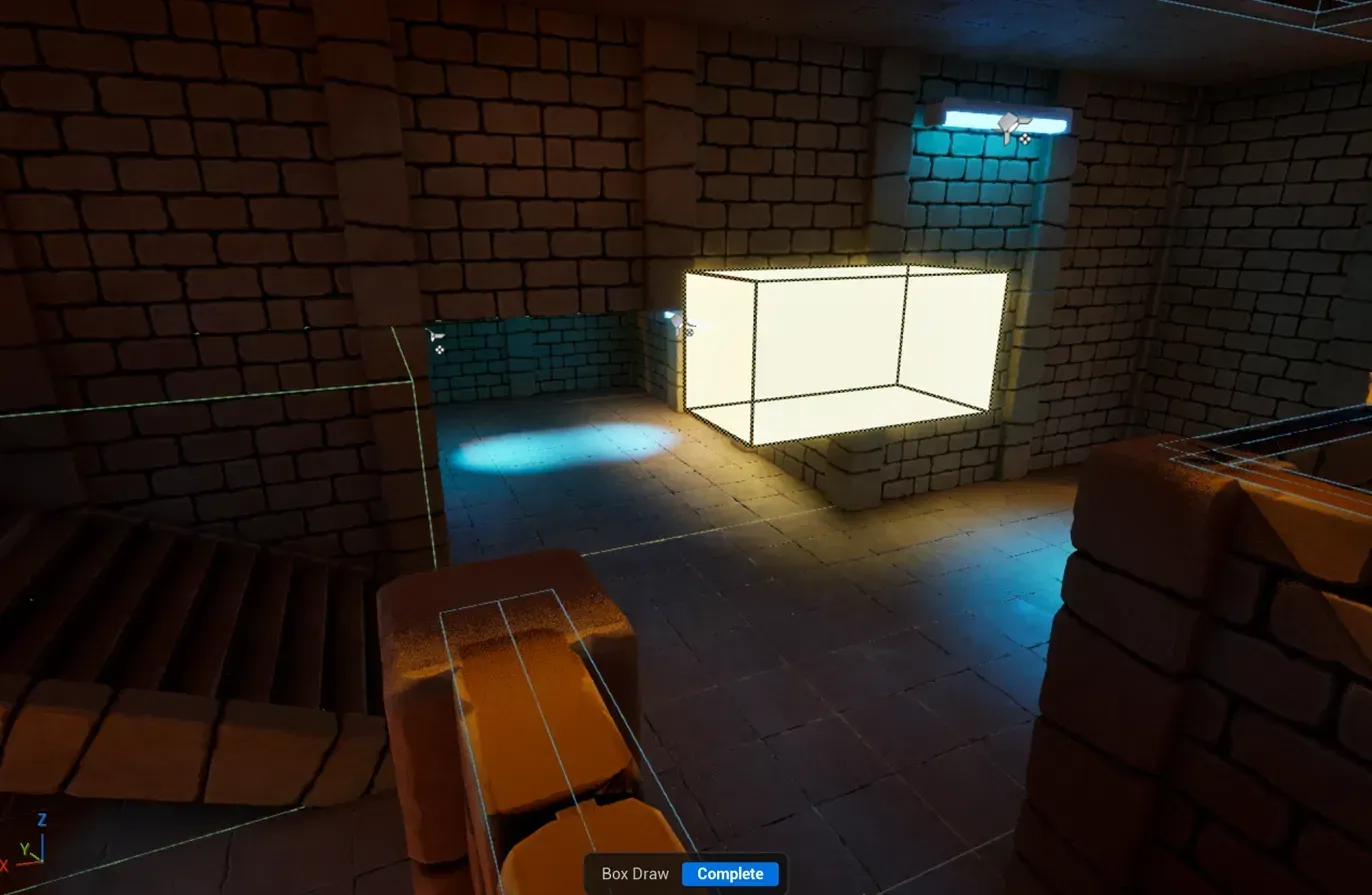
The box volume carving an opening through the wall, seen from the next room
03 · CARVED THROUGH THE WALL
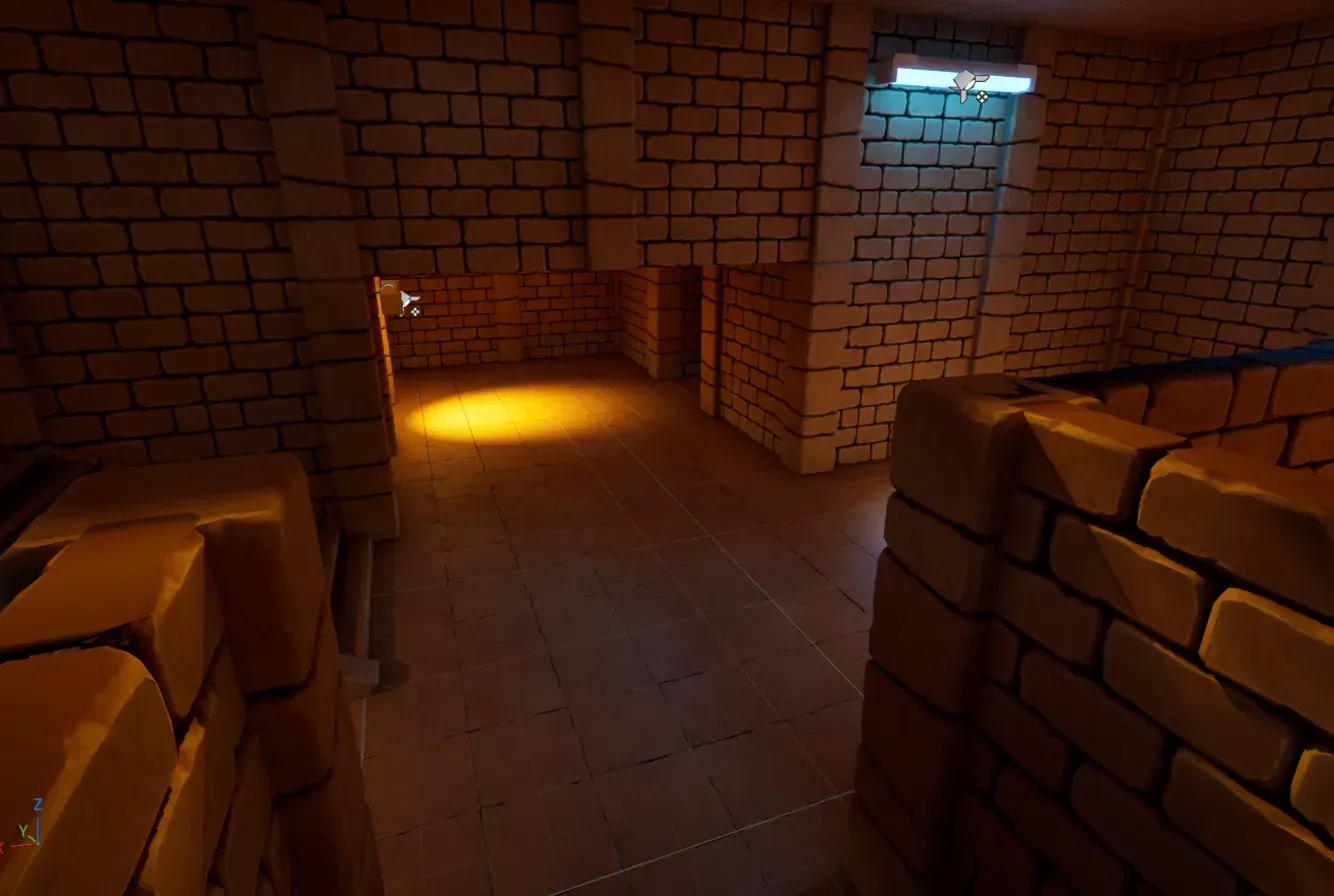
The finished passage, fully dressed by the theme
04 · THEME DRESSES THE RESULT
▶ watch the preview → how blockout rooms become levels (docs) →
NEW IN 3.7

What's new.

Hand craft your levels with the new Blockout Designer, design patterns in full 3D and dress your rooms with PCG. Our biggest update since 3.0.

Blockout Designer in Dungeon Architect
BLOCKOUT
Blockout DesignerNEW

A grey boxing toolset for hand crafting levels on a grid. Draw the space, and your themes dress it up.

▶ watch the preview
Pattern Matcher 3D in Dungeon Architect
PATTERN MATCHER
Pattern Matcher 3DNEW

Define your patterns in full 3D space. Backward compatible with the 2D version.

Blockout Rooms on the Minimap in Dungeon Architect
CANVAS
Blockout Rooms on the MinimapNEW

The blockout room shape is used directly in the minimap.

+15
more in this release
  • ■PCG Integration
  • ■Thick Doors
  • ■Arena FPS Sample
  • ■Multiplayer Style Layouts
  • ■Cables and Carpets
  • ■Faster Generation
See all 18 features →
GPU VOXEL ENGINE · NEW

Organic worlds, carved on the GPU.

The same flow graphs that lay out your dungeons now drive compute shaders. Take a blocky mesh layout and re-carve it as a living cave — stalactites, overhangs, floating islands — with full Nanite and Lumen support.

■ Same layout logic, new geometry ■ Nanite + Lumen, one click ■ Runtime navigation supported ■ Decorated by native PCG integration — custom DA nodes included
watch: voxels, carve volumes & noise explained →
SHIPPING IN UNREAL TODAY · UNITY PORT IN PROGRESS
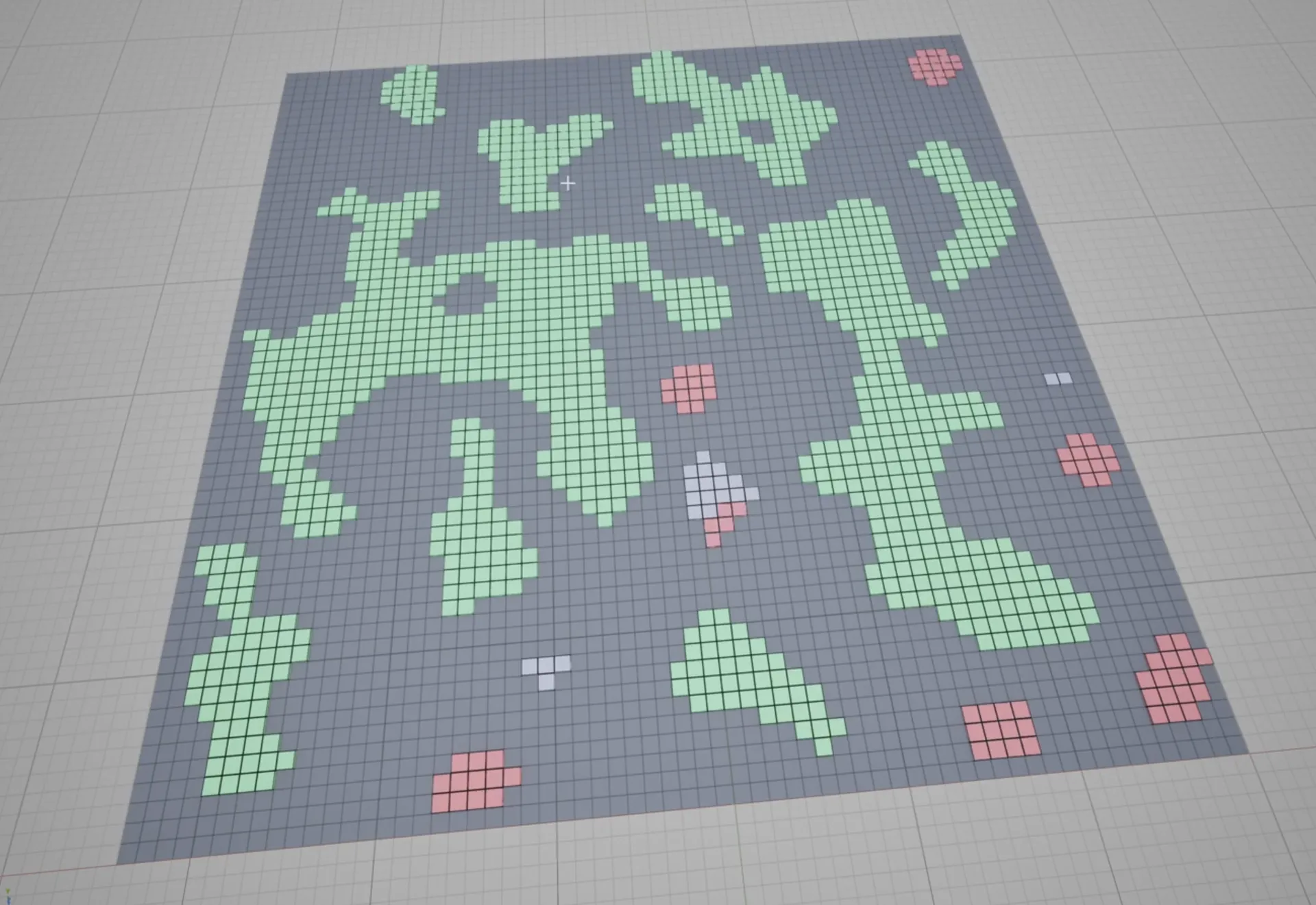
Mesh-based layout, before voxel carving
BEFORE · GRID MESH LAYOUT
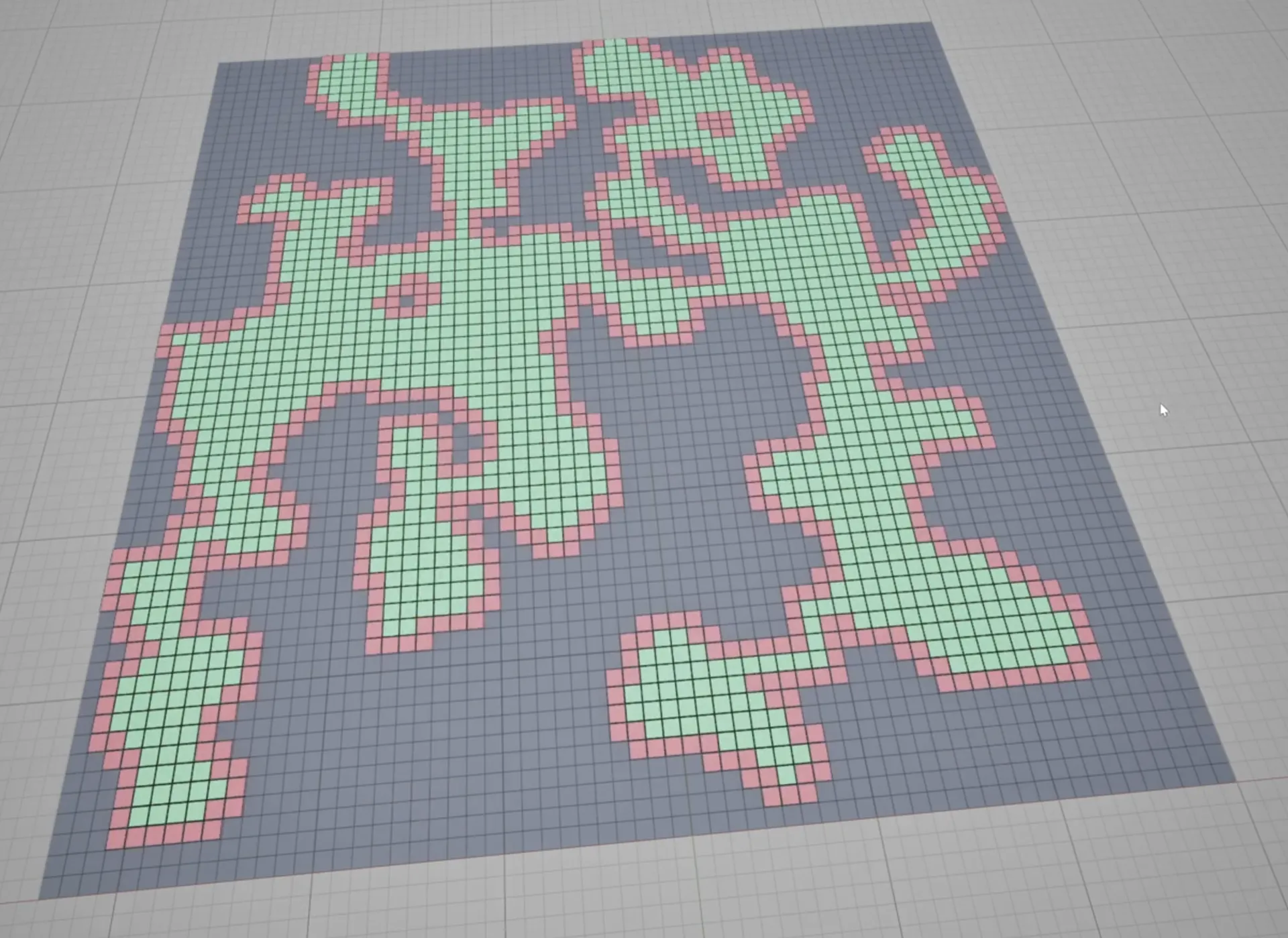
The same layout carved as a voxel cave
AFTER · SAME GRID LAYOUT, VOXEL CAVE
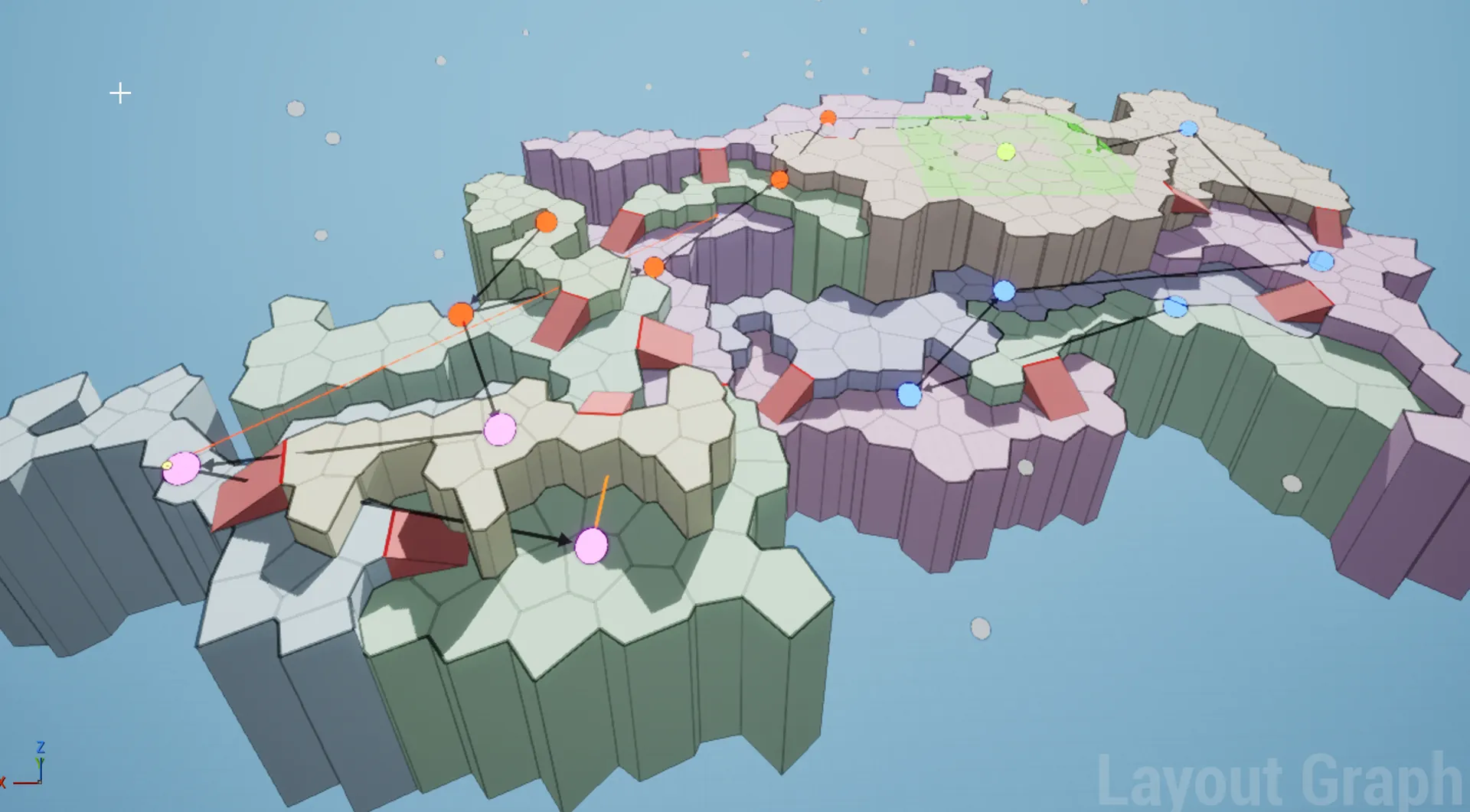
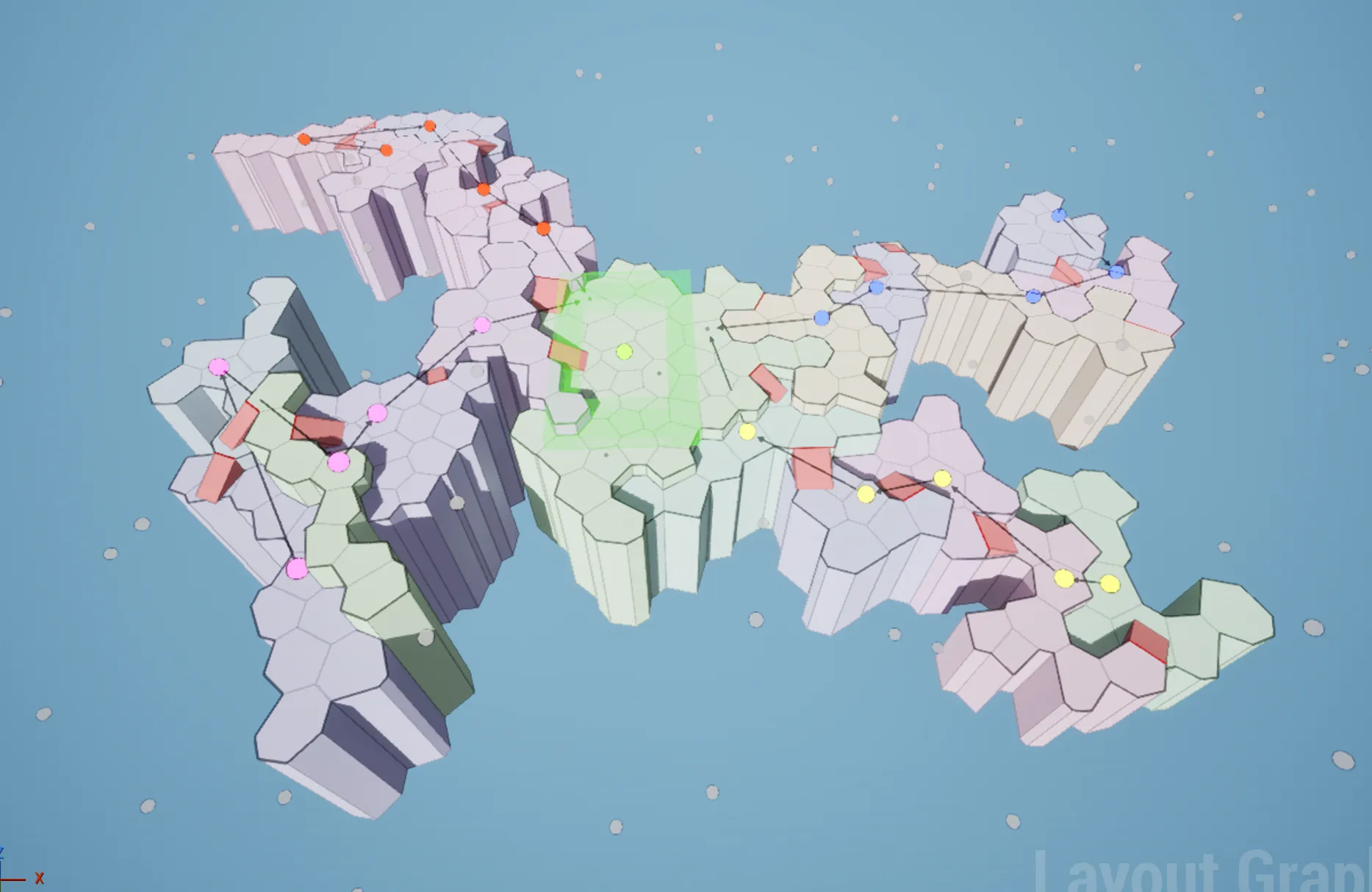
Blocky voronoi layout graph
BEFORE · VORONOI LAYOUT
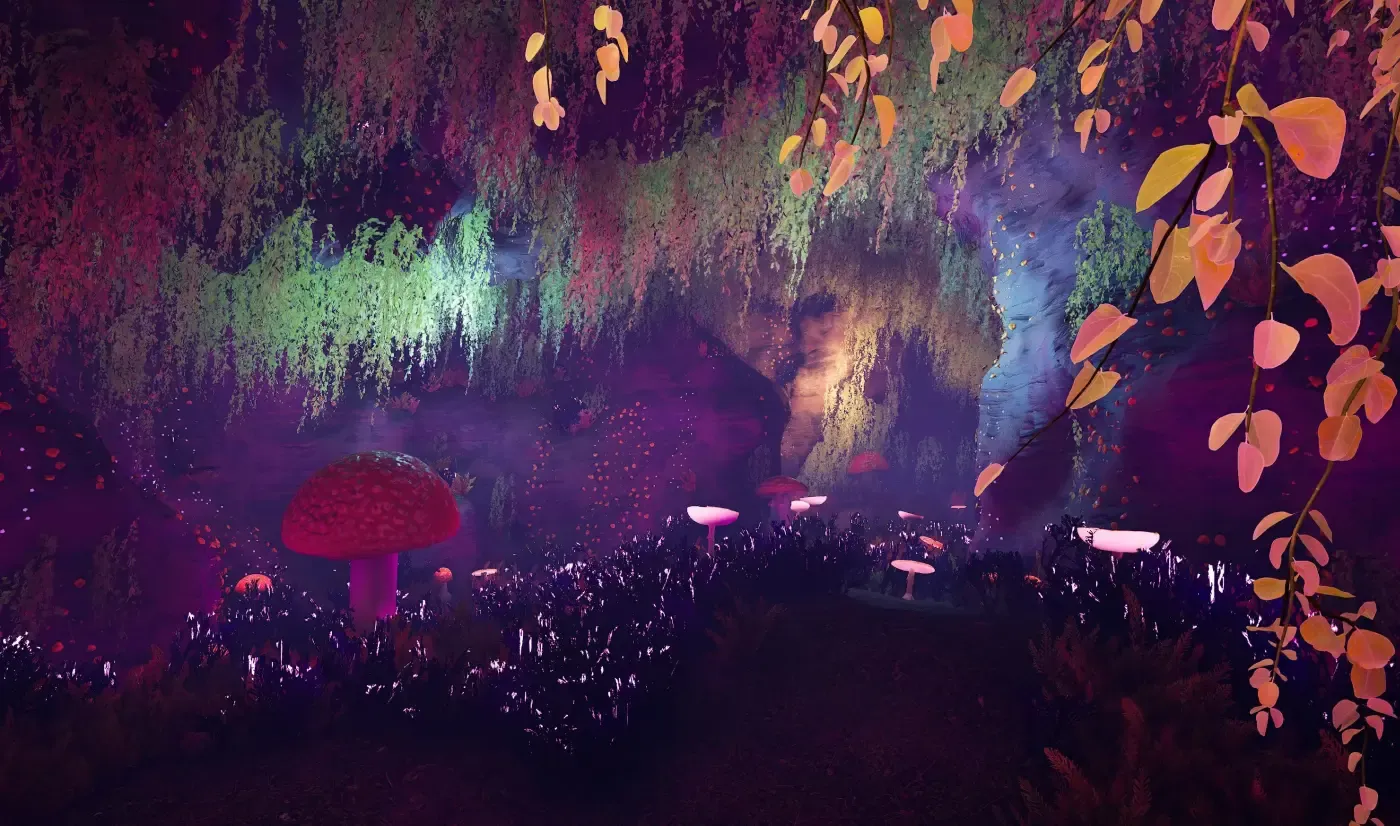
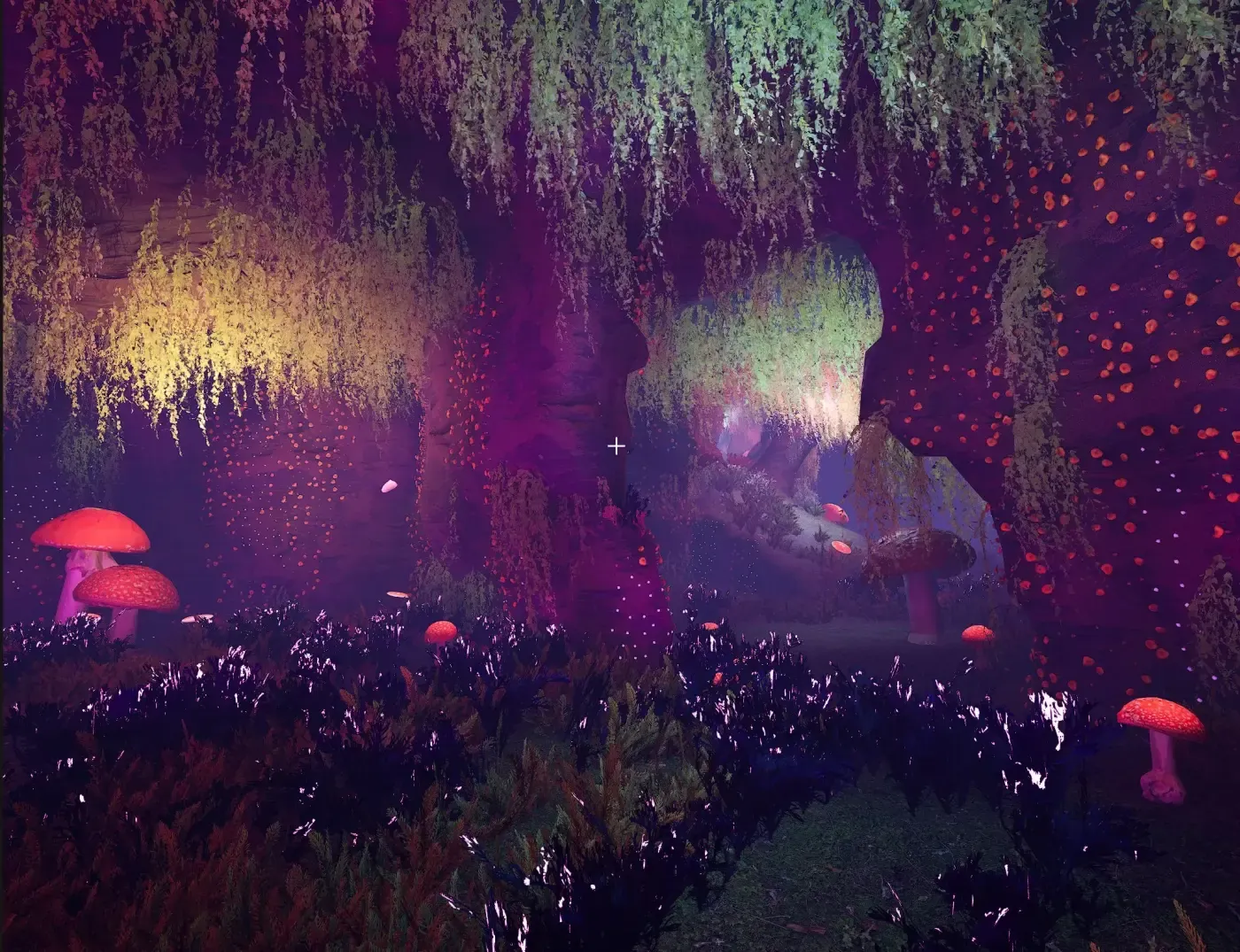
The same voronoi layout carved as a natural mushroom cave
AFTER · A NATURAL CAVE
Mushroom voxel cave MUSHROOM CAVE
Ice voxel cave ICE CAVERN
Mountain voxel cave MOUNTAIN CAVE
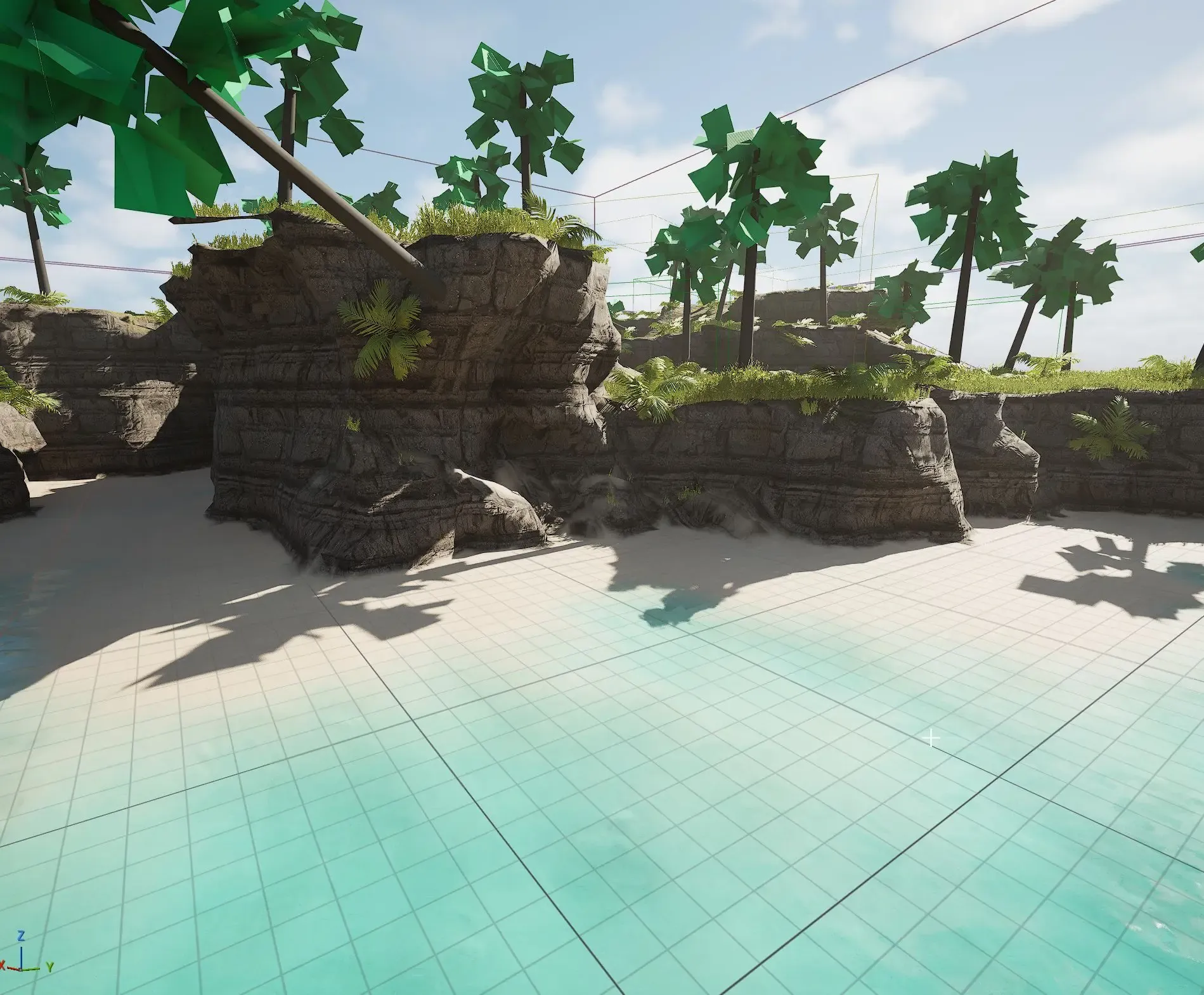
Generated voxel island in the editorVOXEL ISLAND · IN THE EDITOR
Underwater approach to a generated island VOXEL ISLANDS · SAME ENGINE, ABOVE AND BELOW WATER
Carve it your way

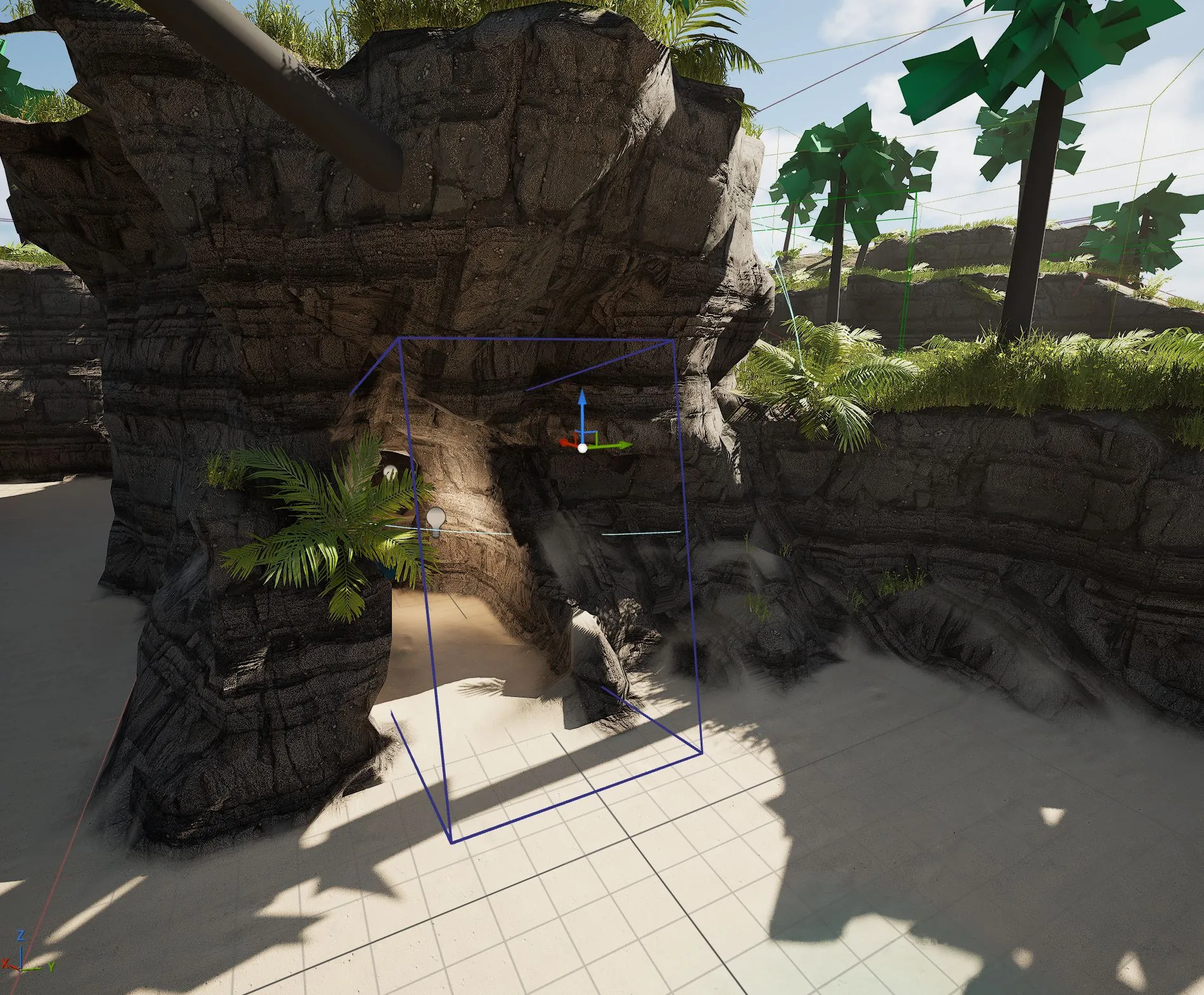
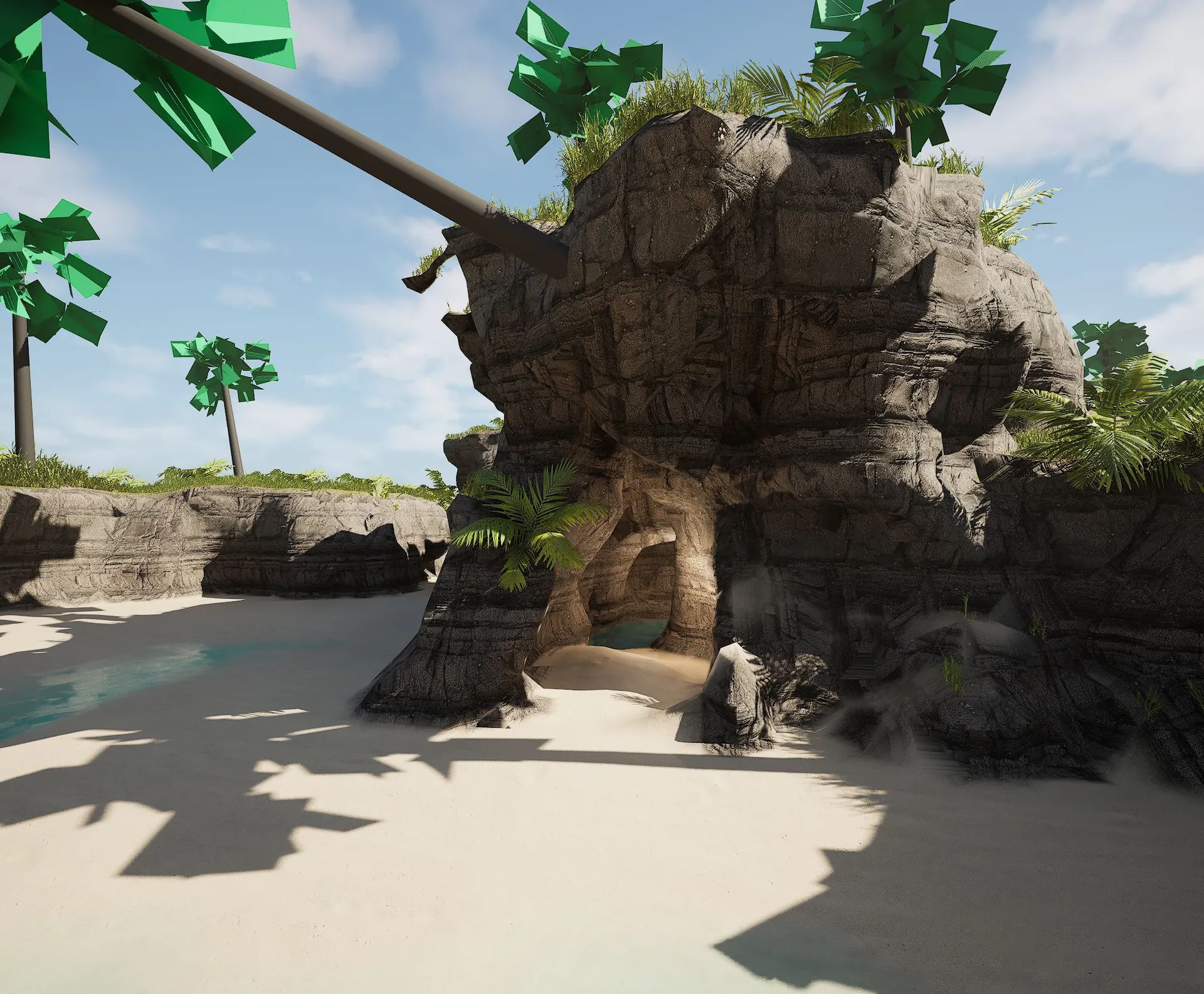
Influence the generated voxels with volumes: drop one into the level and carve your own rooms, ramps and passages straight into the terrain — here, a cave cut through an island's rock face.

A carve volume placed against the island rock in the editor 01 · PLACE A CARVE VOLUME
The carved cave entrance in the island mountain 02 · THE ROCK OPENS UP
Inside the carved cave — an underground pool 03 · A CAVE INSIDE THE ISLAND
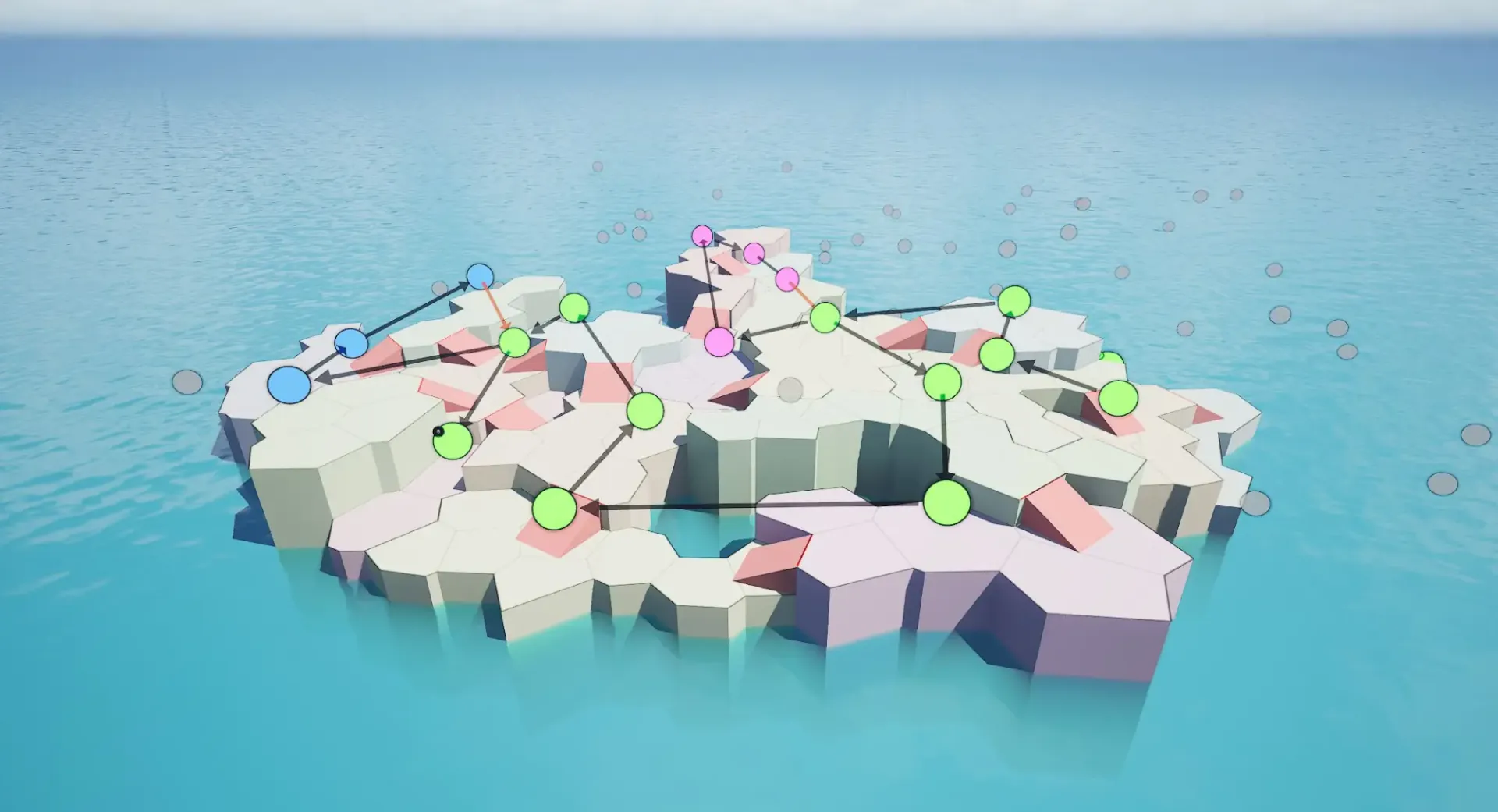
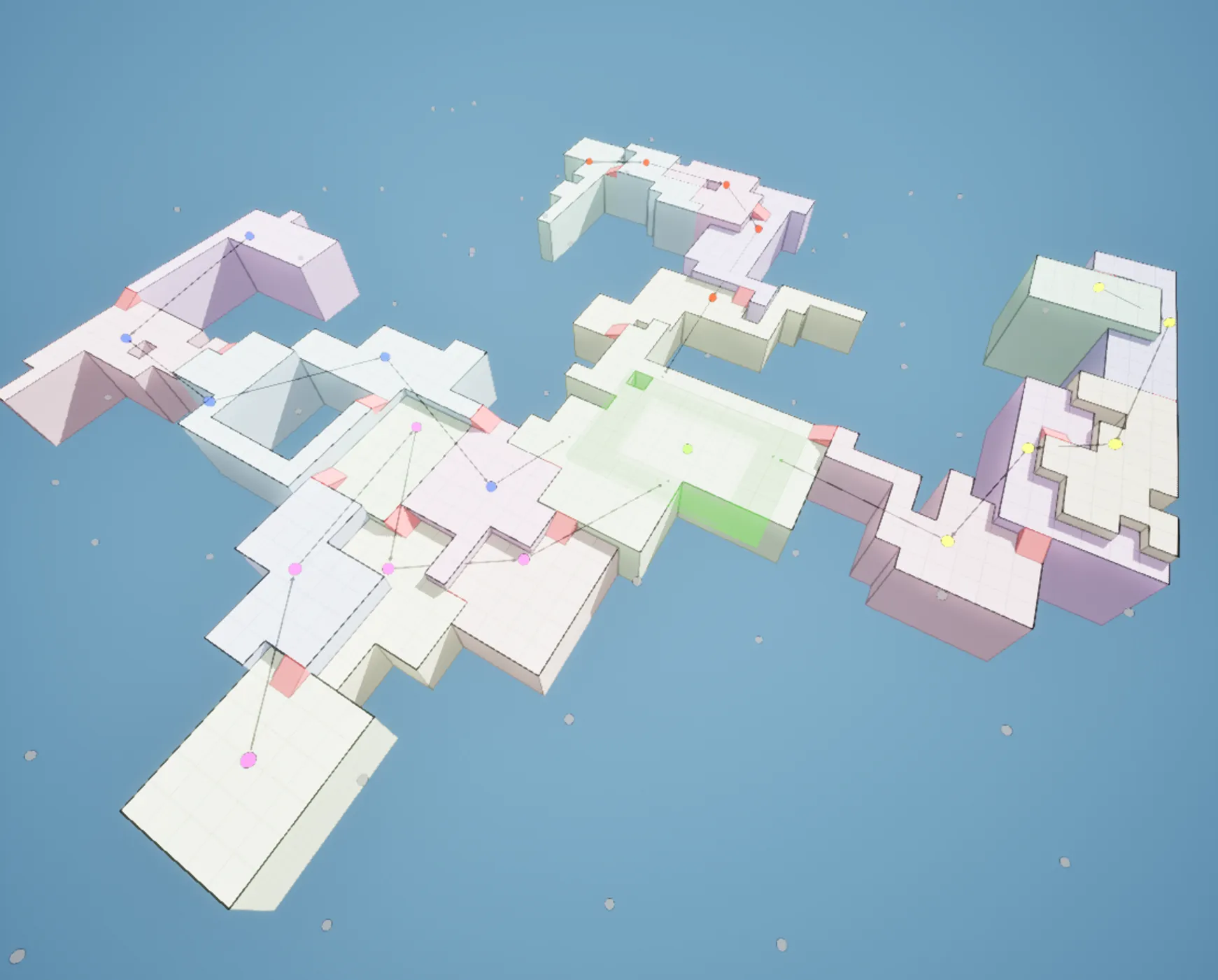
Four team paths converging on a shared center in a Cell Flow voronoi layout graph
FOUR TEAM PATHS · ONE CONTESTED CENTER · ON VORONOI
The same flow graph realized on a grid layout
THE SAME GRAPH · ON A GRID
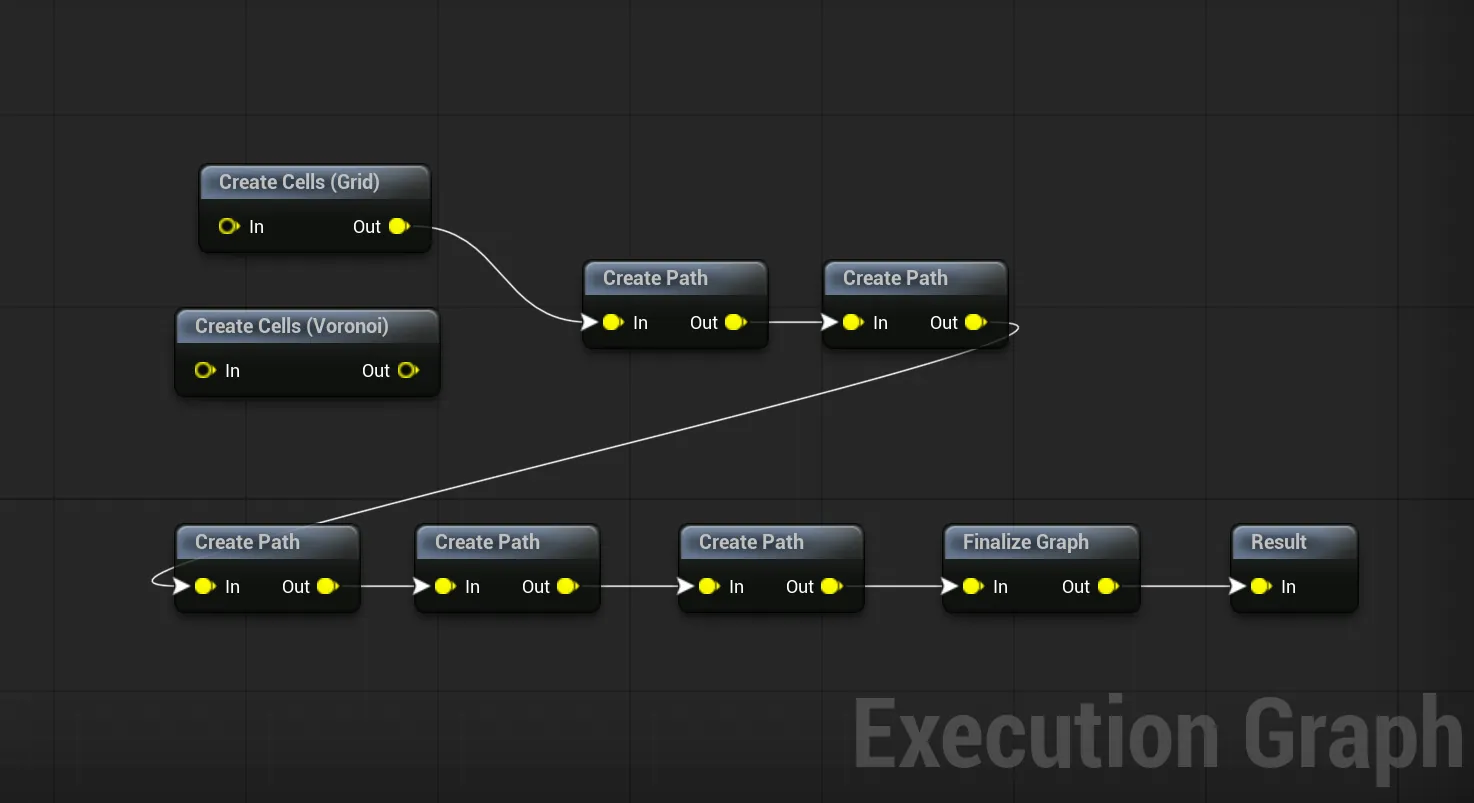
Flow graph — swap Create Cells Grid for Create Cells Voronoi, the rest is unchanged
ONLY THE FIRST NODE CHANGES
THE FLOW FRAMEWORK

One graph. Every builder.


Grid Flow, Cell Flow and Snap Grid Flow all run on the same abstract flow graph. Swap the first node — a grid or a voronoi field — and everything downstream works unchanged: paths, cycles, key-locks, validation. The final step hands the solved layout to the builder to realize its own way — tilemaps, stitched rooms, voronoi caves.

■ Learn the nodes once, reuse them everywhere ■ The Foundry shots: Cell Flow on a grid ■ The caves: the same graph on voronoi
GENERATION METHODS

A builder for every game. One workflow.

Every builder feeds the same theme engine — learn the workflow once, use whichever generator fits your game.

Grid Flow editor
Grid Flow

Node-driven paths on a tilemap — cycles, key-locks, item placement.

Snap Map stitching rooms via graph grammar
Snap Map

Stitches your hand-built rooms with graph-grammar rules.

Stone castle corridor stitched by Snap Grid Flow
Snap Grid Flow

Hand-built rooms on a 3D flow graph — multi-floor, streaming, multiplayer.

Procedural city
SGF City

Snap Grid Flow, used creatively: stitch procedural city blocks with the flow graph — or race tracks, space stations, mines, sewers.

Cell Flow grid layout with meshes overlaid — offshore rig interior
Cell Flow (Grid)NEW

The same cell layouts on a grid — rooms, corridors and multi-floor structures like the Foundry and the rig.

Cell Flow voronoi layout
Cell Flow (Voronoi)NEW

Voronoi layouts for organic, non-grid dungeons with dynamic height.

GPU voxel ice cave
GPU VoxelsNEW

Organic caves and floating islands, carved by compute shaders.

Blockout Designer — drawing box volumes to shape a themed dungeon room in the editor
Blockout DesignerNEW

Place add and subtract boolean volumes to build rooms of complex design, fast.

THE TOOLSET

Eleven years of tooling under the hood.

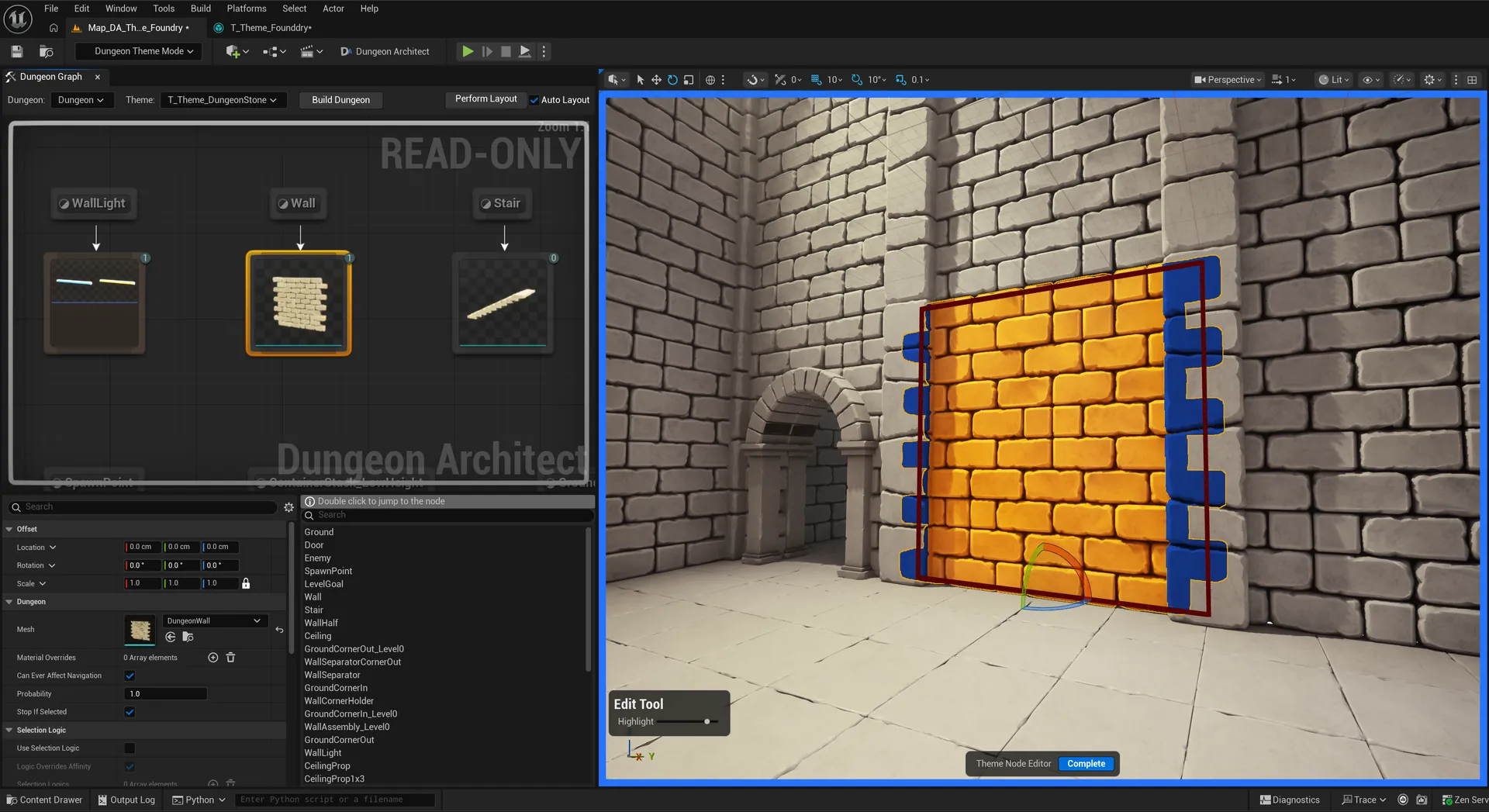
NEW · DUNGEON THEME MODE
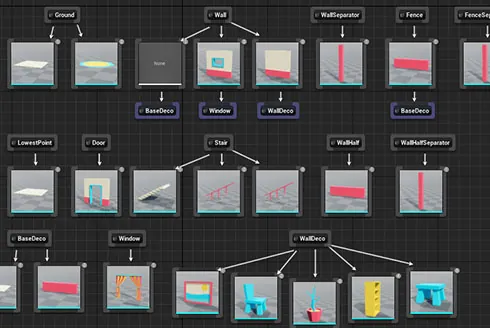
Theme it in the viewport

Drop a wall mesh into the level and every wall in the dungeon gets it, instantly. Rotate it, nudge it, stack a decoration on top — the whole dungeon updates as you move. Layer in a few more meshes and a bare layout becomes a finished level in minutes, not days.

watch: a themed level, played live →
Dungeon Theme Mode — editing a wall mesh directly in the viewport, every wall updates live
Theme engine node graph
Theme Engine

The node graph behind it all: meshes, blueprints, lights and NPCs dropped in by rule, with live preview as you edit. Swap the theme file — same dungeon, different game.

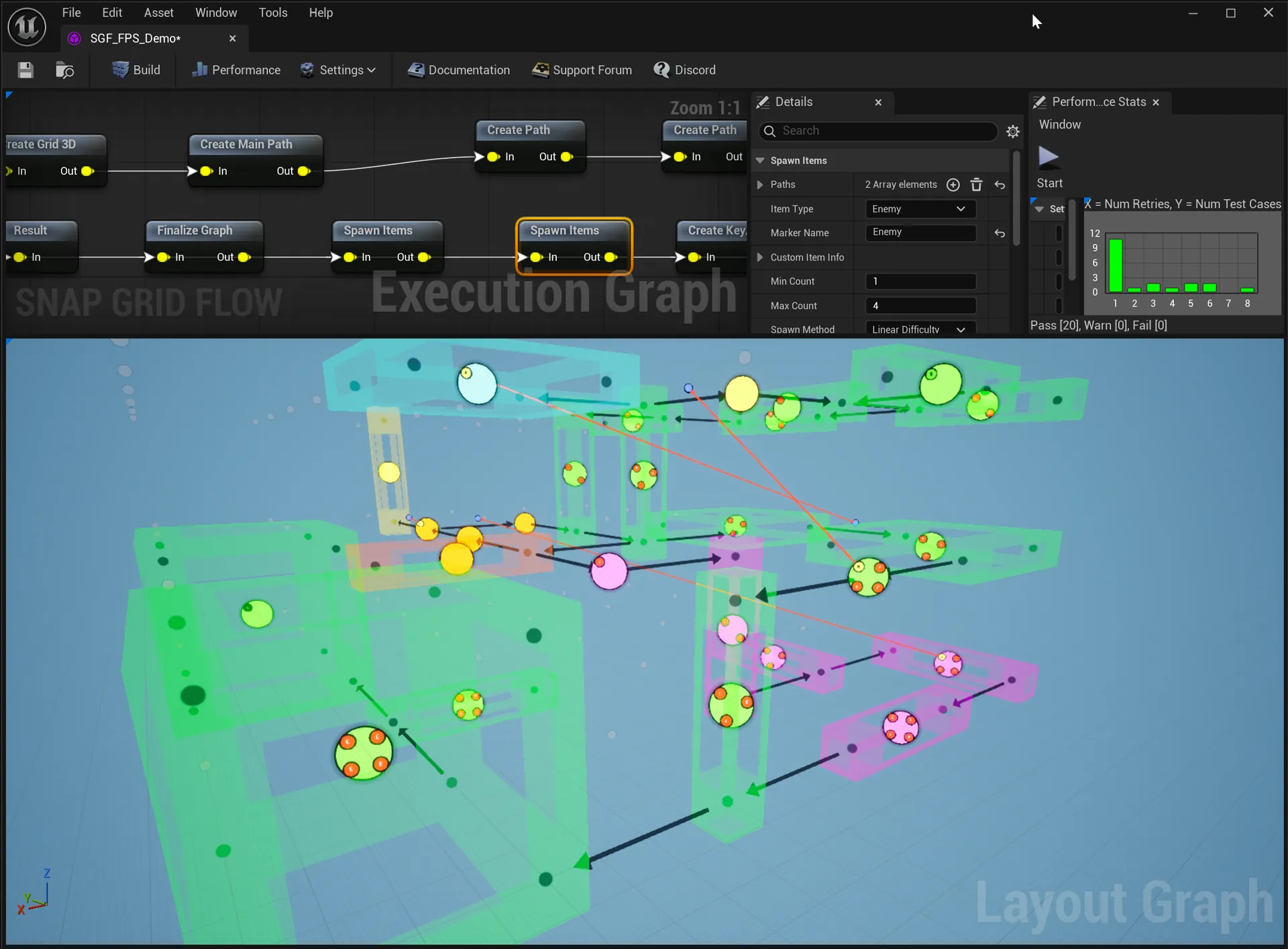
Snap Grid Flow editor — execution graph and 3D layout graph
Room Stitching

Hand-crafted rooms, procedurally assembled — the human touch, multiplied by the generator. Craft modules in the Blockout Designer or bring your own — Snap Map stitches them via graph-grammar rules, Snap Grid Flow via 3D flow graphs: cycles, branches, key-locks, multi-floor, streaming, multiplayer.


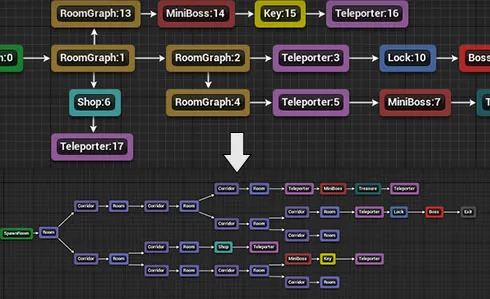
Graph grammar rewriting a mission graph into a room layout
Graph Grammar

Write layout rules as graph rewrites — match a pattern, replace it, grow the mission graph: shops, key-locks, mini-bosses, teleporters. The solved graph then stitches your pre-built rooms into the level — the mission-graph structure modern roguelikes are built on, with an integrated editor to design, visualize and debug the rules.

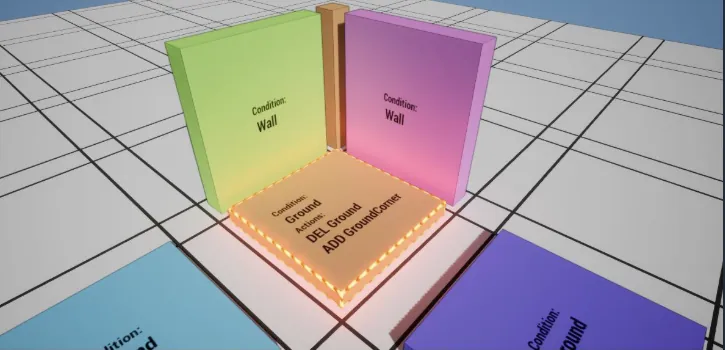
Pattern matcher rules
Pattern Matcher

Decorate by rule, not by hand: match patterns of walls, doors and grounds — a corner, an alcove, a dead end — and rewrite what spawns there. Complex theming that survives every regeneration.

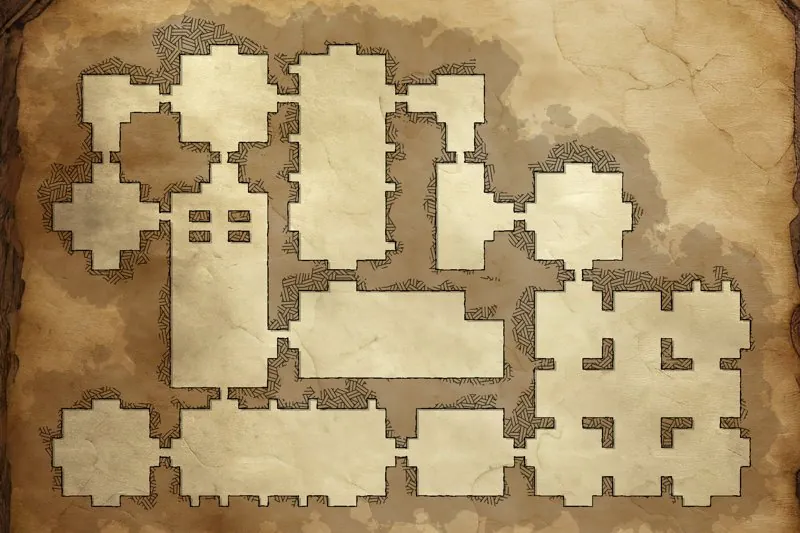
Canvas Minimap — parchment-styled dungeon map with SDF layer effects
Canvas Minimap

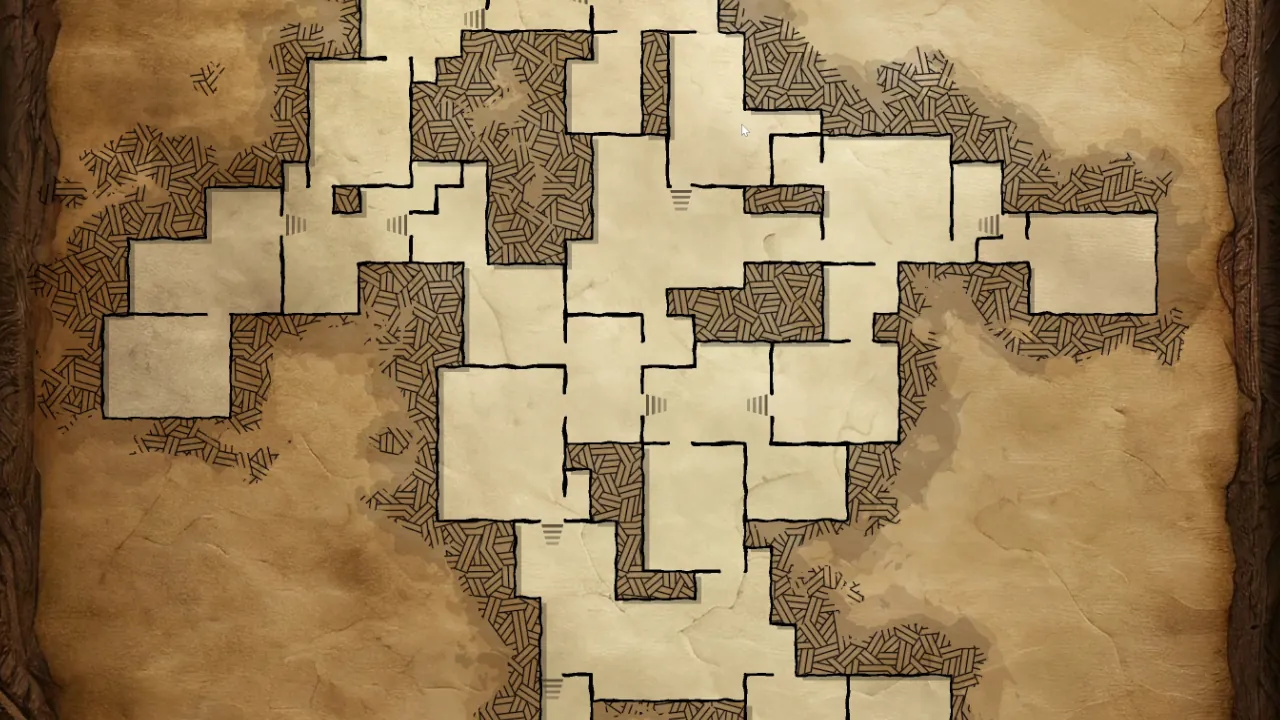
A minimap framework with its own theme editor: stack SDF-driven layers — outlines, borders, fills, fog of war. Parchment scroll or sci-fi HUD, same dungeon underneath. Ships as an interactive UMG widget with zoom and pan.

Performance Analyzer retry distribution
Performance Analyzer

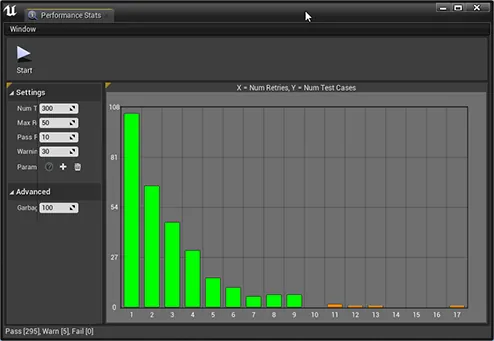
Generate thousands of test dungeons from your graph, chart the retry distribution, and fix designs that don't converge — before your players ever see them. Override any graph parameter from the analyzer window to test tweaks without touching the base design.

REWRITE ENGINE · R&D

Grow levels from rewrite rules.

An experiment in growing layouts from rewrite rules, step by step: a heavily extended take on the MarkovJunior approach. Rooms claim space, corridors find their way, and borders seal themselves. One of the ways we’re exploring new kinds of procedural generation.

The rewrite engine growing a dungeon layout, step by step
Rewrite engine rooms and corridors
Rewrite engine organic growth
Rewrite engine sealed borders
GAME SAMPLES

Playable from day one.

Complete game demos ship with the plugin: an arena shooter, a multi-floor FPS with key-locks, a side-scroller, and multiplayer with a lobby. All one click away in the Launch Pad.

BUILT WITH DUNGEON ARCHITECT IN EPIC’S LYRA · TWO TEAMS OF BOTS
LAUNCH PAD

One window. Everything.

Browse every sample, theme and tech demo from inside the editor. Clone one without touching the original and use it as a pre-built starting point for your own level.

■ Production-ready themes with bundled art kits ■ Clone as a template, keep the original pristine ■ Docs, videos and changelog, in the same place
The Dungeon Architect 3.7 Launch Pad: the 3.7 banner, and featured samples including Gothic Vampire Castle, Foundry and Voxel Ice Cave, each one click to clone

Eleven years. 123 releases.
Still shipping.

21,000+ DEVELOPERS FIRST RELEASE · AUG 2015 LATEST · OCT 2026 ~1 RELEASE EVERY 4 WEEKS UNITY AWARDS 2016 WINNER 3,000+ DEVS ON DISCORD
“Within 5 minutes I had my modular pieces plugged in and a functional dungeon generated from my custom theme. Saving me HUNDREDS of hours putting together modular pieces by hand.”
KRIKOM · UNREAL MARKETPLACE REVIEW
“This plugin is very solid. The documentation is some of the best I have seen — both video and text. Everything is very well thought out. I can see how new features and functionality are regularly added.”
WOOLF · UNREAL MARKETPLACE REVIEW
“This plugin has years of development into it, and to this day is constantly getting new features. DA allows me to do things I would never be able to do myself, and will be allowing me to ship my first serious project.”
RICFLOUSE · UNREAL MARKETPLACE REVIEW
Start building.
One license. Free lifetime updates. Full source code.
21,000+ DEVS · 11 YEARS · UNREAL & UNITY
Get it on Fab Unity Asset Store
FOLLOW ALONG ▶ Subscribe on YouTube ♥ Wishlist on Fab ■ Watch the tutorials