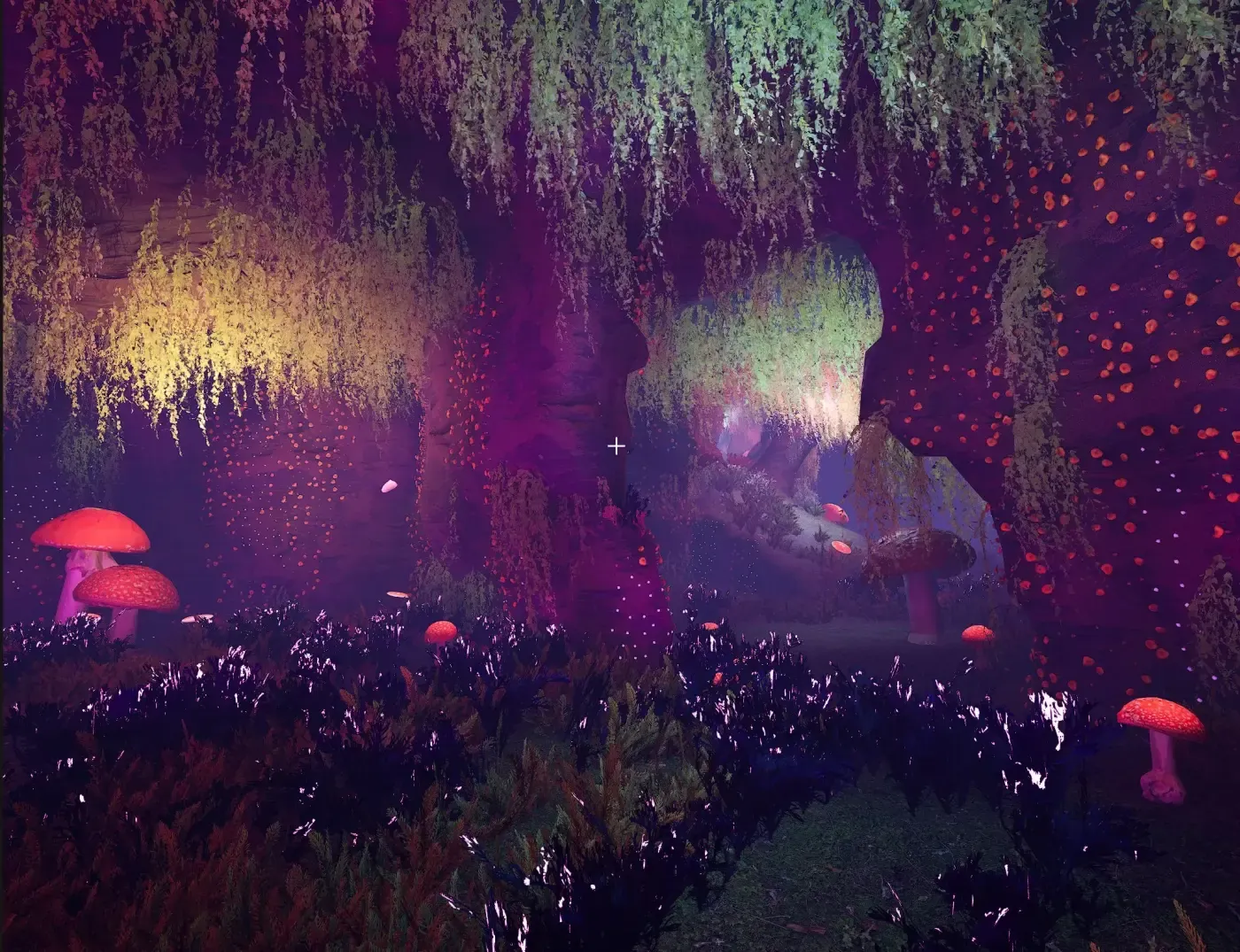
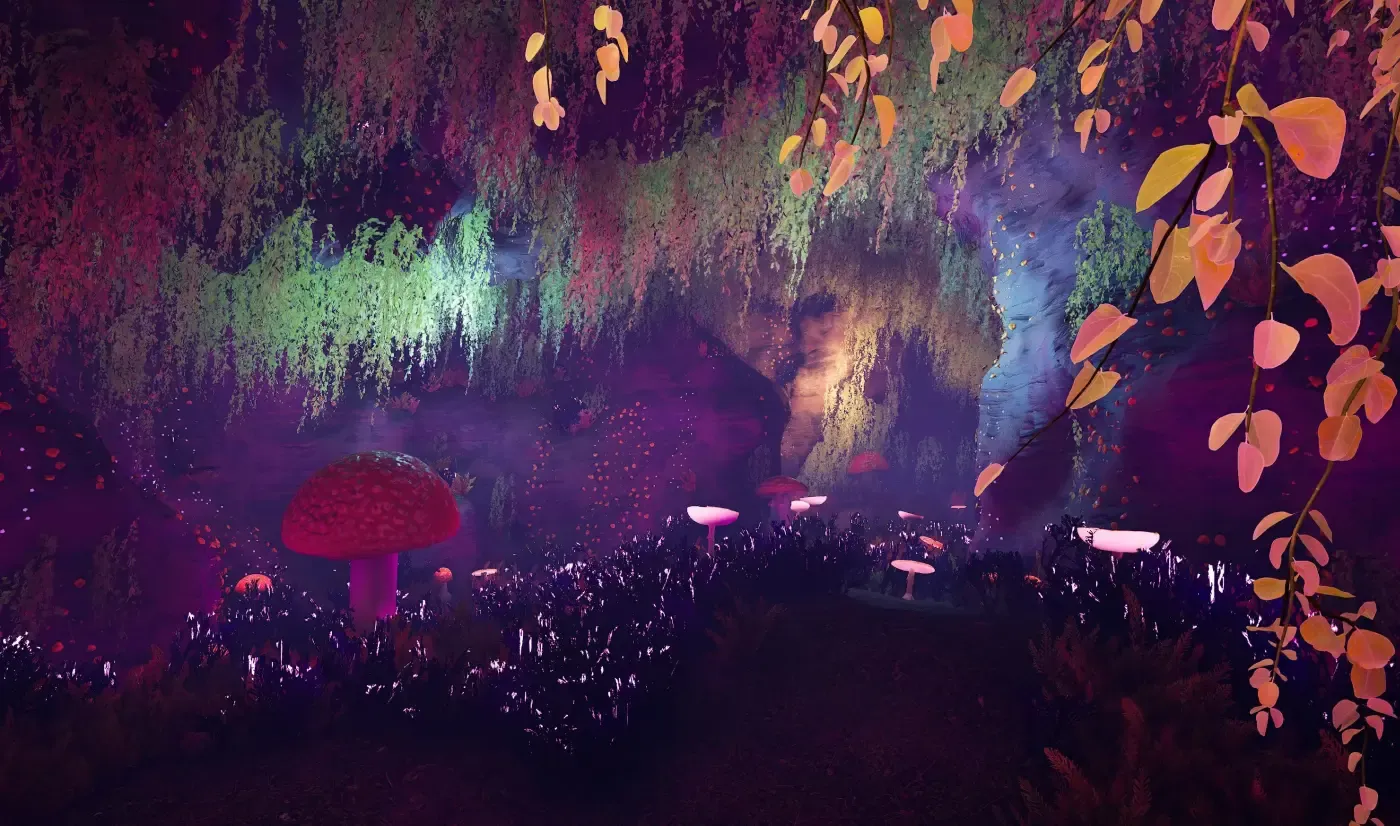
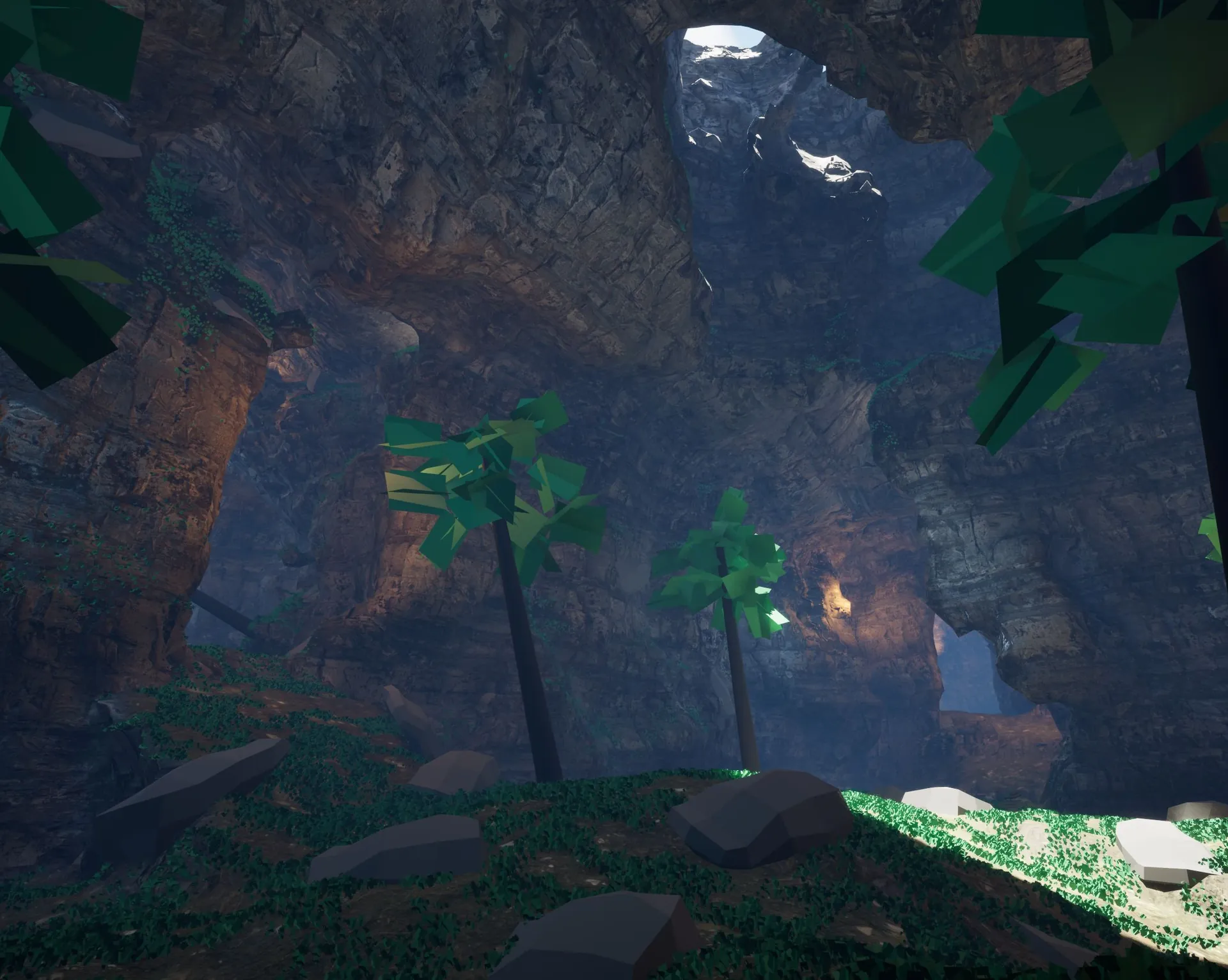
Dungeon Architect generates procedural caves in Unreal Engine by carving a builder's layout out of a solid voxel world on the GPU, then meshing the result with full Nanite and Lumen support. The same flow graph that lays out a dungeon decides where the caverns and tunnels go, noise makes the rock organic, and volumes let you carve rooms, ramps and passages by hand. It also builds islands and floating islands.
MUSHROOM CAVE · GPU VOXELS + NANITE
How it works
The voxel workflow carves your dungeon out of a solid voxel world instead of assembling it from modular meshes. The layout your builder generates cuts caves, islands and tunnels out of a density field, computed by GPU compute shaders, which is then meshed into geometry with Nanite and Lumen.
It’s configured on the Dungeon actor, not the builder, so it works alongside whichever builder you use. It’s most often paired with Cell Flow, whose organic cell shapes suit carved geometry better than a tile grid. Tick Carve Voxels, then pick a world:
SDF model
World
Cave
An underground cave system, with optional holes punched through the ceiling
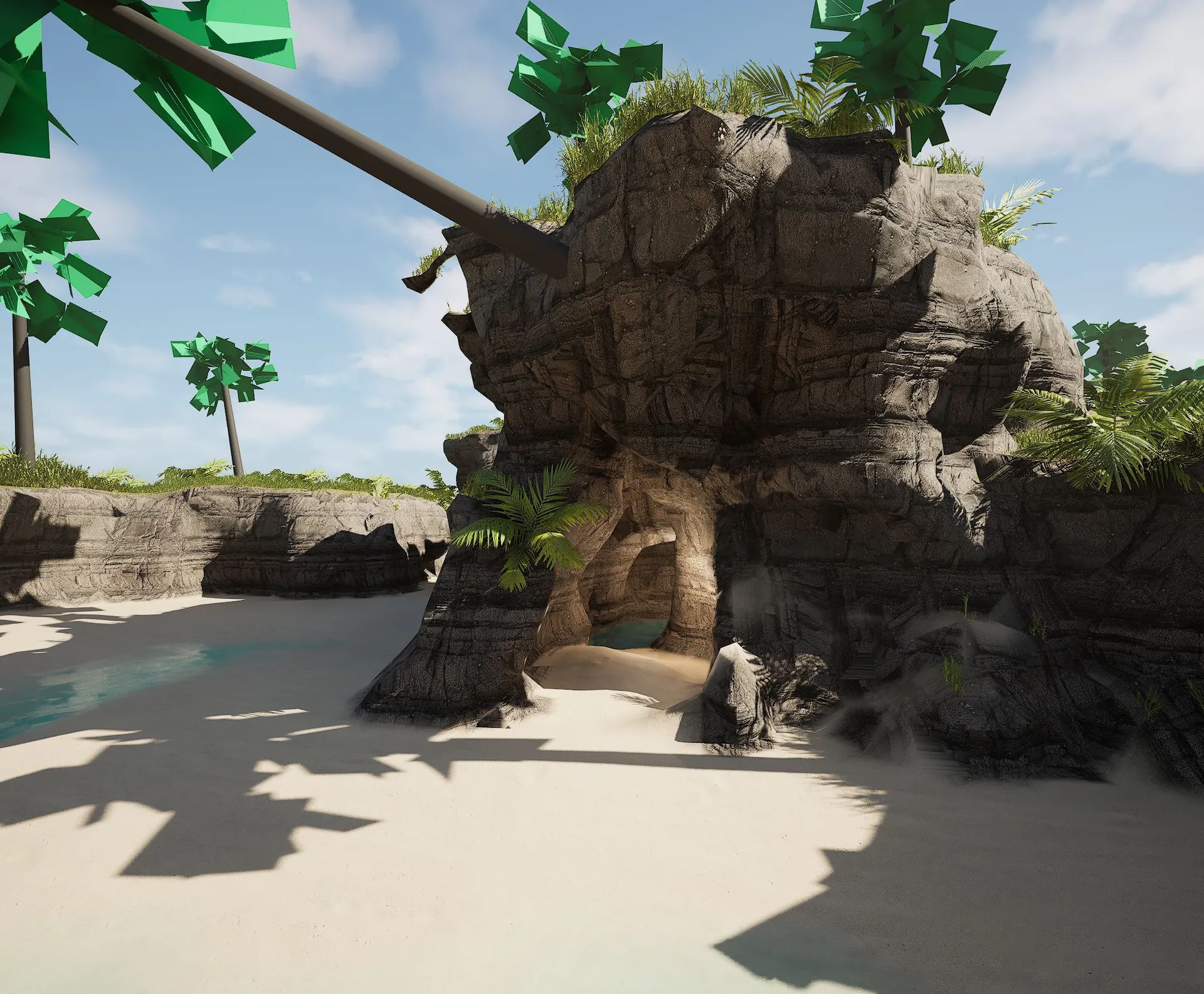
Island
An island sitting in water, with a shoreline that slopes away from the land
Floating Island
An island floating in the air, tapering to a tip below it
Same layout logic, new geometry
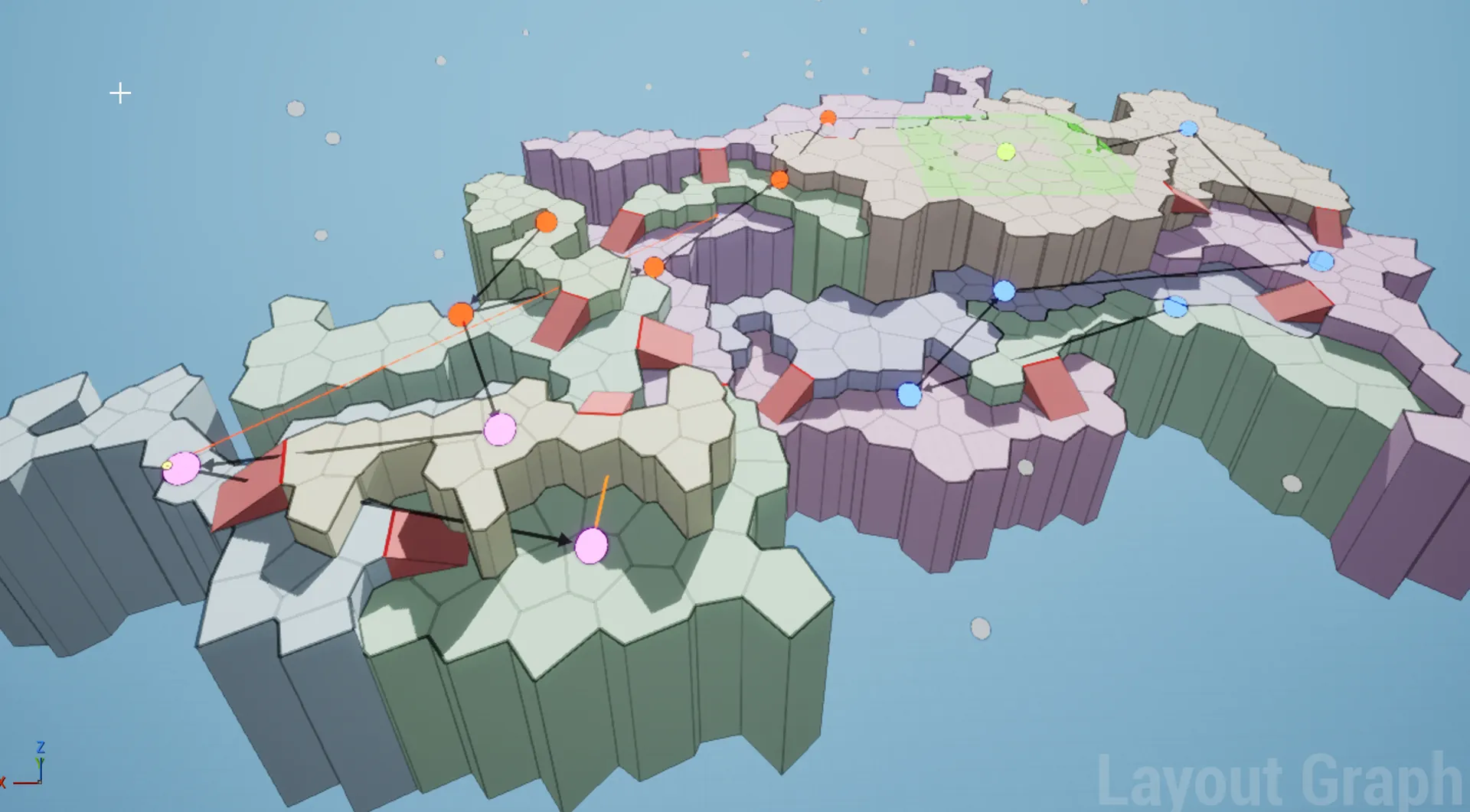
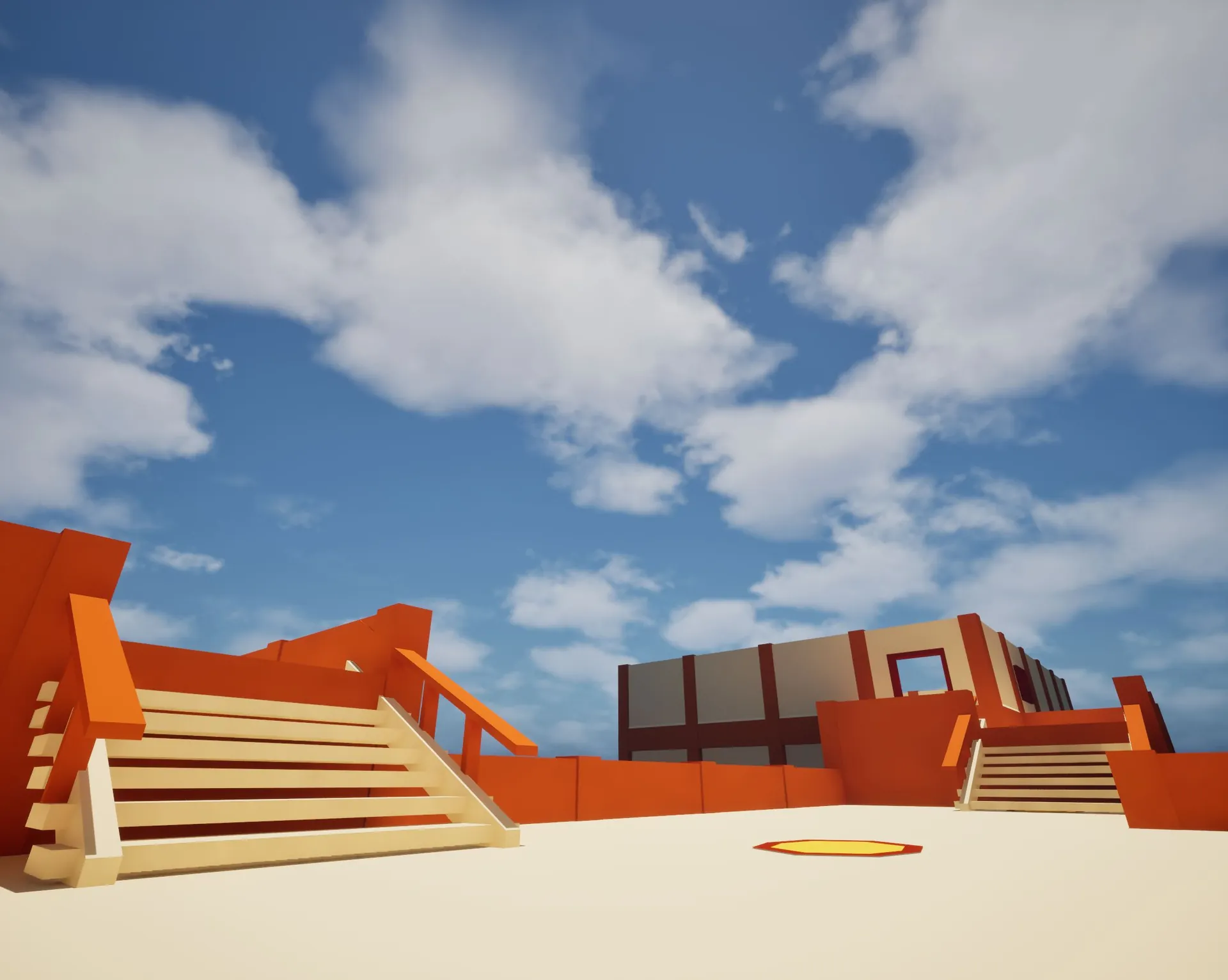
Because the caves come from a layout, they keep everything the layout guarantees: paths from spawn to goal, branches, loops, keys and locks. Take a blocky mesh layout and re-carve it as a cave.
Before · Voronoi layoutAfter · a natural caveBefore · grid mesh layoutAfter · same layout, voxel cave
Shape it with noise
Noise distortion is what makes the rock look organic: stalactites, overhangs, floating islands. Noise Scale (per axis), Amplitude and Octaves control it, with separate floor and ceiling scales. A rule of thumb from the tutorial: keep the noise amplitude under half your grid size so passages stay open.
Carve it your way
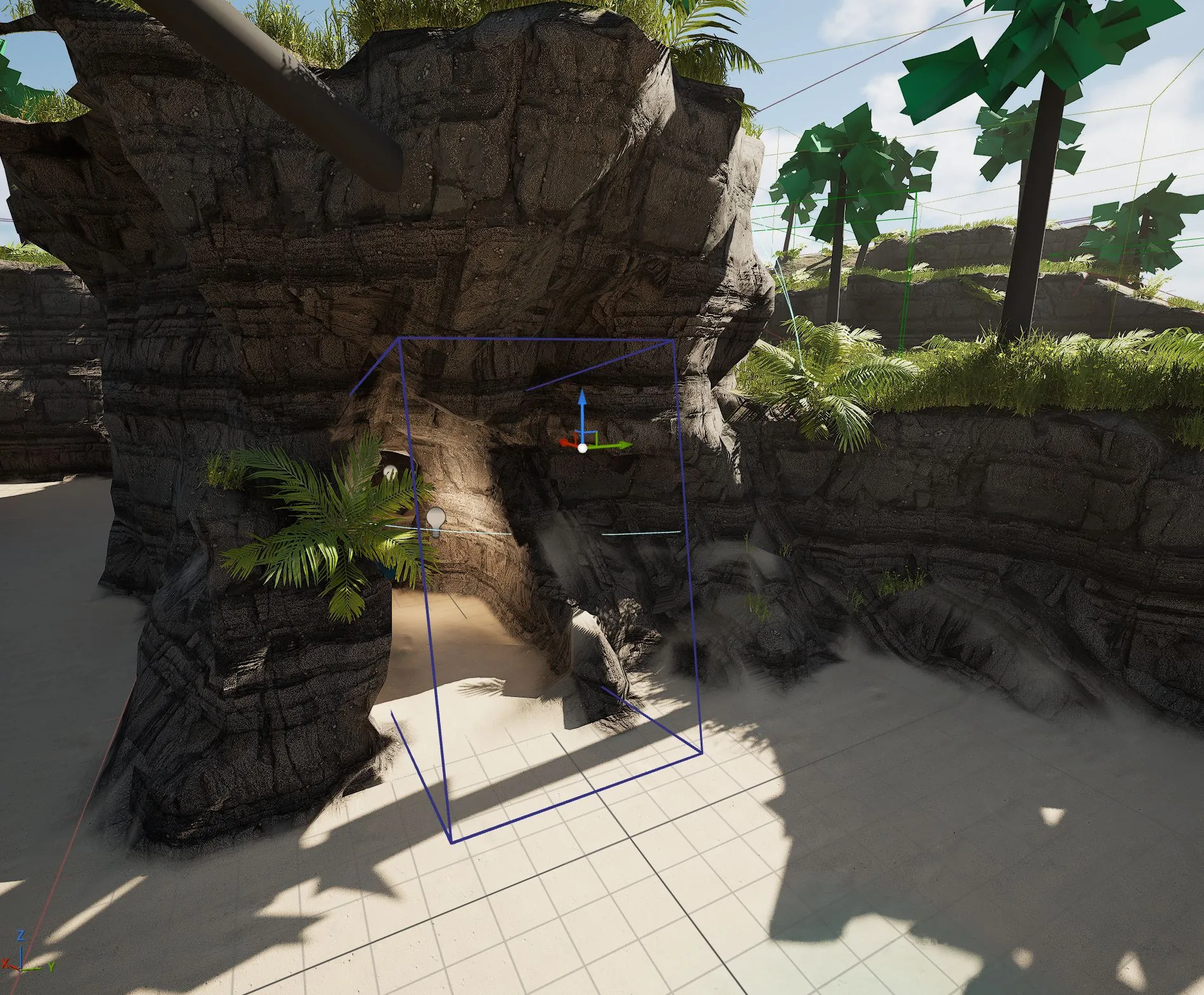
Drop a voxel volume into the level to carve your own rooms, ramps and passages straight into the terrain, or to add solid rock. Subtract volumes cut space, additive volumes build ramps, and a per-volume noise override gives a hand-carved room’s walls the same rocky detail as the rest.
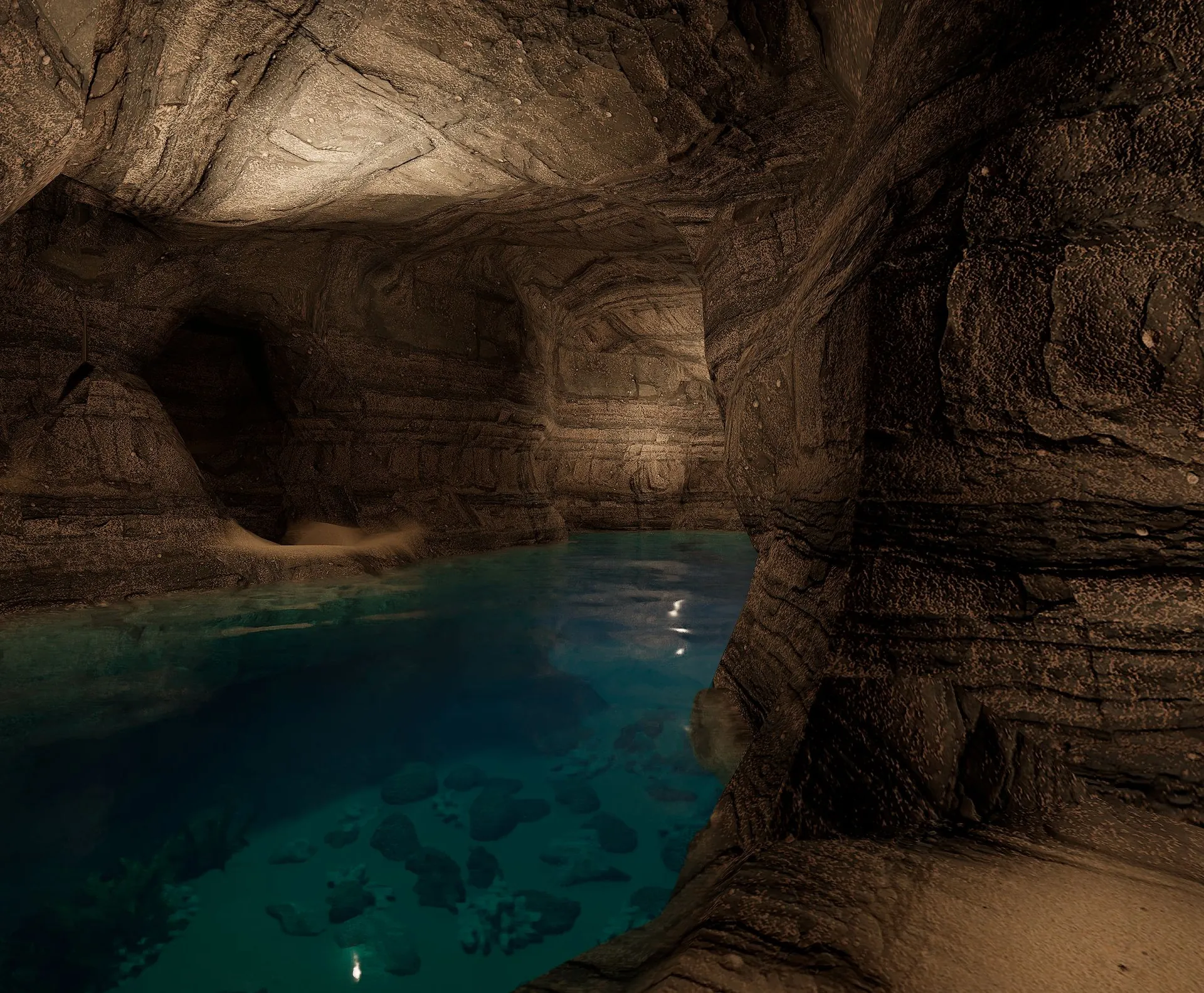
01 · Place a carve volume02 · The rock opens up03 · A cave inside the island
A Voxel Shape Theme dresses the carved world, and the voxel worlds are decorated by Dungeon Architect’s native PCG integration, custom DA nodes included. See Dungeon Architect vs the PCG framework for how the two fit together.
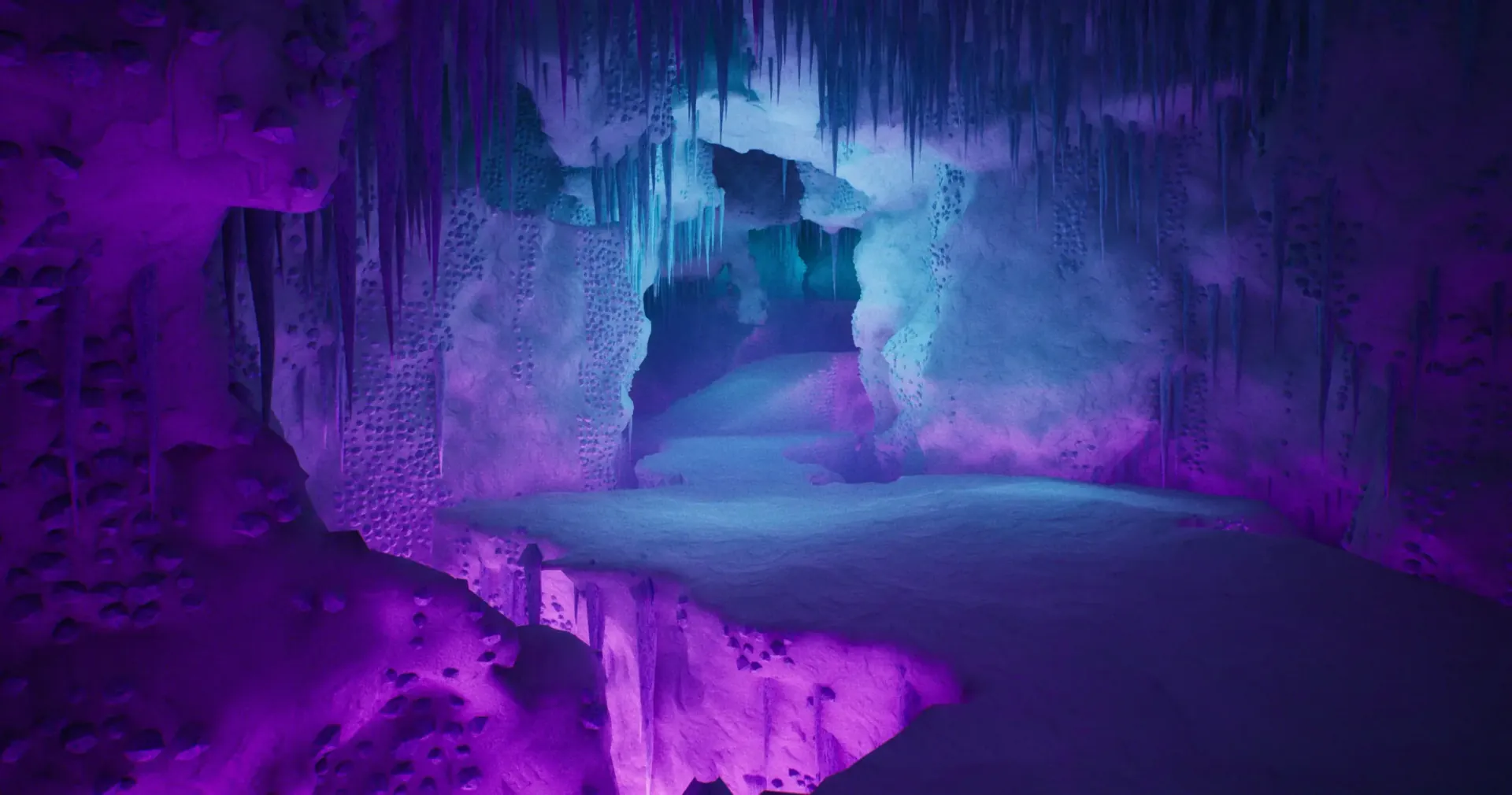
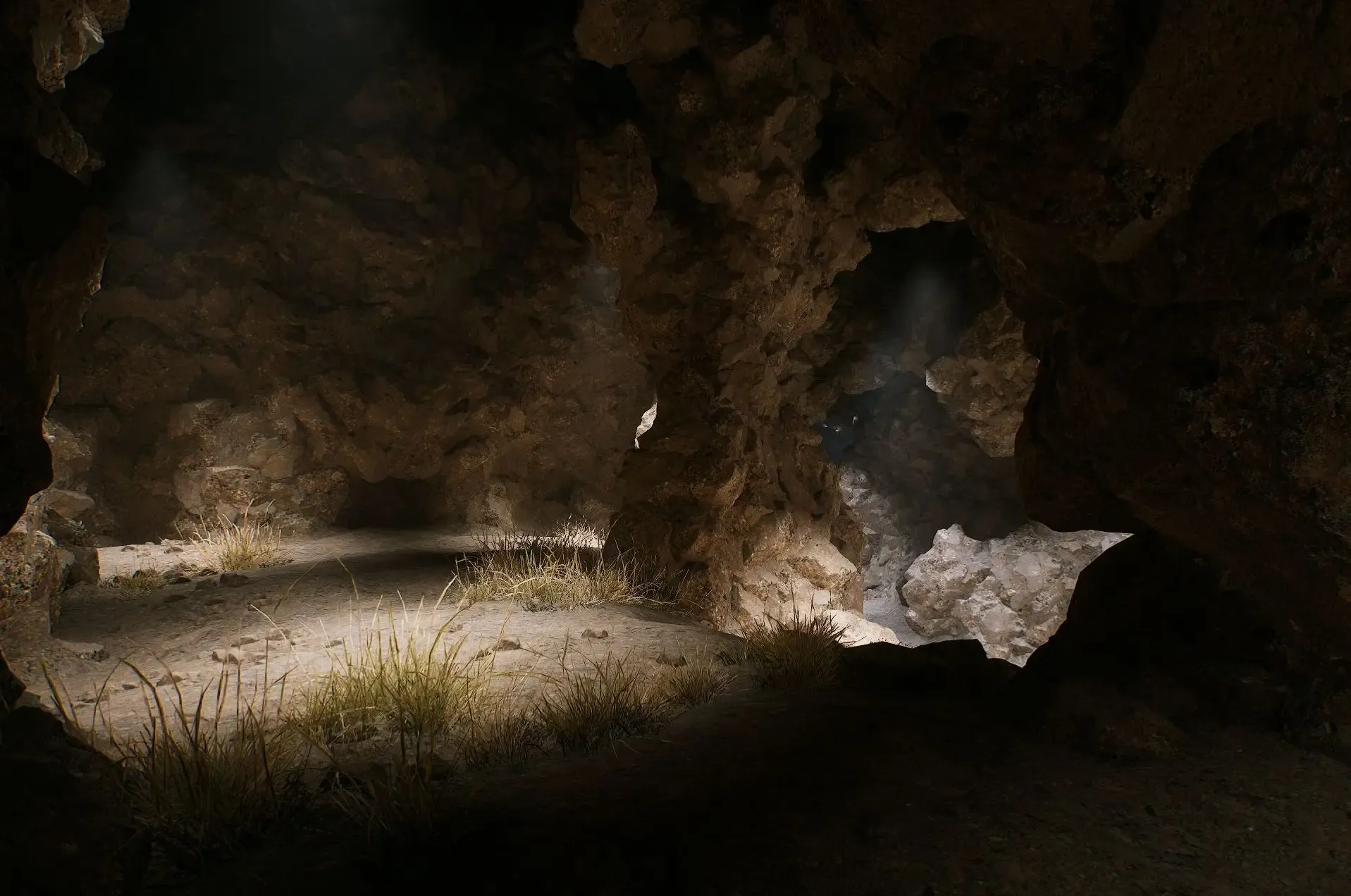
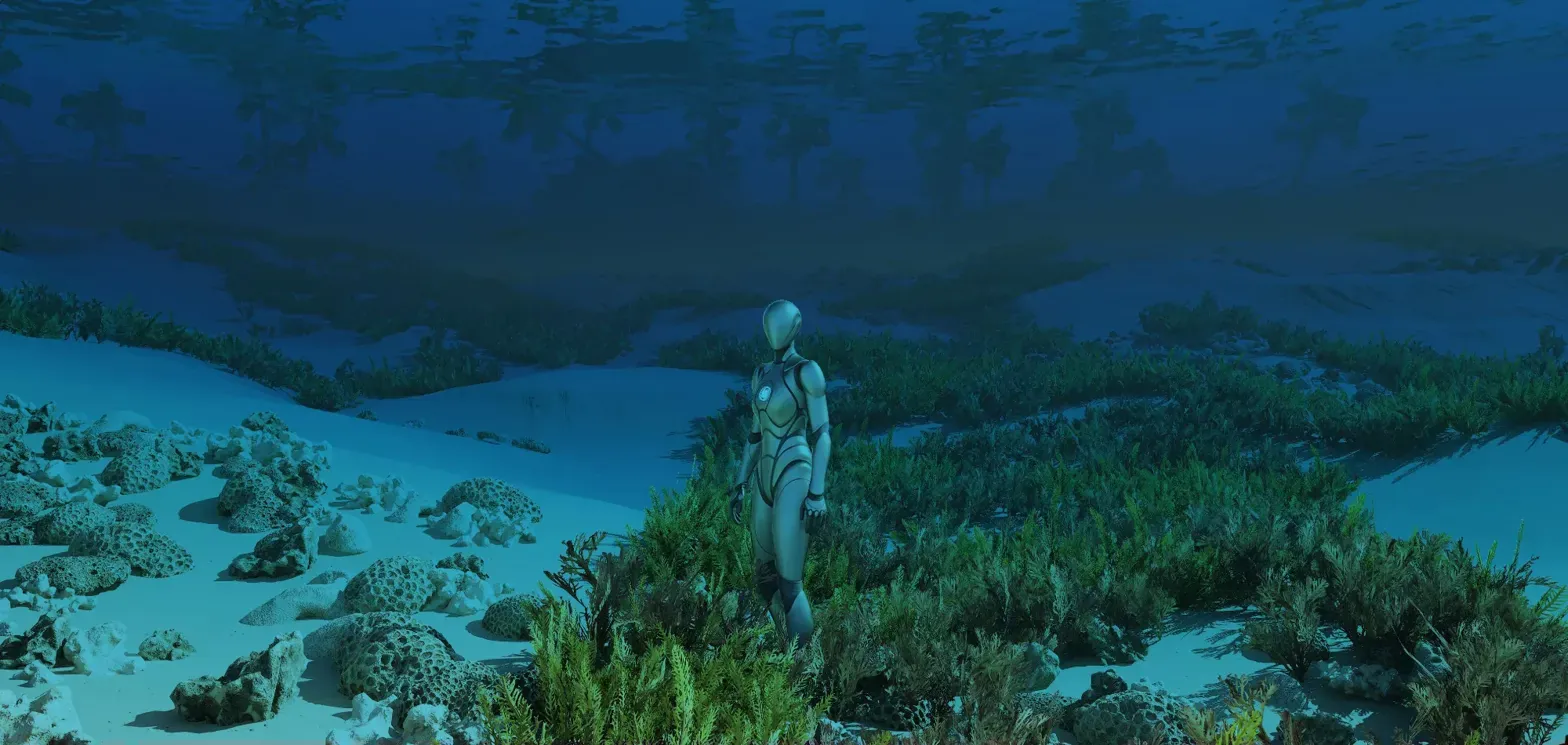
Ice cavernMountain caveVoxel islands, above and below water
In the game: navigation, servers and baking
Runtime navigation. Since 3.5, voxel dungeons build navigation data at runtime, so pathfinding, nav queries and AI movement work on the generated caves as soon as the build completes.
Dedicated servers. Servers have no renderer, so they fall back to a CPU path that runs the same density math and builds the same world as their clients. See multiplayer.
Blueprint control. Voxel Mesh Settings on the Dungeon actor can be changed from Blueprints before you build.
Bake it. Prefer a fixed level? Bake the voxel chunks into static meshes in the editor.
Is it in Unity?
Not yet. The GPU voxel engine ships in Unreal today; follow the Unity roadmap for news of the Unity version.